
LinkedIn carousel templates for document posts
LinkedIn carousels are PDFs uploaded as document posts. These templates follow the formats that perform there: a founder confession, a framework with one rule per slide, a case study, a data breakdown, a line-by-line teardown. Open one, write it yourself or let AI draft it for your topic, and export a single PDF.
31 templates made for LinkedIn · free · AI fills them for your topic · browse all

Impact Matrix
LinkedIn prioritization framework carousel template

Lessons From Years
LinkedIn career lessons carousel template

Saved Posts
LinkedIn quote cards carousel template

Hiring Report
LinkedIn hiring survey data carousel template
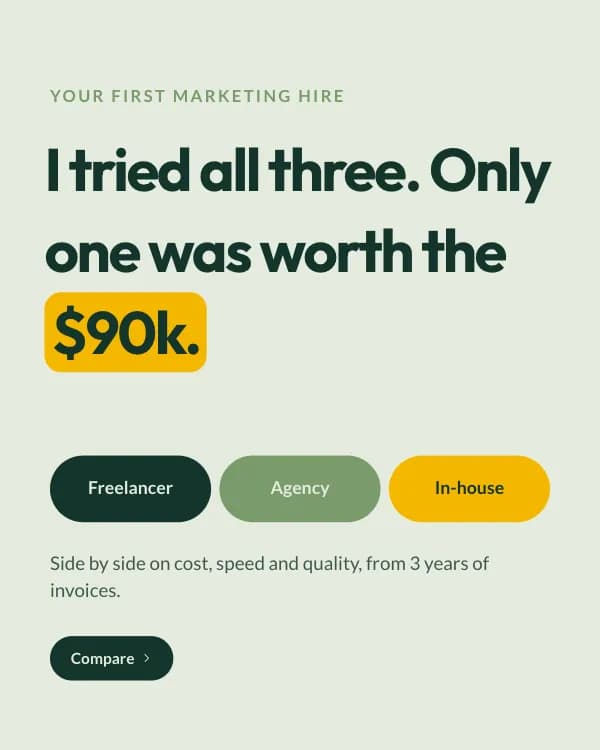
Three-Way Compare
LinkedIn freelancer vs agency carousel template

90-Day Roadmap
LinkedIn new manager roadmap carousel template

Interview Questions
LinkedIn interview questions carousel template

Outreach Script
LinkedIn cold outreach script carousel template
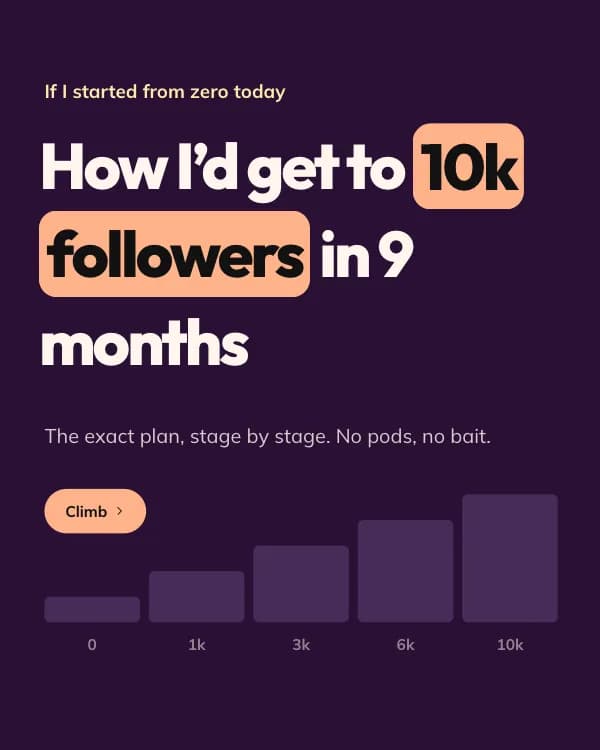
Zero To 10k
LinkedIn grow followers carousel template

Metrics Cheat Sheet
LinkedIn cheat sheet carousel template

Industry Report
LinkedIn content report carousel template

6-Month Roadmap
LinkedIn career roadmap carousel template

Note To A Junior
LinkedIn junior designer advice carousel template
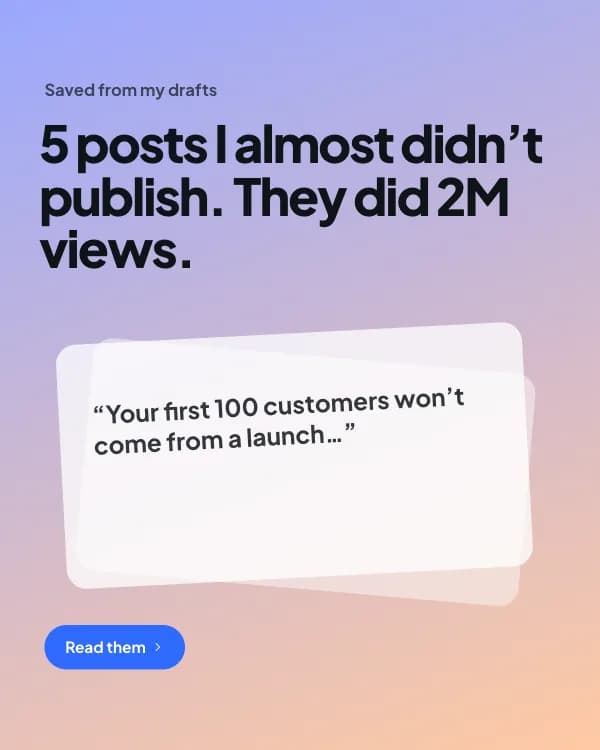
Post Card Thread
LinkedIn tweet-style quote carousel template

Pricing Moves
LinkedIn pricing strategy carousel template

Year In Numbers
LinkedIn year in review carousel template

Myth vs Fact
LinkedIn myth vs fact carousel template

My AI Stack
LinkedIn AI tools carousel template

The Launch Nobody Came To
LinkedIn founder story carousel template

The 3-2-1 Post
LinkedIn how-to framework carousel template

Post Cards
LinkedIn text post carousel template

I Analysed 100 Posts
LinkedIn data insights carousel template

The Case Study
LinkedIn case study carousel template

The Salary Script
LinkedIn salary negotiation carousel template

The 30-Second CV
LinkedIn resume tips carousel template

Profile Glow-Up
LinkedIn LinkedIn profile tips carousel template

Cold Email Teardown
LinkedIn cold email carousel template

What I Stopped Doing
LinkedIn leadership lessons carousel template

The Friday Review
LinkedIn weekly review carousel template

The Career Pivot
LinkedIn career change story carousel template

The SaaS Glossary
LinkedIn SaaS metrics carousel template
LinkedIn carousel specs and what makes one work
| Post type | PDF document post |
| Slide size | 1080 × 1350 px (4:5) |
| Max file size | 100 MB |
| Max pages | 300 (aim for 5–12) |
| Export | Single PDF, or PNG per slide |
| Links in slides | Not clickable — put the CTA in the caption |
Before you export
- Lead with the outcome on slide 1 (“5 hiring mistakes that cost us a quarter”), not the topic.
- One idea per slide. LinkedIn readers skim on mobile; a slide should be readable in under three seconds.
- Add a subtle “swipe” cue on the first slide — many people still do not know document posts are swipeable.
- Use the caption for the call to action and the link; links inside the PDF are not clickable.
LinkedIn carousel template FAQ
How do I turn a template into a LinkedIn carousel?
What size should a LinkedIn carousel be?
Can I add clickable links to the slides?
Are these LinkedIn carousel templates free?
How many slides work best on LinkedIn?
Or describe the LinkedIn carousel you want
Type the idea, get the slides written and laid out, then fine-tune in the editor. Free to start.
Open the editor