Free LinkedIn case study carousel template
The Case Study
A problem, approach and results case study for LinkedIn, with cobalt stage labels and a full-colour results slide.
- Platform
- Size
- 1080 × 1350 (4:5)
- Slides
- 7
- Price
- Free
Opens in the editor: describe your topic and AI rewrites every slide in this design, or edit it yourself.
What’s on the slides
- Slide 1
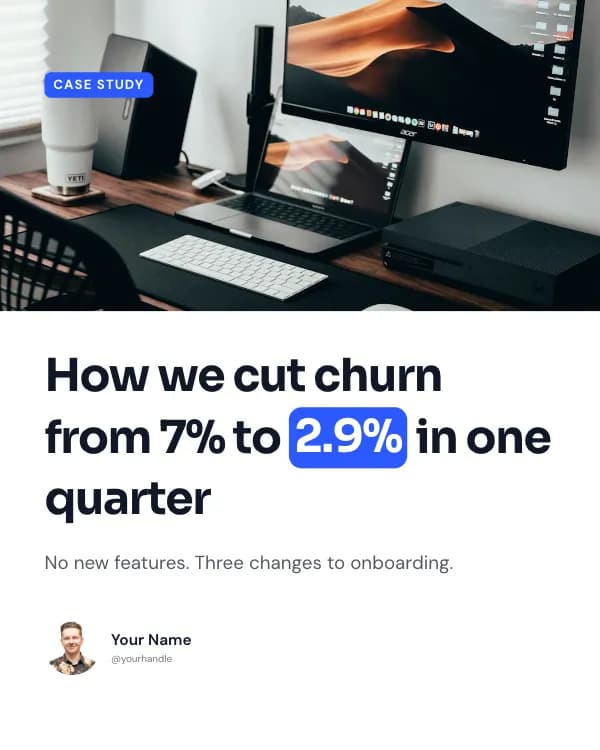
Case study
How we cut churn from 7% to 2.9% in one quarter
No new features. Three changes to onboarding.
- Slide 2
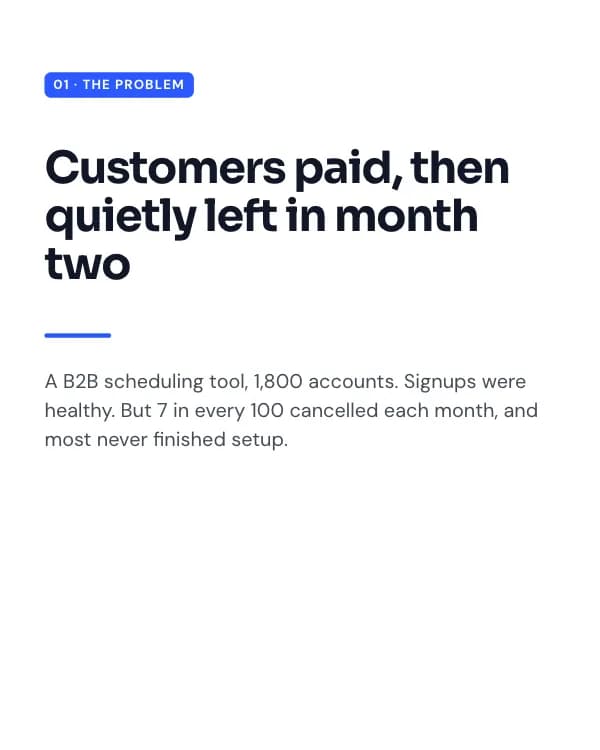
01 · The problem
Customers paid, then quietly left in month two
A B2B scheduling tool, 1,800 accounts. Signups were healthy. But 7 in every 100 cancelled each month, and most never finished setup.
- Slide 3
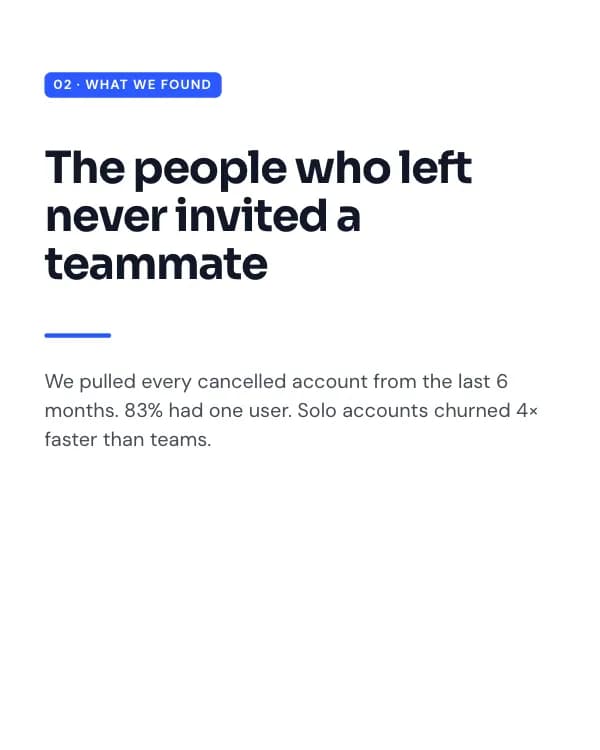
02 · What we found
The people who left never invited a teammate
We pulled every cancelled account from the last 6 months. 83% had one user. Solo accounts churned 4× faster than teams.
- Slide 4
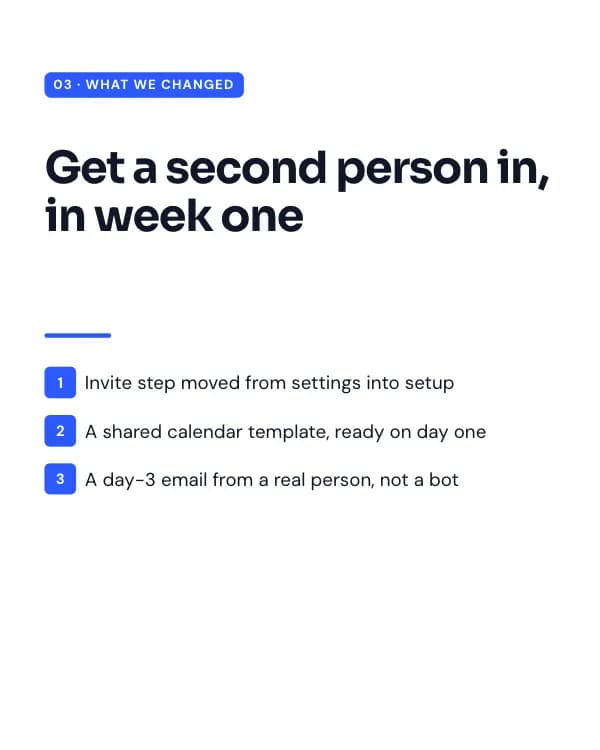
03 · What we changed
Get a second person in, in week one
Invite step moved from settings into setup
A shared calendar template, ready on day one
- Slide 5
04 · Results
90 days later
Same product, same price. We just changed who was in the room by day seven.
- Slide 6
05 · The lesson
Churn is usually decided in the first week
Before you build the feature they asked for on the way out, look at what they never did on the way in.
- Slide 7
What’s the one step your users skip?
Tell me in the comments. I’ll reply with where I’d start.
How to use this LinkedIn template
- Open it in the editor with “Use this template”. No install.
- Make it yours: type your topic and let AI rewrite every slide in this design with matching photos, or change the words, photos and colours yourself.
- Export at 1080 × 1350 (4:5) as a PDF for a LinkedIn document post, and post.