
Instagram carousel templates that earn the swipe
Designed carousels built the way top Instagram creators post them: a hook on the cover, one idea per slide, a save-worthy ending. Travel, food, money, beauty, fitness and home, including video carousels with looping clips. Open one, swap in your words and photos (or let AI write it for your topic), and export.
32 templates made for Instagram · free · AI fills them for your topic · browse all
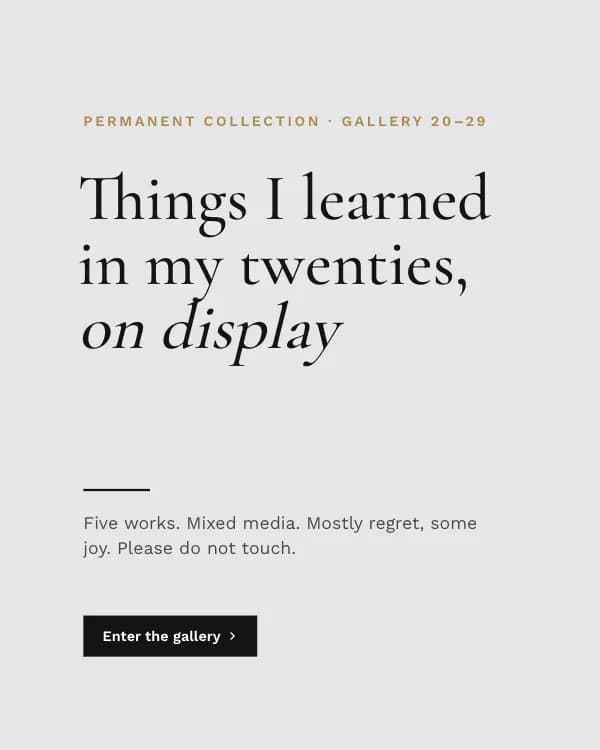
Museum Label
Instagram life lessons carousel template

Chrome Y2K
Instagram Y2K aesthetic carousel template
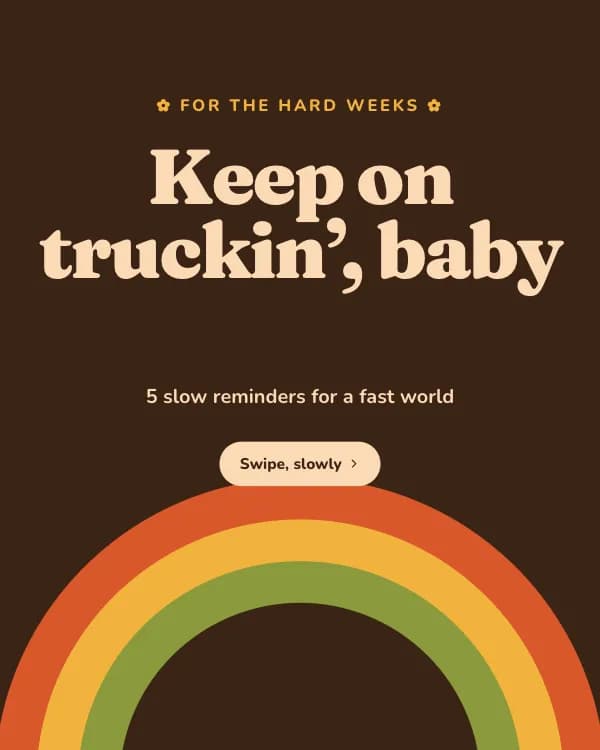
Groovy 70s
Instagram self-care reminders carousel template
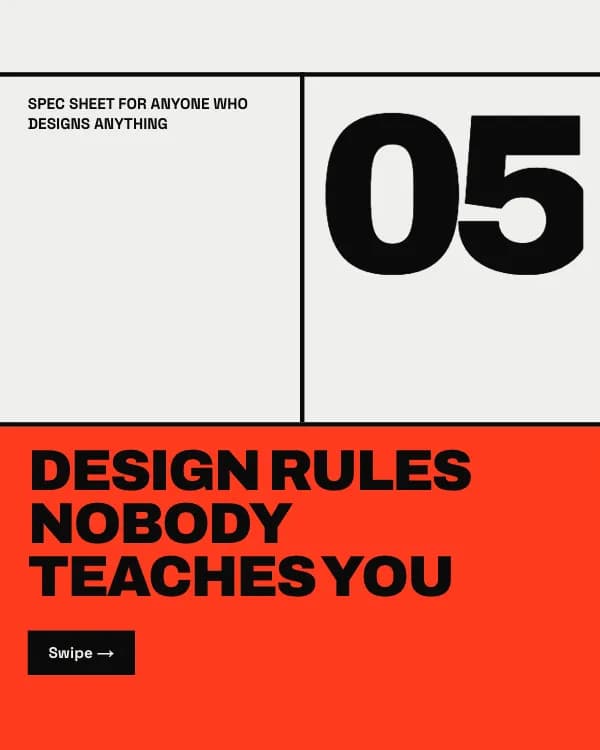
Brutal Grid
Instagram graphic design rules carousel template
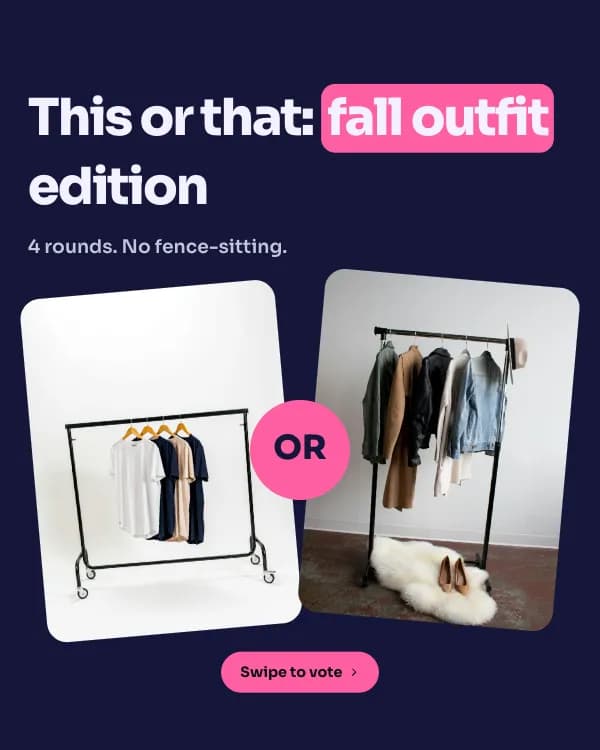
This or That
Instagram this or that outfit carousel template
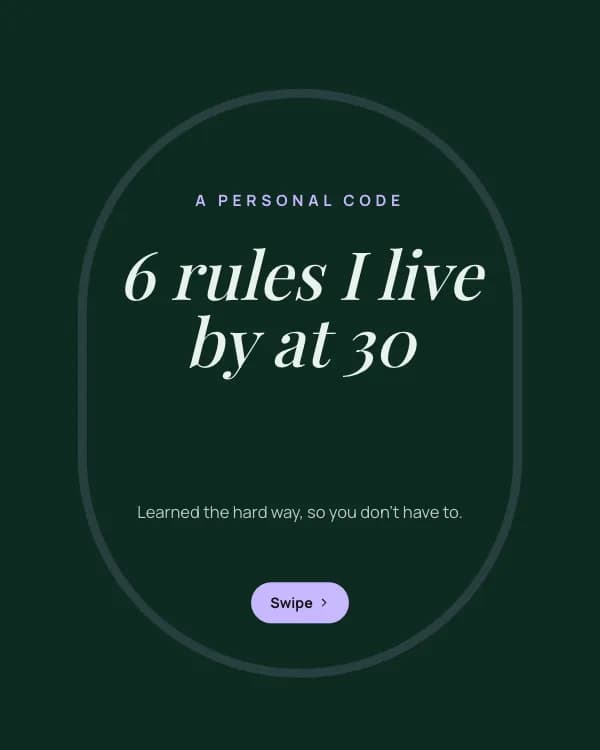
Rules I Live By
Instagram rules I live by carousel template
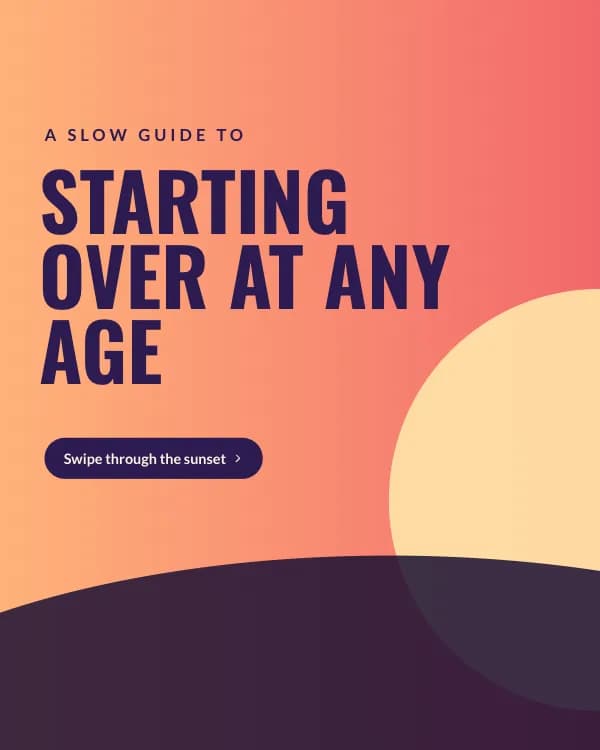
Sunset Panorama
Instagram seamless panorama carousel template
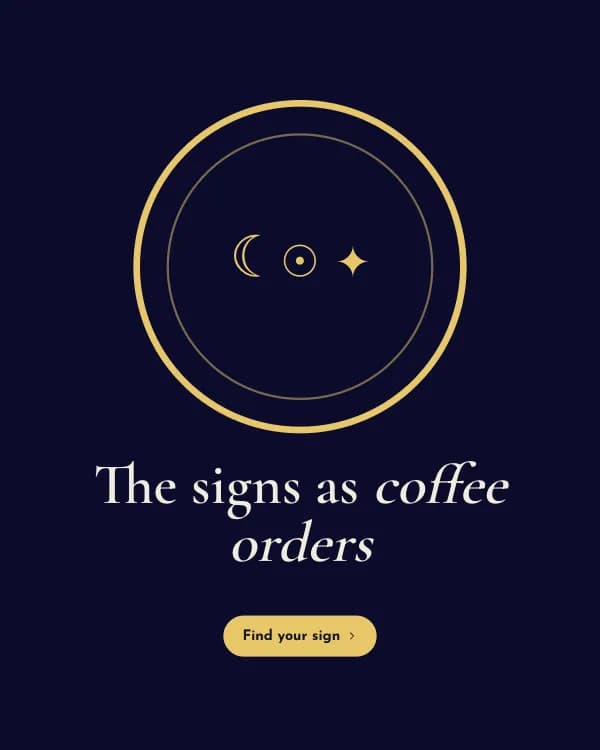
Signs as Coffee
Instagram zodiac signs carousel template

Mag Cover
Instagram fashion magazine carousel template
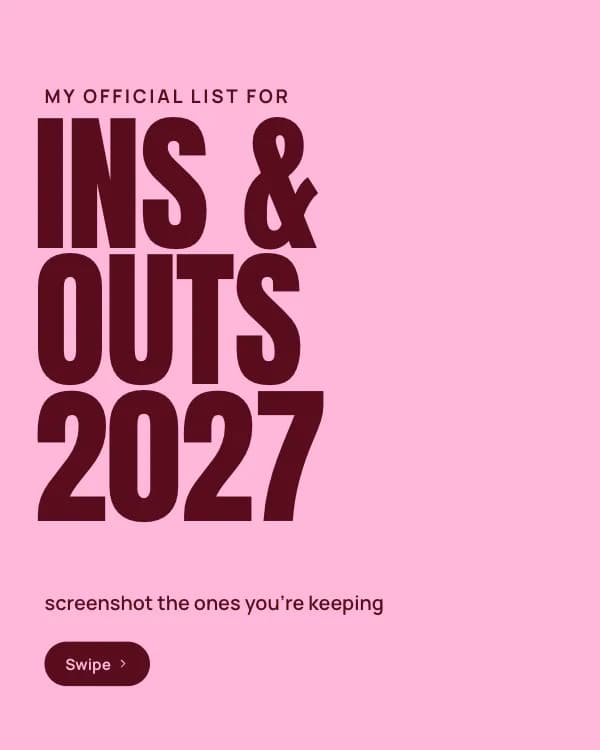
Ins & Outs
Instagram ins and outs list carousel template

Healing Era
Instagram aesthetic quote carousel template

Photo Dump
Instagram photo dump carousel template

Focus Reset
Instagram productivity carousel template

Summer Postcards
Instagram travel carousel template
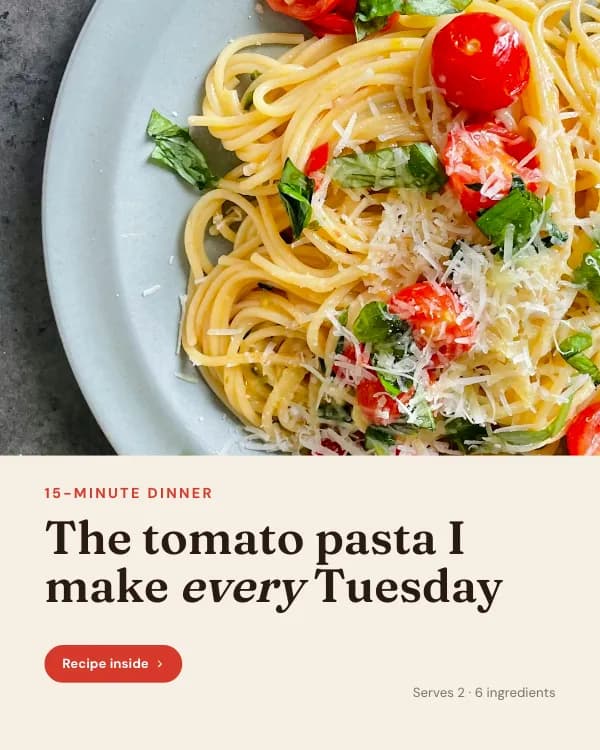
Weeknight Pasta
Instagram recipe carousel template

Money Myths
Instagram personal finance carousel template

Slow Mornings
Instagram morning routine video carousel template

Studio Drop
Instagram product launch video carousel template

Hot Take
Instagram unpopular opinion carousel template

Before / After
Instagram before and after carousel template

Evening Skin
Instagram skincare routine video carousel template

Four-Day Split
Instagram workout plan carousel template

Room Refresh
Instagram interior design video carousel template

Opening Day
Instagram café opening video carousel template
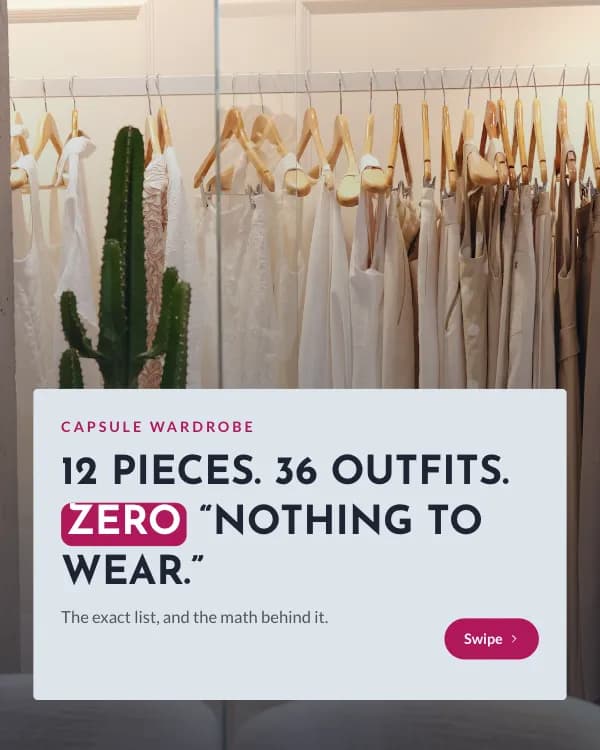
Capsule Math
Instagram capsule wardrobe carousel template
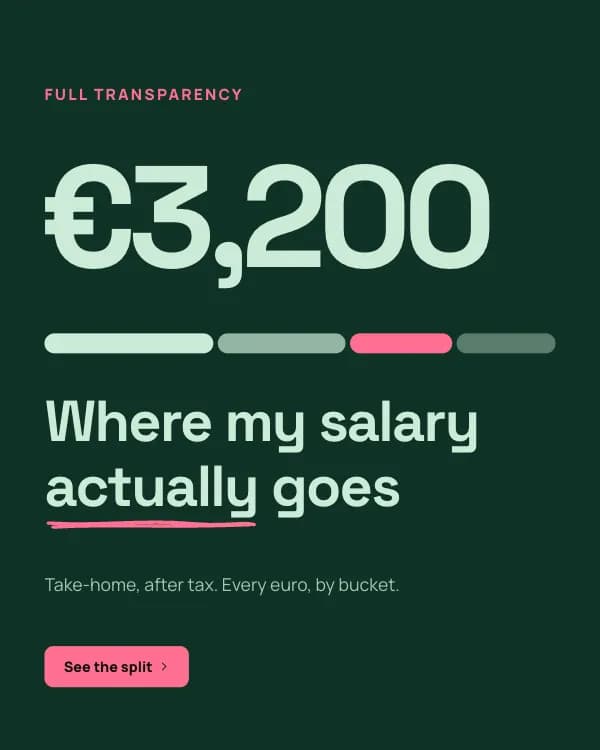
Salary Split
Instagram budget breakdown carousel template

Wedding Countdown
Instagram wedding planning checklist carousel template

Hard to Kill
Instagram plant care carousel template
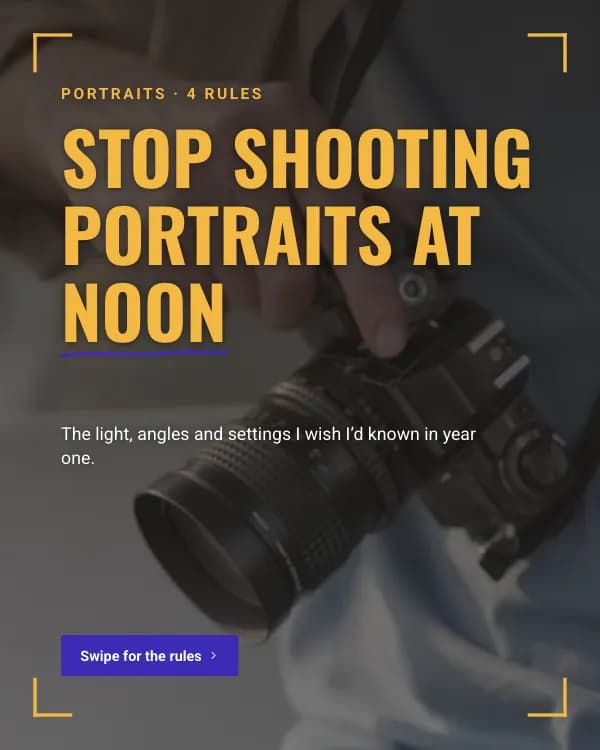
Golden Hour Tips
Instagram photography tips video carousel template
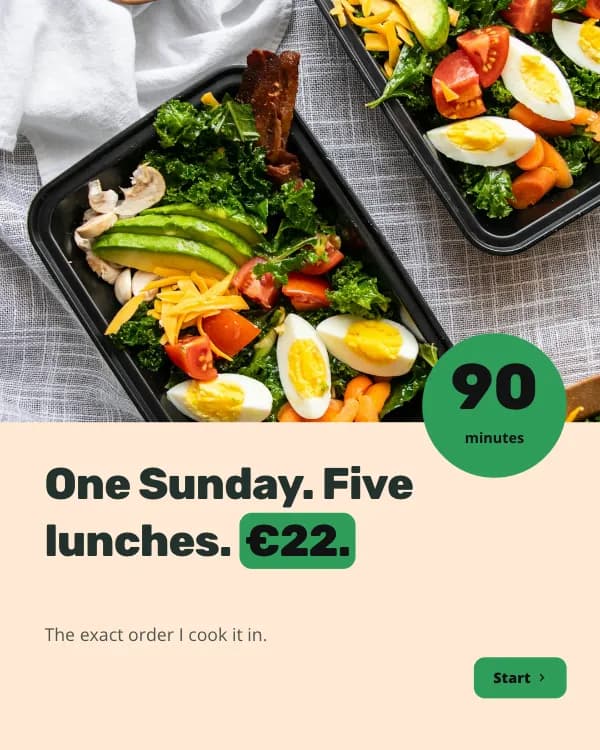
Sunday Prep
Instagram meal prep carousel template

Next Read
Instagram book recommendation carousel template

Dog Wishes
Instagram dog care tips carousel template
Instagram carousel specs and what makes one work
| Slide size | 1080 × 1350 px (4:5) |
| Also accepted | 1080 × 1080 (1:1) · 1080 × 566 (1.91:1) |
| Max slides | 20 per post |
| Export | JPG per slide (ZIP), GIF or MP4 for animated slides |
| Profile-grid crop | Center 1012 × 1350 stays visible |
| Best slide count | 7–10 for education, 3–5 for announcements |
Before you export
- Slide 1 is a headline, not a title card. If it would not stop someone scrolling on its own, rewrite it.
- Keep text 60–80 px from every edge so it survives the profile-grid crop and the slide counter.
- End on a CTA slide — save, share, follow or comment. One ask, not three.
- Use the same background colour or a continuous element across slides so the swipe feels like one piece.
Instagram carousel template FAQ
What size are these Instagram carousel templates?
Are the Instagram carousel templates free?
How do I post the carousel on Instagram?
Can AI fill a template for my topic?
How many slides should an Instagram carousel have?
Or describe the Instagram carousel you want
Type the idea, get the slides written and laid out, then fine-tune in the editor. Free to start.
Open the editor