Free Instagram photography tips video carousel template
Golden Hour Tips
Portrait photography tips for Instagram: each example inside viewfinder corner marks with its camera settings, shutter and lens clips, sun gold and indigo.
- Platform
- Size
- 1080 × 1350 (4:5)
- Slides
- 7, with video clips
- Price
- Free
Opens in the editor: describe your topic and AI rewrites every slide in this design, or edit it yourself.
What’s on the slides
- Slide 1
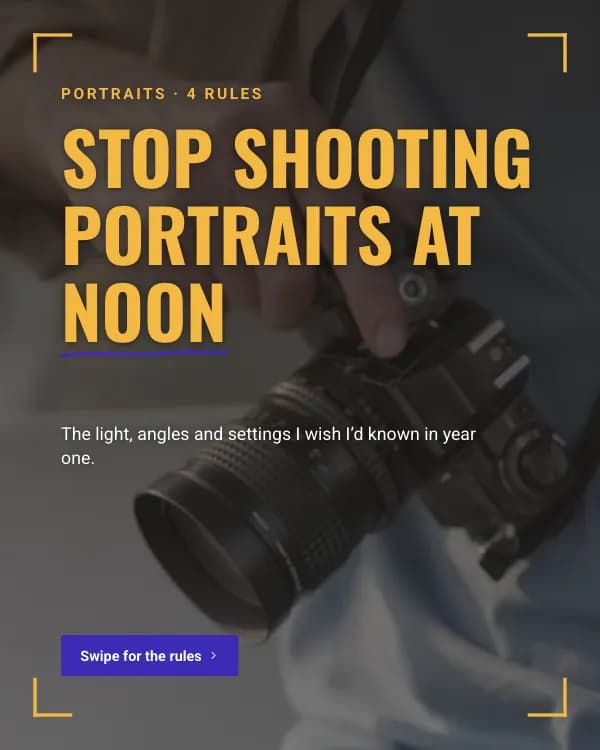
Portraits · 4 rules
Stop shooting portraits at noon
The light, angles and settings I wish I’d known in year one.
- Slide 2
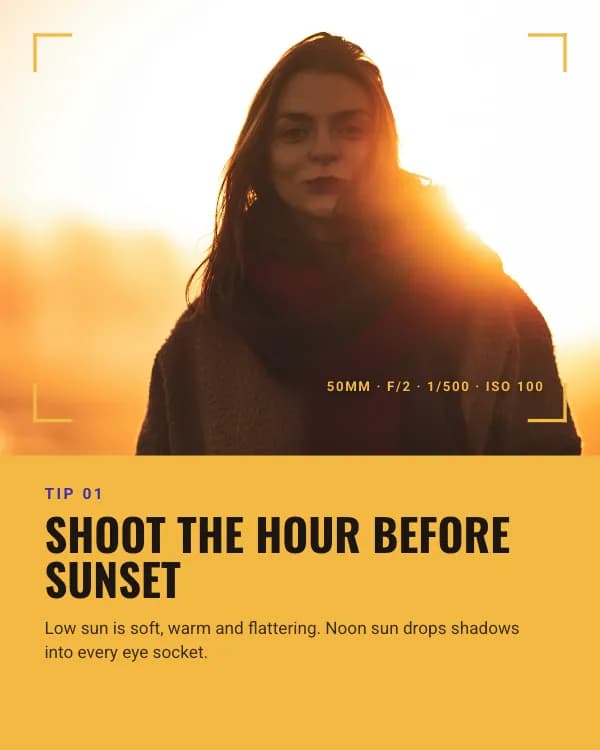
Tip 01
Shoot the hour before sunset
Low sun is soft, warm and flattering. Noon sun drops shadows into every eye socket.
- Slide 3
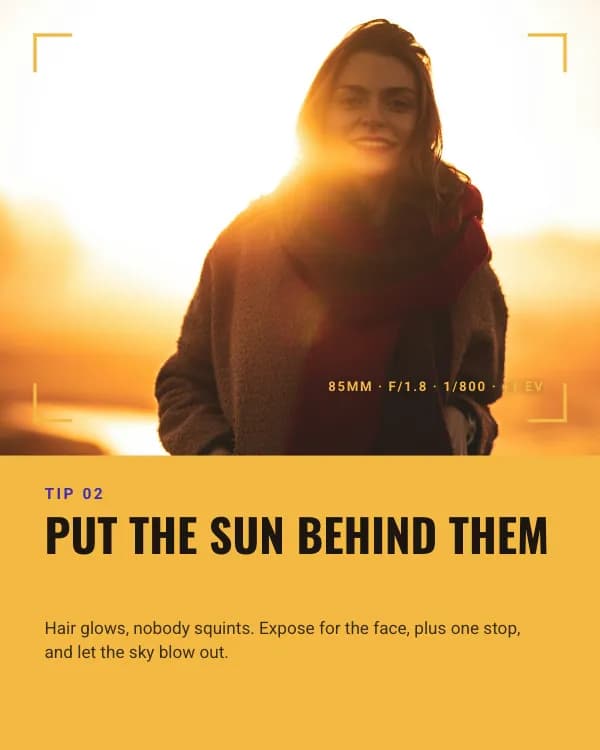
Tip 02
Put the sun behind them
Hair glows, nobody squints. Expose for the face, plus one stop, and let the sky blow out.
- Slide 4
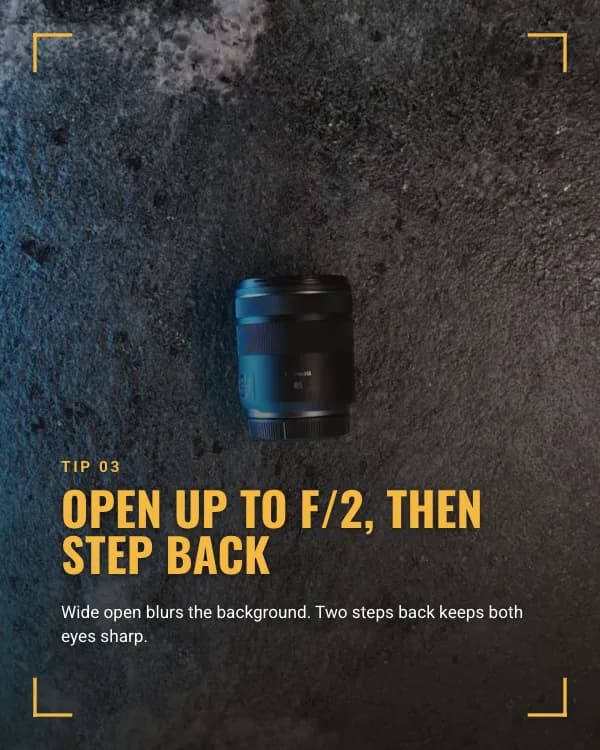
Tip 03
Open up to f/2, then step back
Wide open blurs the background. Two steps back keeps both eyes sharp.
- Slide 5
Tip 04
Lens at eye level, always
Shooting down makes people small; shooting up makes them distant. Crouch, or find a step.
- Slide 6
Break the rule on purpose
Hard light is a choice, not an accident
Once you can shoot soft, try a slice of noon sun through a doorway. Underexpose two stops and let the shadows do the talking.
- Slide 7
Try one tonight. Tag me in it.
I share my favourite reader portraits every Sunday.
How to use this Instagram template
- Open it in the editor with “Use this template”. No install.
- Make it yours: type your topic and let AI rewrite every slide in this design with matching photos, or change the words, photos and colours yourself.
- Export at 1080 × 1350 (4:5), one image per slide, or the animated slides as MP4 or GIF, and post.