Free LinkedIn AI tools carousel template
My AI Stack
The “tools I actually use” carousel: one tool per slide as a clean product card with the time it saves, then a comparison table. Electric blue on a soft grid.
- Platform
- Size
- 1080 × 1350 (4:5)
- Slides
- 7
- Price
- Free
Opens in the editor: describe your topic and AI rewrites every slide in this design, or edit it yourself.


What’s on the slides
- Slide 1
Saved me 9 hours a week
The 4 AI tools I actually use every day
No affiliate links. Just what stayed after I tried 30.
- Slide 2
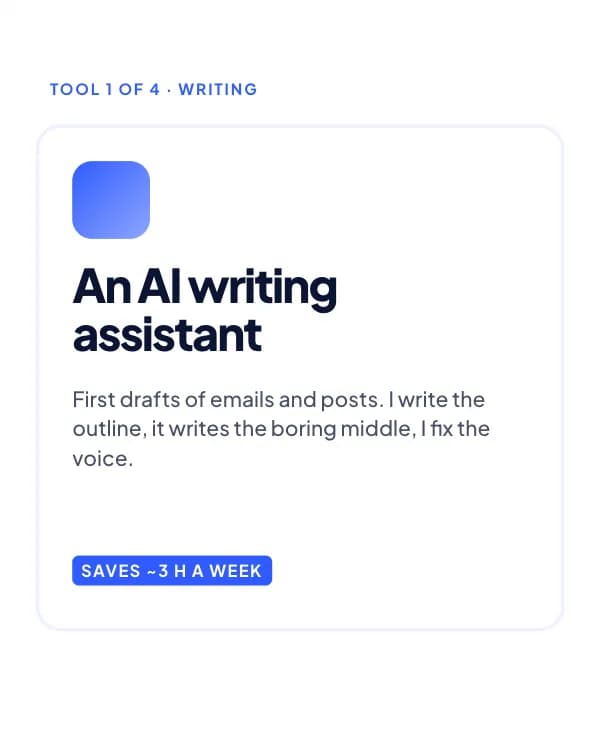
Tool 1 of 4 · Writing
An AI writing assistant
First drafts of emails and posts. I write the outline, it writes the boring middle, I fix the voice.
- Slide 3
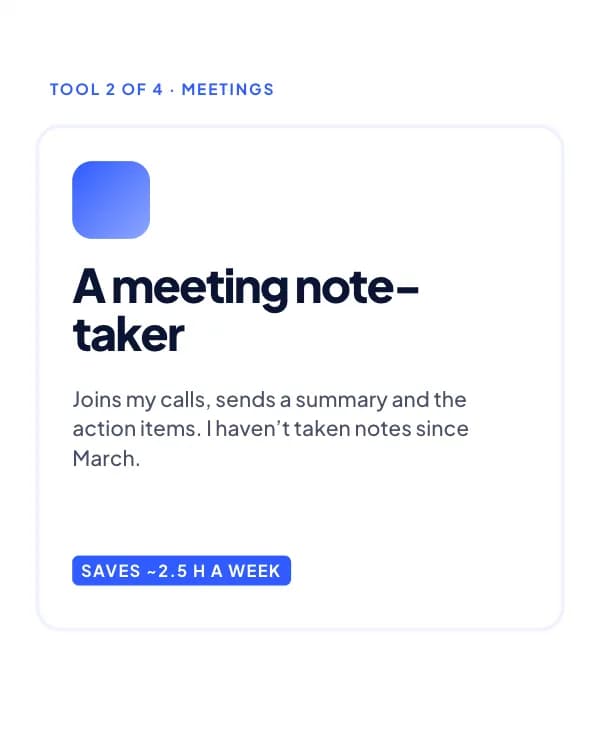
Tool 2 of 4 · Meetings
A meeting note-taker
Joins my calls, sends a summary and the action items. I haven’t taken notes since March.
- Slide 4
Tool 3 of 4 · Research
An AI search engine
Answers with sources. Great for market sizing and “what did competitor X launch?”.
- Slide 5
Tool 4 of 4 · Design
An AI carousel maker
Turns a post idea into a designed carousel. I edit the words, it handles the layout.
- Slide 6
At a glance
- Slide 7
What’s missing from my stack?
Comment your one tool. I’ll test the top 3 and report back.
How to use this LinkedIn template
- Open it in the editor with “Use this template”. No install.
- Make it yours: type your topic and let AI rewrite every slide in this design with matching photos, or change the words, photos and colours yourself.
- Export at 1080 × 1350 (4:5) as a PDF for a LinkedIn document post, and post.