Free LinkedIn interview questions carousel template
Interview Questions
Hiring-advice carousel: each interview question in a hot-pink speech bubble with a black “listen for” panel. Blush, ink and lime in Lexend and Plus Jakarta Sans.
- Platform
- Size
- 1080 × 1350 (4:5)
- Slides
- 7
- Price
- Free
Opens in the editor: describe your topic and AI rewrites every slide in this design, or edit it yourself.
What’s on the slides
- Slide 1
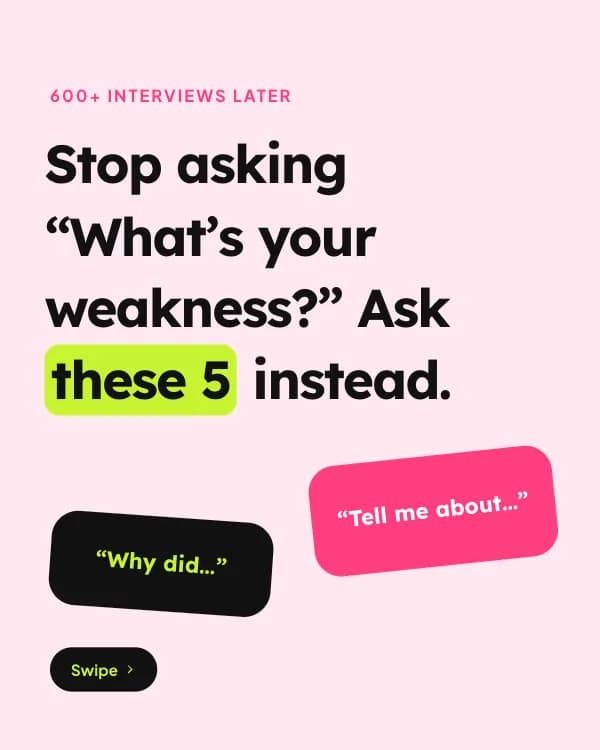
600+ interviews later
Stop asking “What’s your weakness?” Ask these 5 instead.
- Slide 2
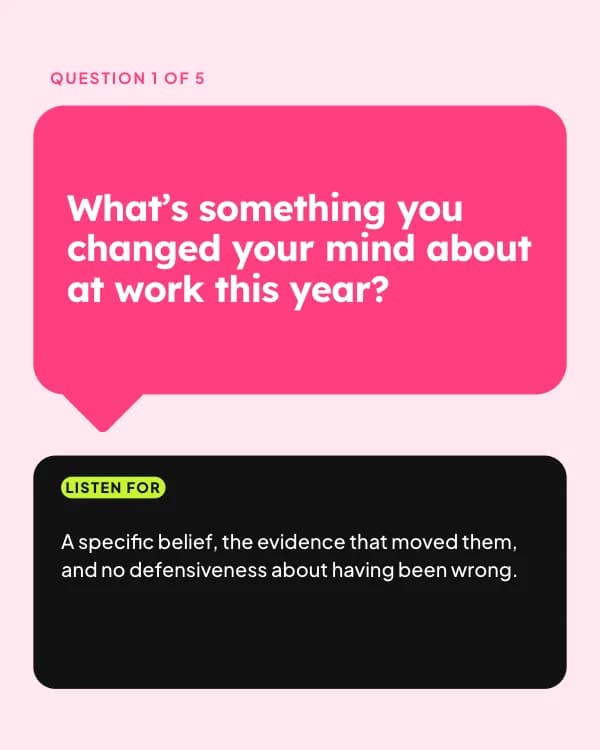
Question 1 of 5
What’s something you changed your mind about at work this year?
A specific belief, the evidence that moved them, and no defensiveness about having been wrong.
- Slide 3
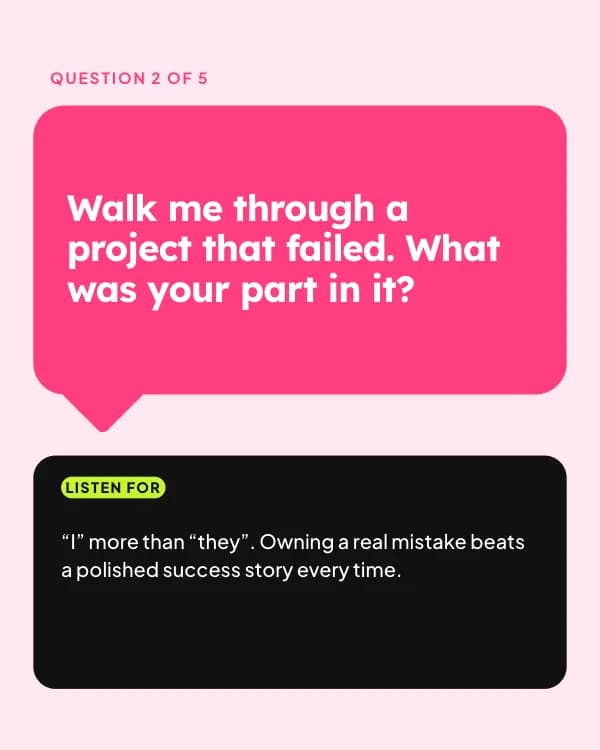
Question 2 of 5
Walk me through a project that failed. What was your part in it?
“I” more than “they”. Owning a real mistake beats a polished success story every time.
- Slide 4
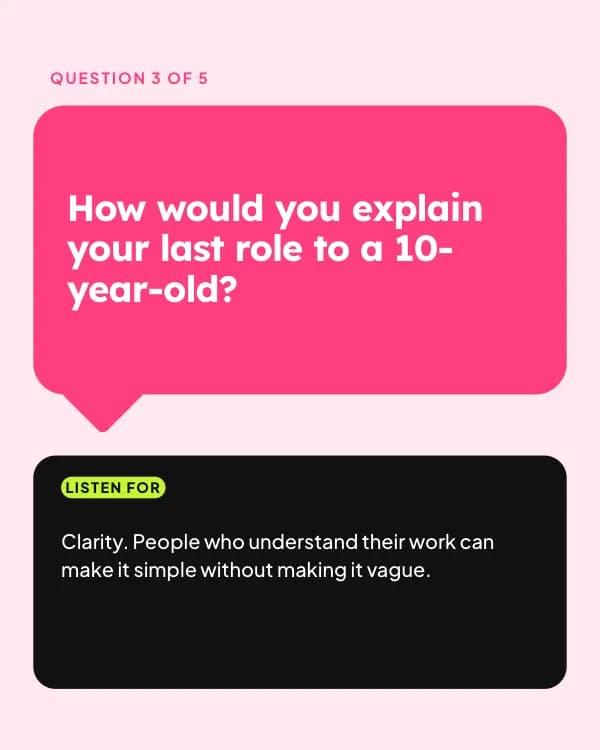
Question 3 of 5
How would you explain your last role to a 10-year-old?
Clarity. People who understand their work can make it simple without making it vague.
- Slide 5
Question 4 of 5
What did you do in your first week at your last job?
Did they meet people, ask questions and find a small win, or wait to be told what to do?
- Slide 6
Question 5 of 5
What would you want to know about us before saying yes?
Sharp questions about the team and the hard problems, not only salary and perks.
- Slide 7
What’s the best question you’ve been asked?
Share it below. Hiring managers, steal these for Monday.
How to use this LinkedIn template
- Open it in the editor with “Use this template”. No install.
- Make it yours: type your topic and let AI rewrite every slide in this design with matching photos, or change the words, photos and colours yourself.
- Export at 1080 × 1350 (4:5) as a PDF for a LinkedIn document post, and post.