Free LinkedIn pricing strategy carousel template
Pricing Moves
A pricing strategy breakdown: one move per slide under a swinging price tag, then a before/after table. Tangerine, cocoa and ice in Big Shoulders.
- Platform
- Size
- 1080 × 1350 (4:5)
- Slides
- 7
- Price
- Free
Opens in the editor: describe your topic and AI rewrites every slide in this design, or edit it yourself.
What’s on the slides
- Slide 1
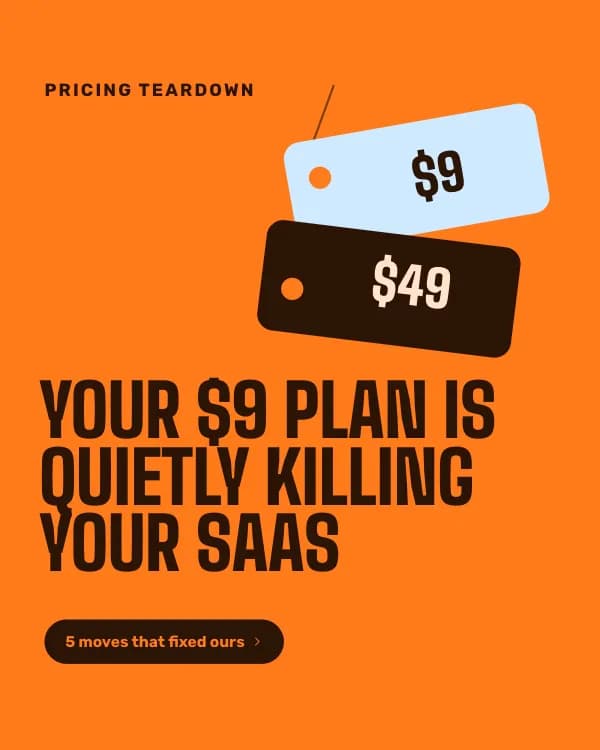
Pricing teardown
Your $9 plan is quietly killing your SaaS
- Slide 2
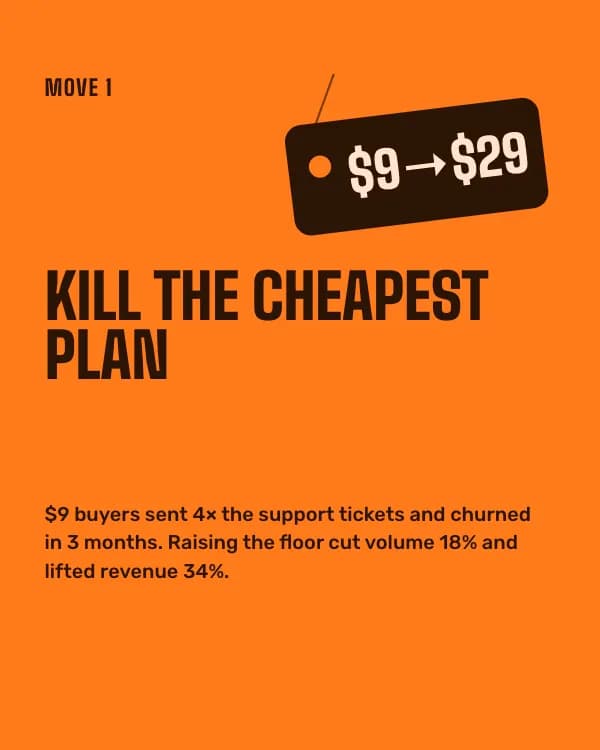
Move 1
Kill the cheapest plan
$9 buyers sent 4× the support tickets and churned in 3 months. Raising the floor cut volume 18% and lifted revenue 34%.
- Slide 3
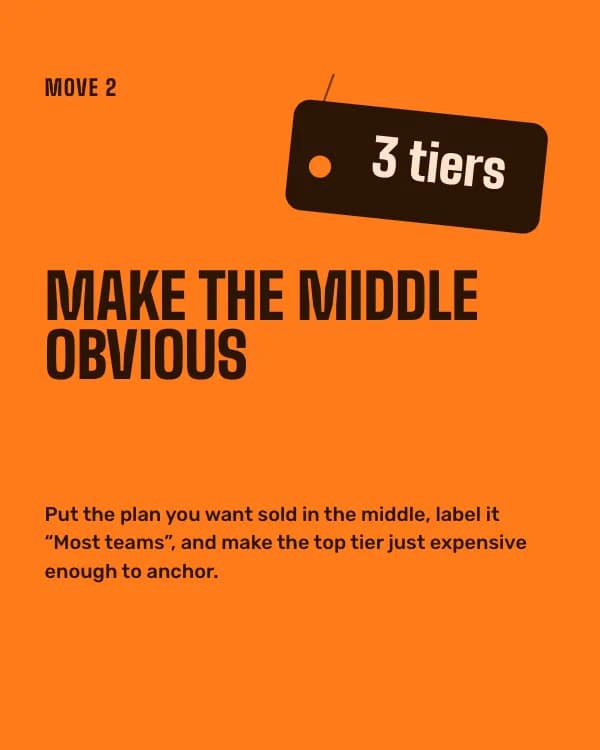
Move 2
Make the middle obvious
Put the plan you want sold in the middle, label it “Most teams”, and make the top tier just expensive enough to anchor.
- Slide 4
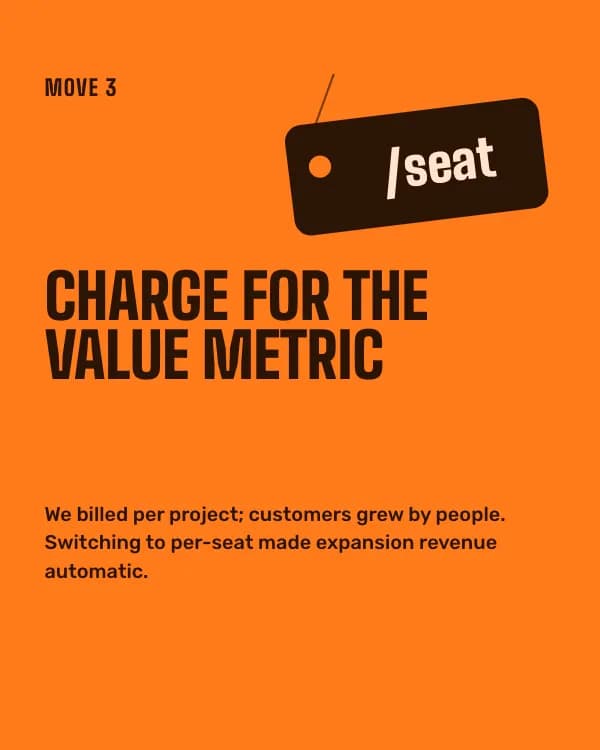
Move 3
Charge for the value metric
We billed per project; customers grew by people. Switching to per-seat made expansion revenue automatic.
- Slide 5
Move 4
Sell annual on purpose
Two months free for paying yearly. 41% took it, and cash in the bank paid for our next two hires.
- Slide 6
Six months later
Same product. Same team. Different price page.
- Slide 7
Want me to roast your pricing page?
Drop the link in the comments. I’ll pick 10 and reply with one fix each.
How to use this LinkedIn template
- Open it in the editor with “Use this template”. No install.
- Make it yours: type your topic and let AI rewrite every slide in this design with matching photos, or change the words, photos and colours yourself.
- Export at 1080 × 1350 (4:5) as a PDF for a LinkedIn document post, and post.