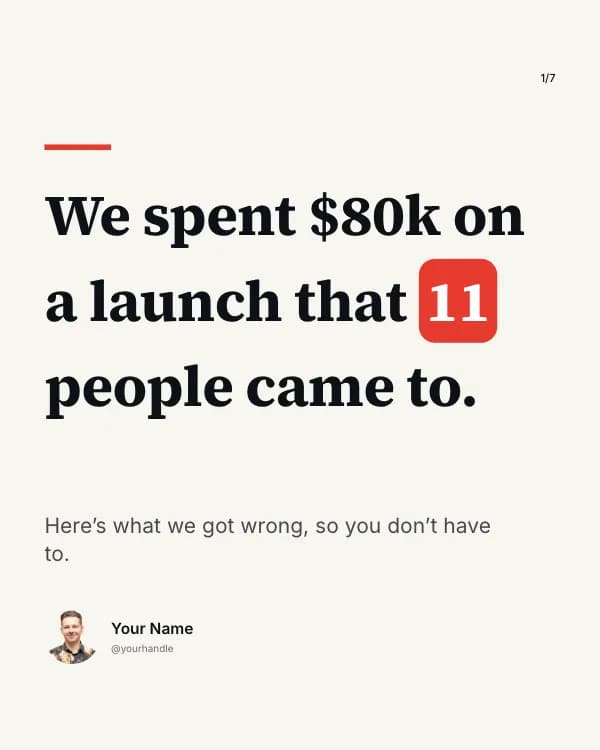
Free LinkedIn career change story carousel template
The Career Pivot
A career-change story for LinkedIn, told on a timeline rail that fills in sea-glass green as the years go by.
- Platform
- Size
- 1080 × 1350 (4:5)
- Slides
- 7
- Price
- Free
Opens in the editor: describe your topic and AI rewrites every slide in this design, or edit it yourself.

What’s on the slides
- Slide 1
Teacher → product manager
I changed careers at 34. It took 5 years.
- Slide 2
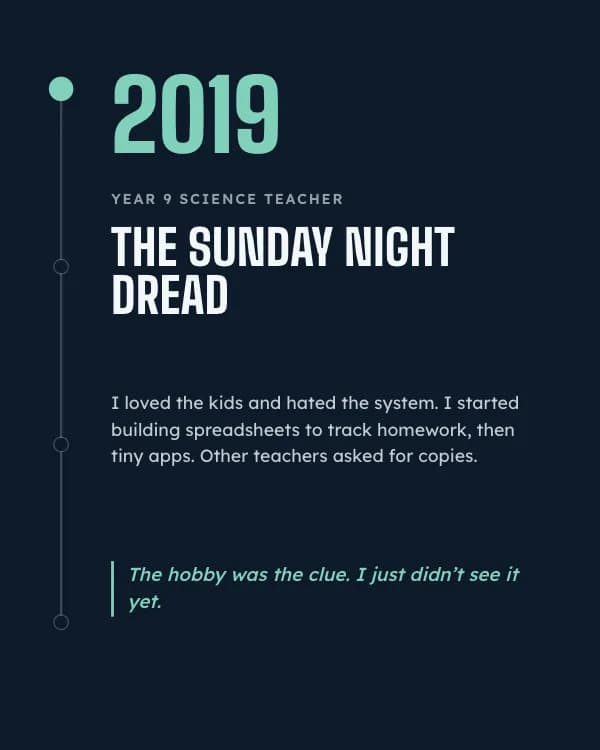
Year 9 science teacher
The Sunday night dread
I loved the kids and hated the system. I started building spreadsheets to track homework, then tiny apps. Other teachers asked for copies.
The hobby was the clue. I just didn’t see it yet.
- Slide 3
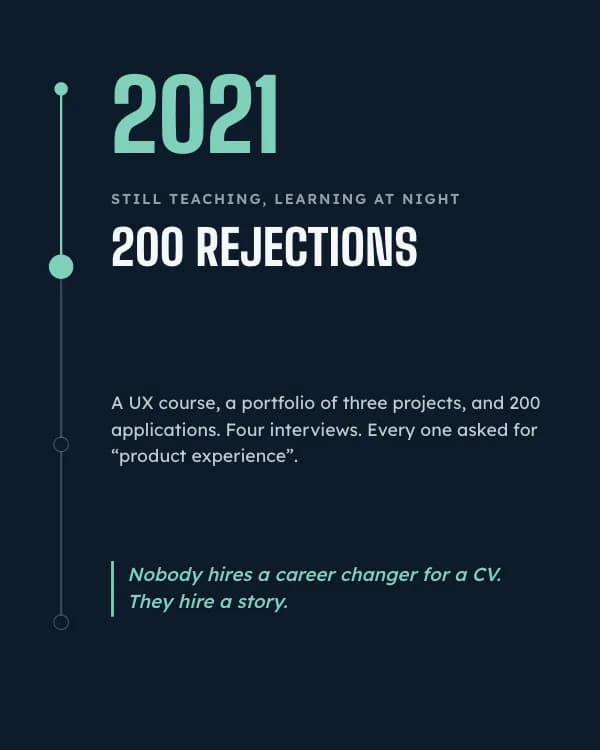
Still teaching, learning at night
200 rejections
A UX course, a portfolio of three projects, and 200 applications. Four interviews. Every one asked for “product experience”.
Nobody hires a career changer for a CV. They hire a story.
- Slide 4
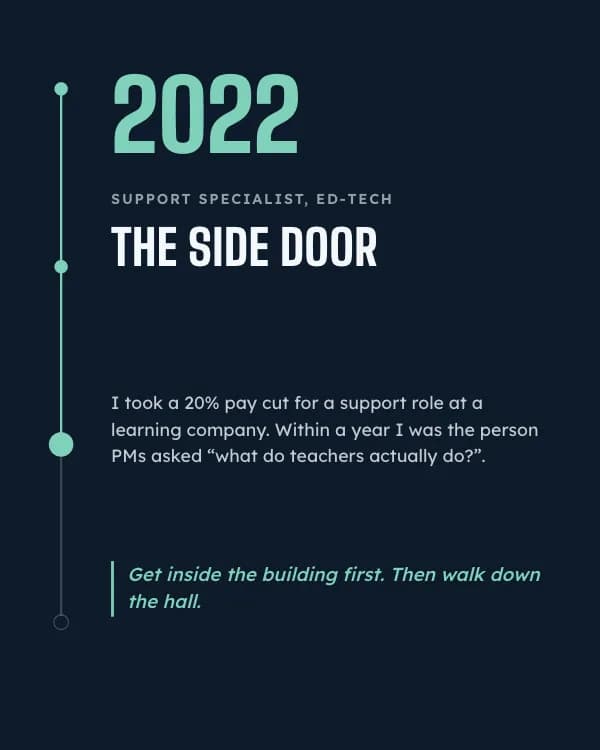
Support specialist, ed-tech
The side door
I took a 20% pay cut for a support role at a learning company. Within a year I was the person PMs asked “what do teachers actually do?”.
Get inside the building first. Then walk down the hall.
- Slide 5
Product manager
The title caught up
An internal move to associate PM, then PM. I now ship features for 40,000 classrooms. The classroom years are my edge, not a gap.
The past you’re escaping is often the thing that makes you rare.
- Slide 6
What I’d tell myself in 2019
Your old job is your niche, not your baggage
A side door beats a front door
Talk to 20 people before you apply to 200 jobs
- Slide 7
Thinking about a pivot?
Tell me what you do now and where you want to go. I answer every comment.
How to use this LinkedIn template
- Open it in the editor with “Use this template”. No install.
- Make it yours: type your topic and let AI rewrite every slide in this design with matching photos, or change the words, photos and colours yourself.
- Export at 1080 × 1350 (4:5) as a PDF for a LinkedIn document post, and post.