
Free tools for Instagram and LinkedIn
Small tools for the jobs around a post: cutting a photo into slides, getting the size right, formatting the text. They run in your browser, with no account and no watermark, and what you add stays on your device.
Splits, sizes and checks for the feed, the profile grid and Stories.
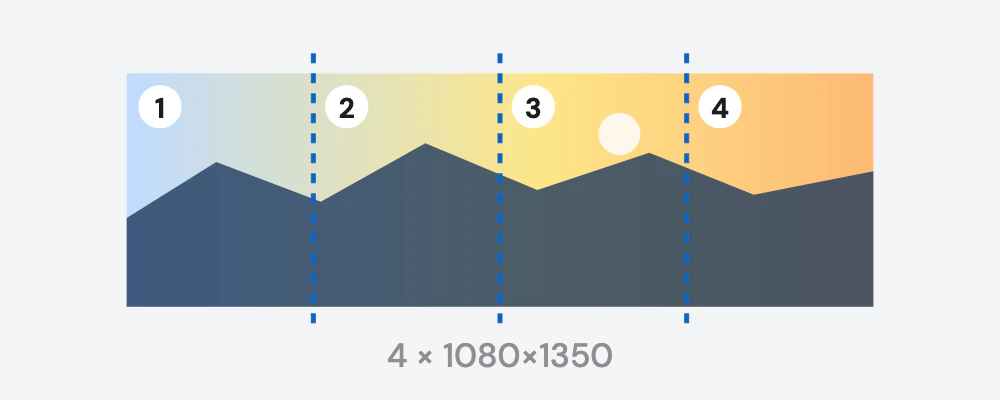
Instagram carousel splitter
Cut one wide photo into 2 to 20 slides that swipe as one continuous picture.
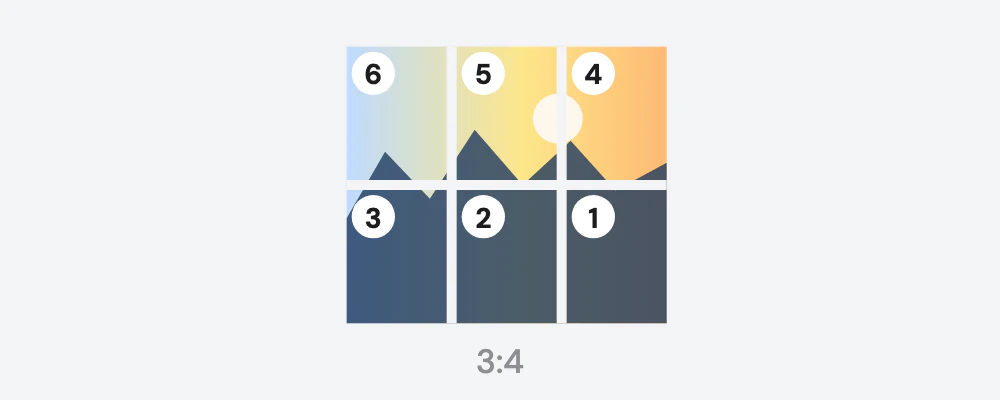
Instagram grid maker
Split an image into a 3-column grid that lines up on the 3:4 profile grid, numbered in the order to post.
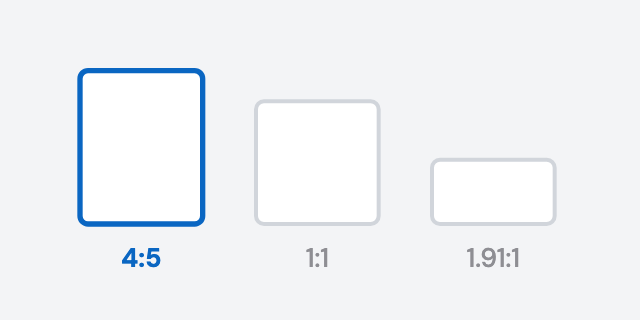
Instagram carousel size
Resize up to 20 slides to 1080×1350, 1080×1080 or 1080×566, and see what the profile grid crops.
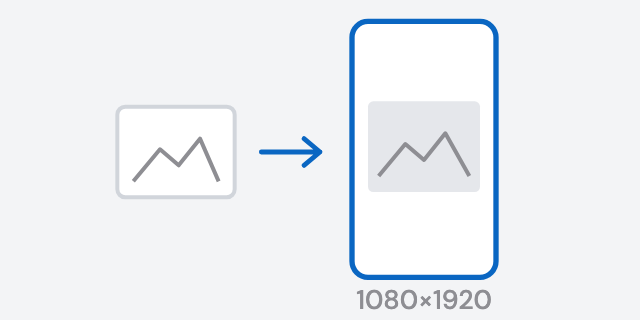
Instagram Story size
Turn any image into a 1080×1920 Story, with a warning when it's too small to look sharp.
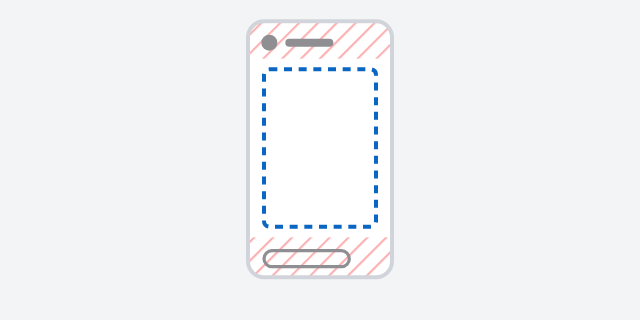
Story safe zone checker
See which parts of a Story Instagram covers, and download a PNG overlay for Figma or Canva.
LinkedIn and other platforms
Format a post, mock one up, or turn a quote into an image.
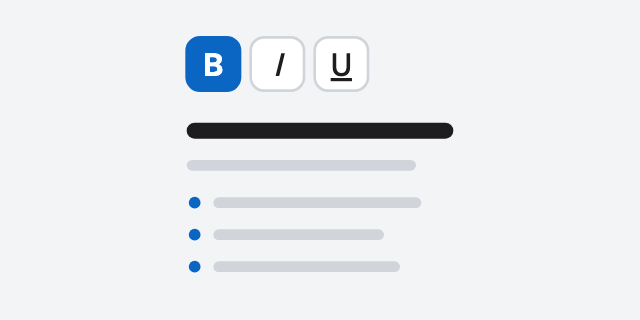
LinkedIn post formatter
Add bold, italic, underline and lists to a LinkedIn post, preview it, then copy it.

LinkedIn post mockup generator
Build a realistic LinkedIn post with your name, photo, text and reactions, and download it as a PNG.
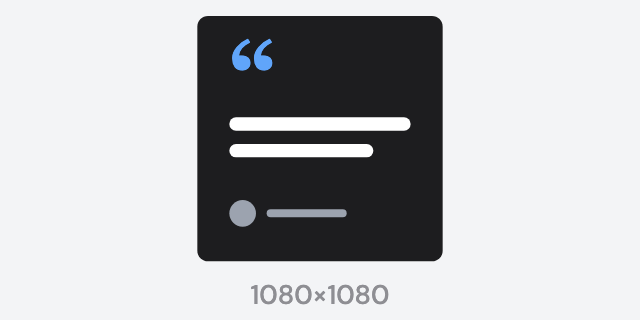
Quote image maker
Make a 1080×1080 quote image with a photo, a name and a style, for Instagram, X or LinkedIn.
Need the whole carousel?
Each tool here does one job. The editor builds a full carousel from 180+ templates, and the AI can write one from a topic.