Free Threads productivity shortcuts carousel template
Screenshot This
A productivity cheat sheet built to be screenshotted: every shortcut drawn as white keycaps beside what it does.
- Platform
- Threads
- Size
- 1080 × 1350 (4:5)
- Slides
- 5
- Price
- Free
Opens in the editor: describe your topic and AI rewrites every slide in this design, or edit it yourself.
What’s on the slides
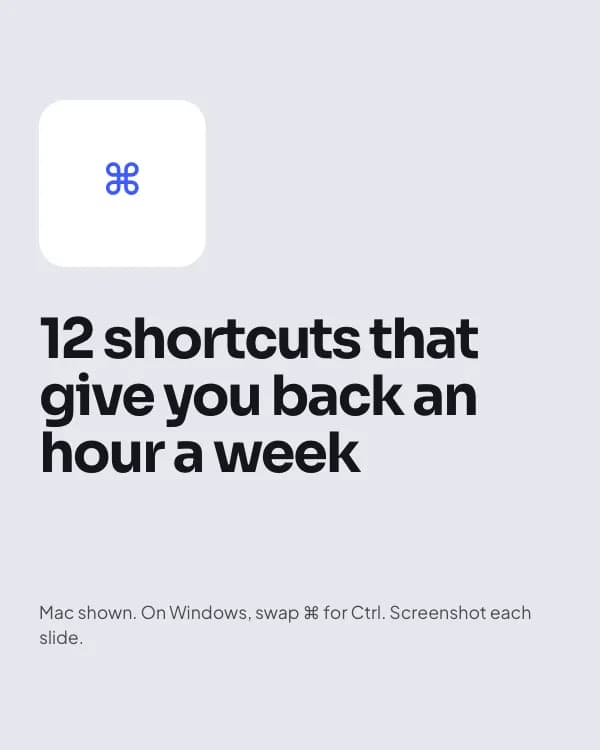
- Slide 1
12 shortcuts that give you back an hour a week
Mac shown. On Windows, swap ⌘ for Ctrl. Screenshot each slide.
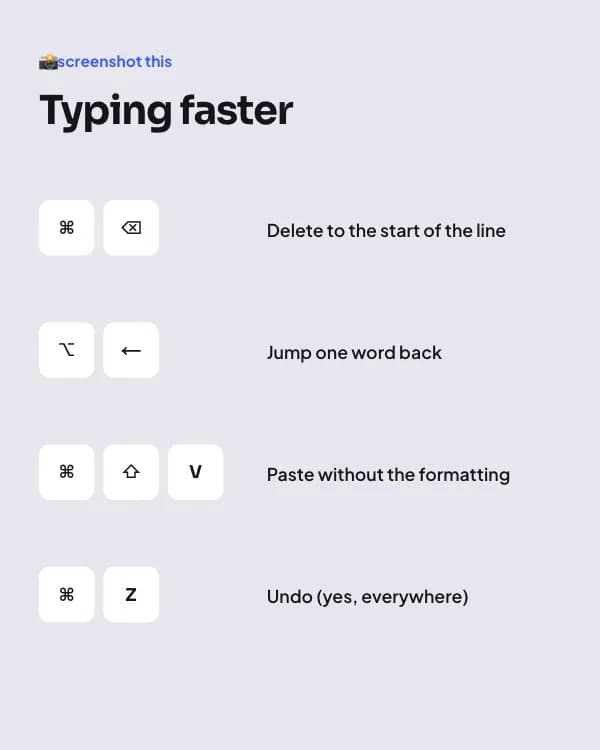
- Slide 2
📸 screenshot this
Typing faster
Delete to the start of the line
Jump one word back
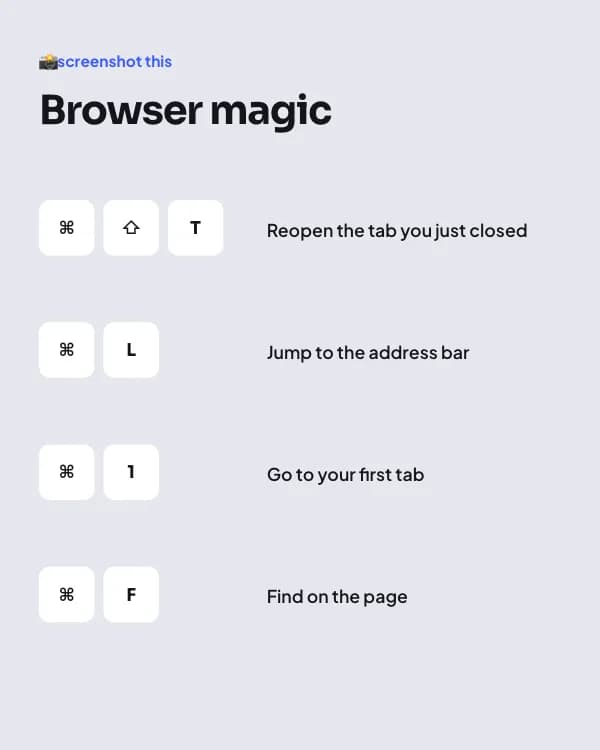
- Slide 3
📸 screenshot this
Browser magic
Reopen the tab you just closed
Jump to the address bar
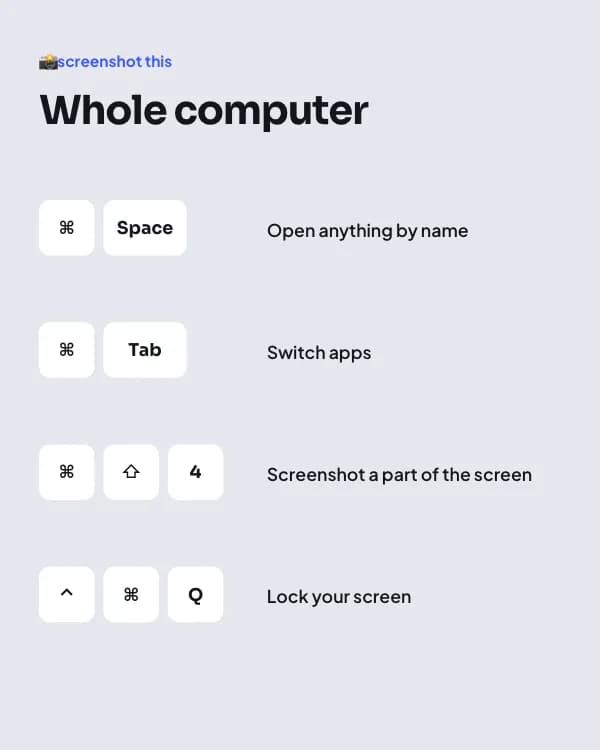
- Slide 4
📸 screenshot this
Whole computer
Open anything by name
Switch apps
- Slide 5
What’s the one shortcut you can’t live without?
Reply with it. I’ll make part 2 from your answers.
How to use this Threads template
- Open it in the editor with “Use this template”. No install.
- Make it yours: type your topic and let AI rewrite every slide in this design with matching photos, or change the words, photos and colours yourself.
- Export at 1080 × 1350 (4:5), one image per slide, and post.