Free Facebook dental clinic FAQ carousel template
Ask The Dentist
A dental clinic FAQ, square for the feed: one honest question per slide with a coral Q badge, mint and teal, and a new-patient offer at the end.
- Platform
- Size
- 1080 × 1080 (1:1)
- Slides
- 6
- Price
- Free
Opens in the editor: describe your topic and AI rewrites every slide in this design, or edit it yourself.
What’s on the slides
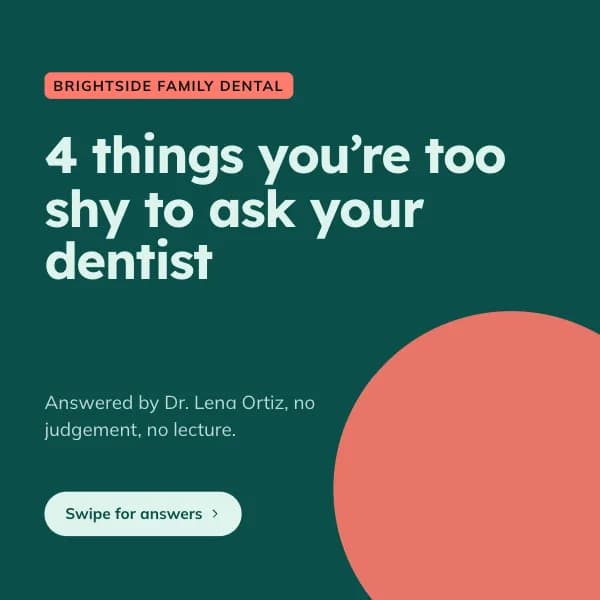
- Slide 1
Brightside Family Dental
4 things you’re too shy to ask your dentist
Answered by Dr. Lena Ortiz, no judgement, no lecture.
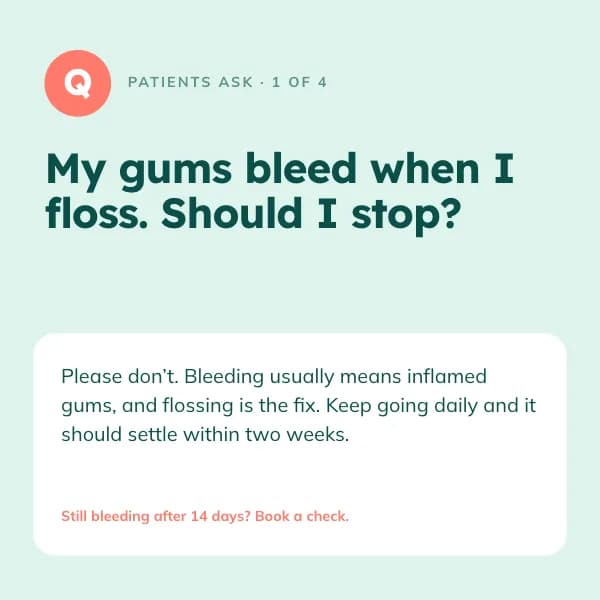
- Slide 2
Patients ask · 1 of 4
My gums bleed when I floss. Should I stop?
Please don’t. Bleeding usually means inflamed gums, and flossing is the fix. Keep going daily and it should settle within two weeks.
- Slide 3
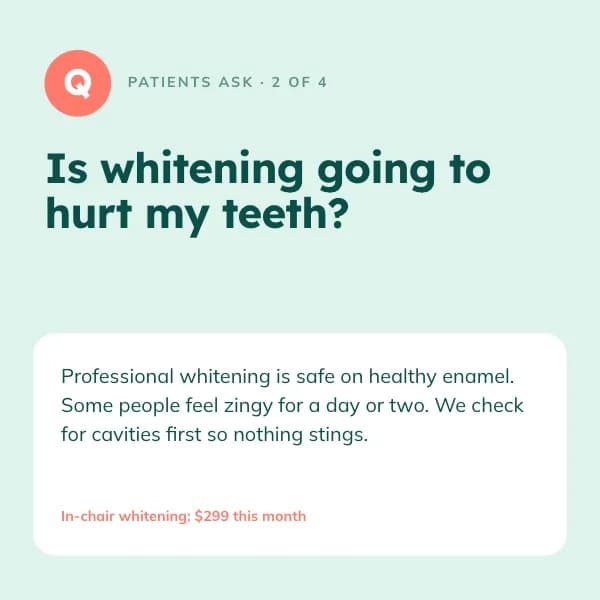
Patients ask · 2 of 4
Is whitening going to hurt my teeth?
Professional whitening is safe on healthy enamel. Some people feel zingy for a day or two. We check for cavities first so nothing stings.
- Slide 4
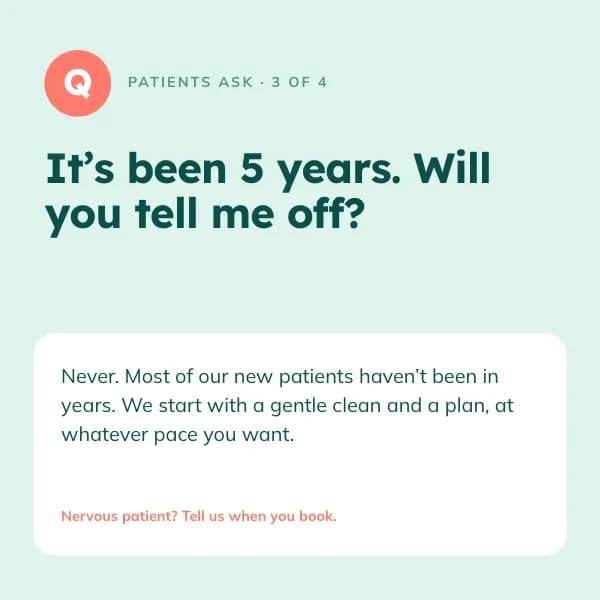
Patients ask · 3 of 4
It’s been 5 years. Will you tell me off?
Never. Most of our new patients haven’t been in years. We start with a gentle clean and a plan, at whatever pace you want.
- Slide 5
Patients ask · 4 of 4
Do kids really need a dentist before age 3?
Yes, by their first birthday. Early visits are short, fun and mostly about getting comfy in the chair. The sticker is mandatory.
- Slide 6
New patients welcome
88 Linden Ave · Call (614) 555-0123
How to use this Facebook template
- Open it in the editor with “Use this template”. No install.
- Make it yours: type your topic and let AI rewrite every slide in this design with matching photos, or change the words, photos and colours yourself.
- Export at 1080 × 1080 (1:1), one image per slide, and post.