
modello di carosello LinkedIn cold email gratis
Cold email sotto la lente
Una cold email smontata riga per riga per LinkedIn: la frase originale, perché non funziona, la riscrittura, poi una tabella prima/dopo e l’email finita.
- Piattaforma
- Dimensioni
- 1080 × 1350 (4:5)
- Slide
- 7
- Prezzo
- Gratis
Si apre nell'editor: descrivi il tuo argomento e l'IA riscrive ogni slide con questo design, oppure modificalo tu.
Cosa c'è nelle slide
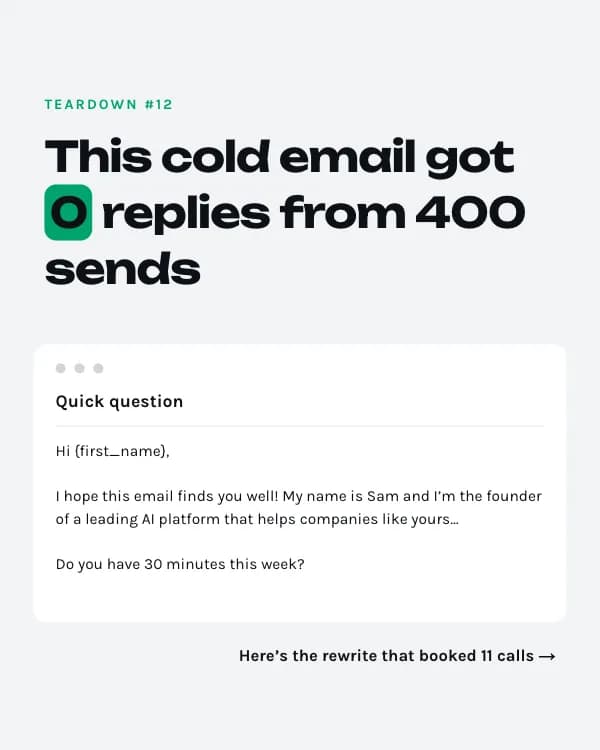
- Slide 1
Teardown #12
This cold email got 0 replies from 400 sends
Quick question
Hi {first_name}, I hope this email finds you well! My name is Sam and I’m the founder of a leading AI platform that helps companies like yours… Do you have 30 minutes this week?
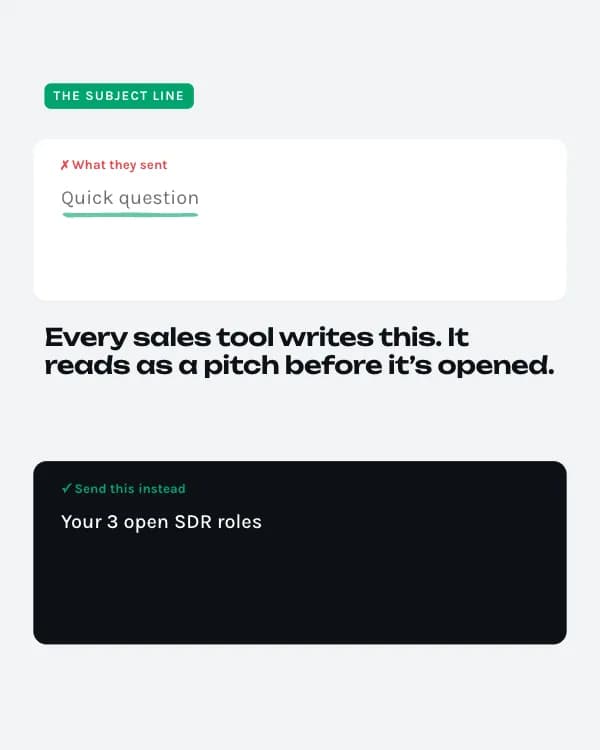
- Slide 2
The subject line
✗ What they sent
Quick question
Every sales tool writes this. It reads as a pitch before it’s opened.
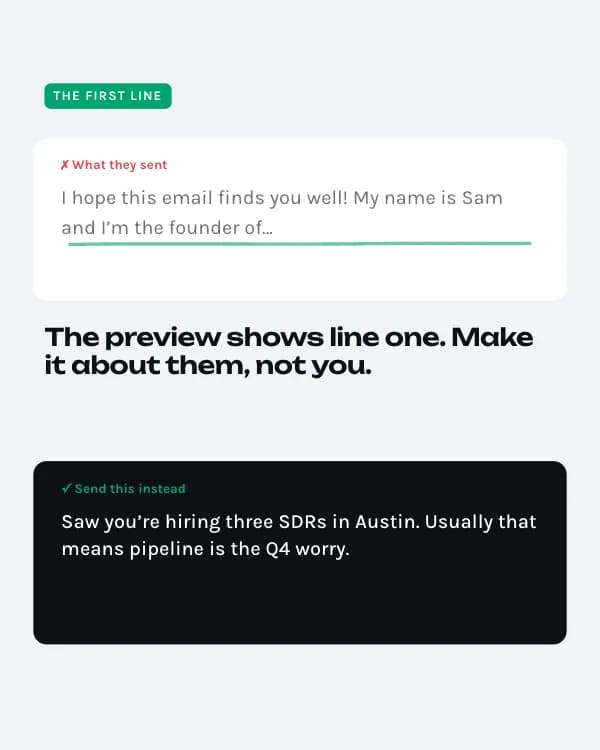
- Slide 3
The first line
✗ What they sent
I hope this email finds you well! My name is Sam and I’m the founder of…
The preview shows line one. Make it about them, not you.
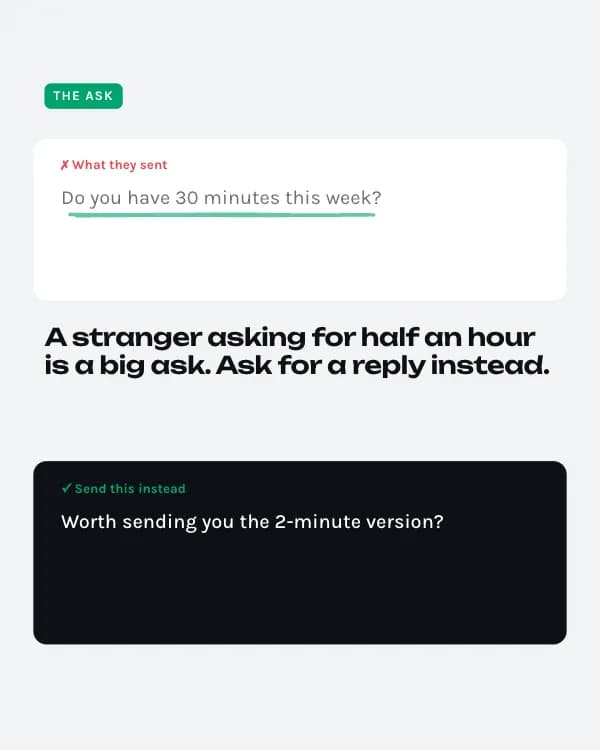
- Slide 4
The ask
✗ What they sent
Do you have 30 minutes this week?
A stranger asking for half an hour is a big ask. Ask for a reply instead.
- Slide 5
Before vs. after
- Slide 6
The rewrite
Your 3 open SDR roles
Hi Dana, Saw you’re hiring three SDRs in Austin. Usually that means pipeline is the Q4 worry. We helped a 40-person fintech team book 31% more meetings without adding headcount. Worth sending you the 2-minute version? Sam
- Slide 7
Want yours torn down?
Paste your worst-performing subject line below. I pick one for next week’s teardown.
Come usare questo modello per LinkedIn
- Aprilo nell'editor con “Usa questo modello”. Niente da installare.
- Personalizzalo: scrivi il tuo argomento e lascia che l'IA riscriva ogni slide con questo design e foto abbinate, oppure cambia tu testi, foto e colori.
- Esporta in 1080 × 1350 (4:5) come PDF per un post documento su LinkedIn e pubblica.
Altri modelli di carosello per LinkedIn
Vedi tutti →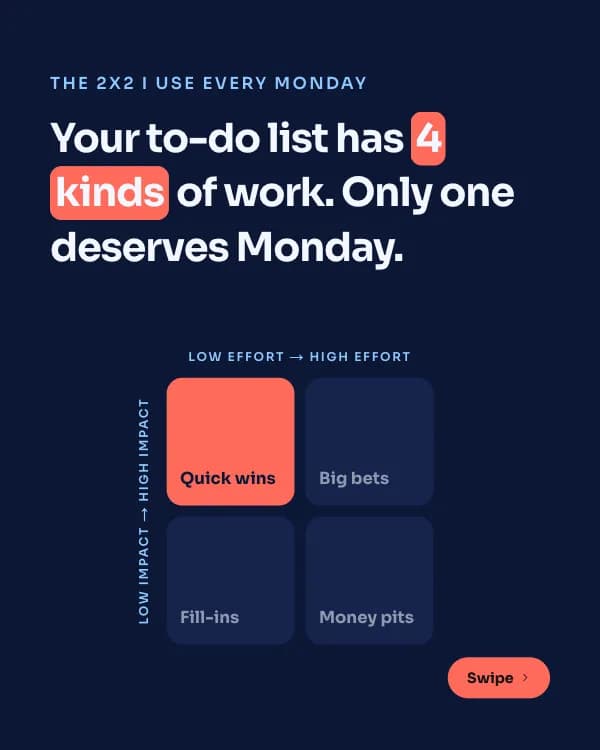
Matrice d’impatto
modello di carosello LinkedIn framework di prioritizzazione
Lezioni di anni
modello di carosello LinkedIn lezioni di carriera
Post salvati
modello di carosello LinkedIn card di citazioni
Report sulle assunzioni
modello di carosello LinkedIn dati sondaggio assunzioni