Kostenlose LinkedIn Kaltakquise-Mail Karussell-Vorlage
Kaltakquise-Mail zerlegt
Eine Kaltakquise-Mail Zeile für Zeile zerlegt, für LinkedIn: die alte Zeile, warum sie scheitert, die neue Version, dann eine Vorher-Nachher-Tabelle und die fertige Mail.
- Plattform
- Größe
- 1080 × 1350 (4:5)
- Slides
- 7
- Preis
- Kostenlos
Öffnet sich im Editor: Beschreib dein Thema und die KI schreibt jede Slide in diesem Design neu – oder du bearbeitest sie selbst.
Das steht auf den Slides
- Slide 1
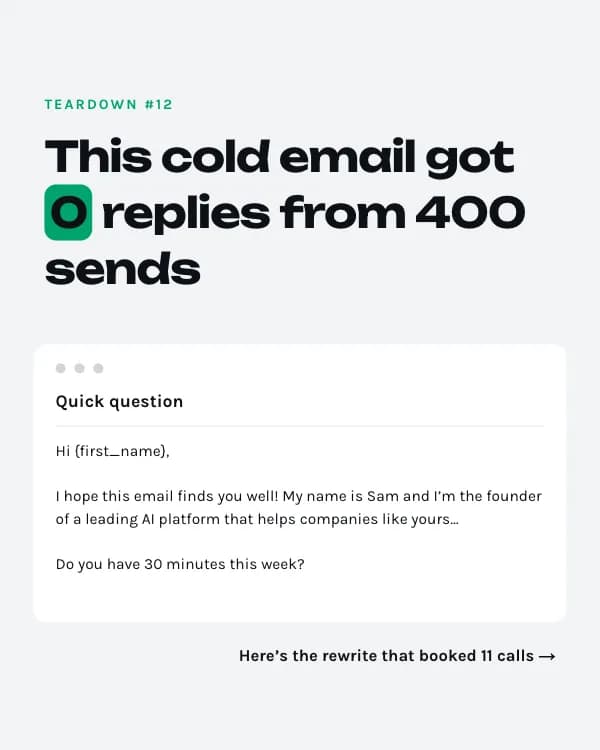
Teardown #12
This cold email got 0 replies from 400 sends
Quick question
Hi {first_name}, I hope this email finds you well! My name is Sam and I’m the founder of a leading AI platform that helps companies like yours… Do you have 30 minutes this week?
- Slide 2
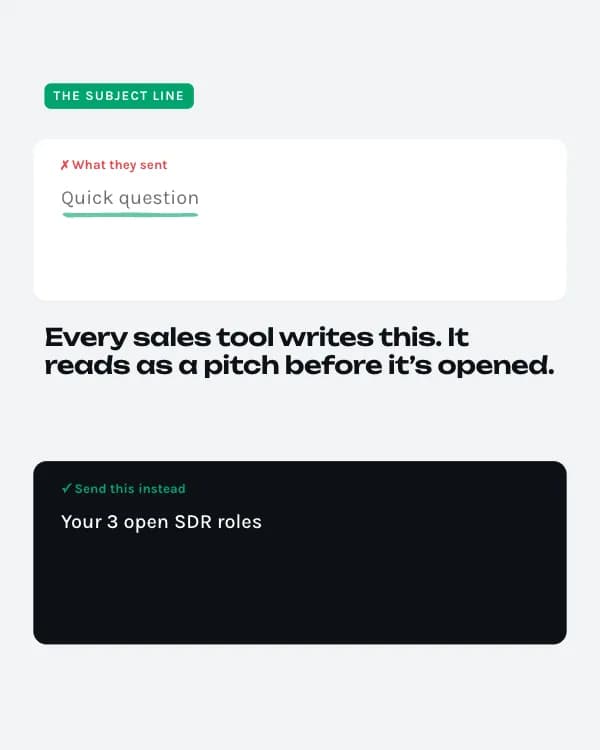
The subject line
✗ What they sent
Quick question
Every sales tool writes this. It reads as a pitch before it’s opened.
- Slide 3
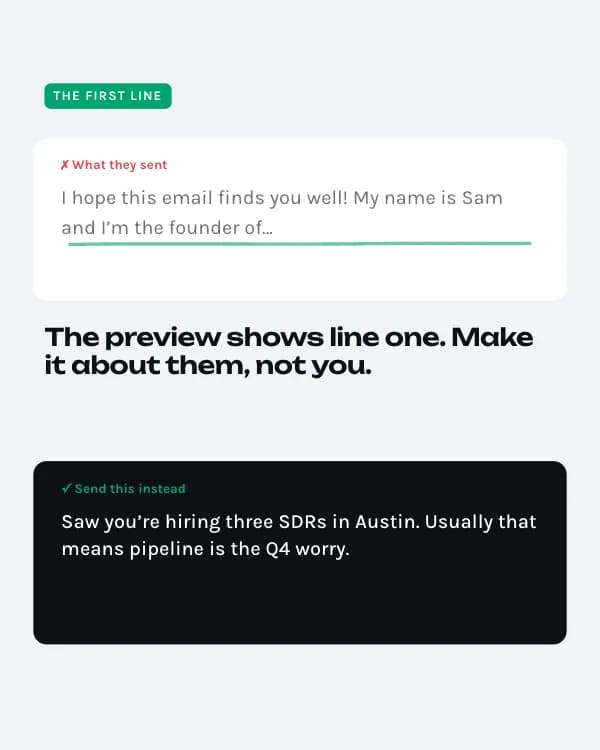
The first line
✗ What they sent
I hope this email finds you well! My name is Sam and I’m the founder of…
The preview shows line one. Make it about them, not you.
- Slide 4
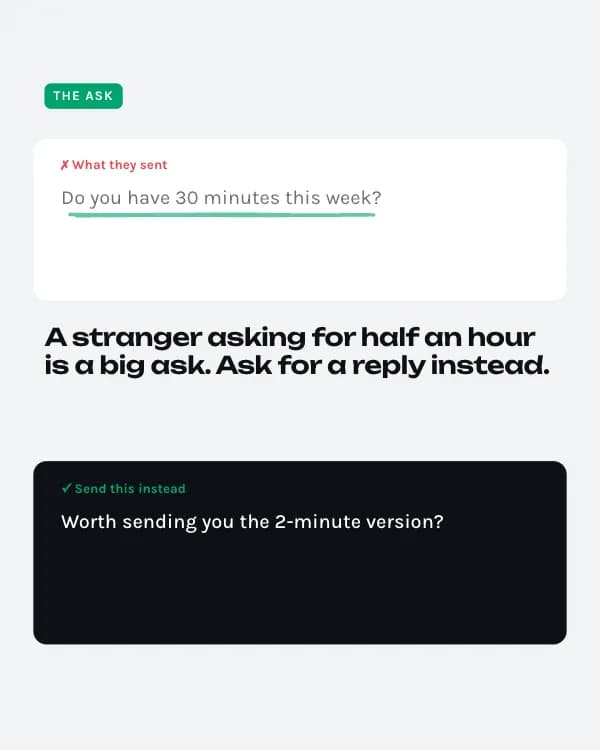
The ask
✗ What they sent
Do you have 30 minutes this week?
A stranger asking for half an hour is a big ask. Ask for a reply instead.
- Slide 5
Before vs. after
- Slide 6
The rewrite
Your 3 open SDR roles
Hi Dana, Saw you’re hiring three SDRs in Austin. Usually that means pipeline is the Q4 worry. We helped a 40-person fintech team book 31% more meetings without adding headcount. Worth sending you the 2-minute version? Sam
- Slide 7
Want yours torn down?
Paste your worst-performing subject line below. I pick one for next week’s teardown.
So nutzt du diese LinkedIn Vorlage
- Öffne sie im Editor mit „Vorlage nutzen“. Ohne Installation.
- Mach sie zu deiner: Gib dein Thema ein und lass die KI jede Slide in diesem Design mit passenden Fotos neu schreiben – oder ändere Texte, Fotos und Farben selbst.
- Exportiere in 1080 × 1350 (4:5) als PDF für einen LinkedIn-Dokument-Post und poste.