modello di carosello Instagram ripartizione del budget gratis
Dove va lo stipendio
Il classico “dove va il mio stipendio” per Instagram: il netto in copertina, ogni voce come percentuale gigante con la sua barra, poi la tabella completa.
- Piattaforma
- Dimensioni
- 1080 × 1350 (4:5)
- Slide
- 7
- Prezzo
- Gratis
Si apre nell'editor: descrivi il tuo argomento e l'IA riscrive ogni slide con questo design, oppure modificalo tu.
Cosa c'è nelle slide
- Slide 1
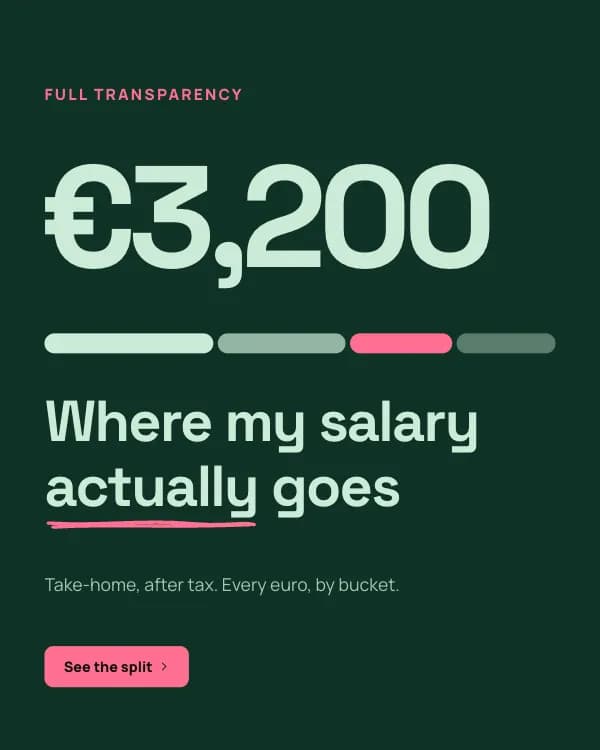
Full transparency
Where my salary actually goes
Take-home, after tax. Every euro, by bucket.
- Slide 2
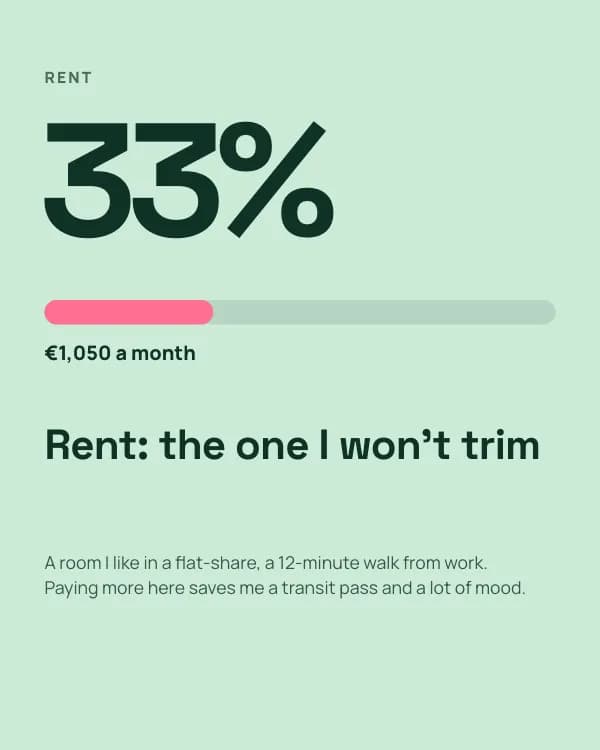
Rent
Rent: the one I won’t trim
A room I like in a flat-share, a 12-minute walk from work. Paying more here saves me a transit pass and a lot of mood.
- Slide 3
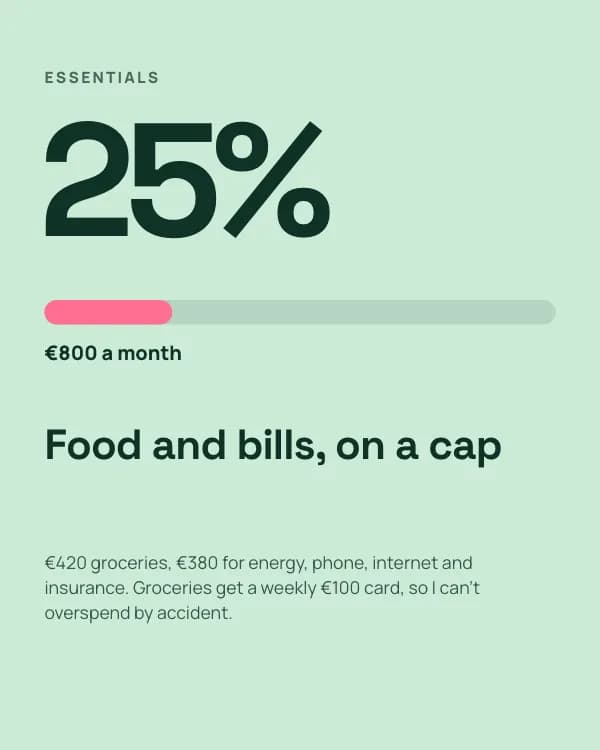
Essentials
Food and bills, on a cap
€420 groceries, €380 for energy, phone, internet and insurance. Groceries get a weekly €100 card, so I can’t overspend by accident.
- Slide 4
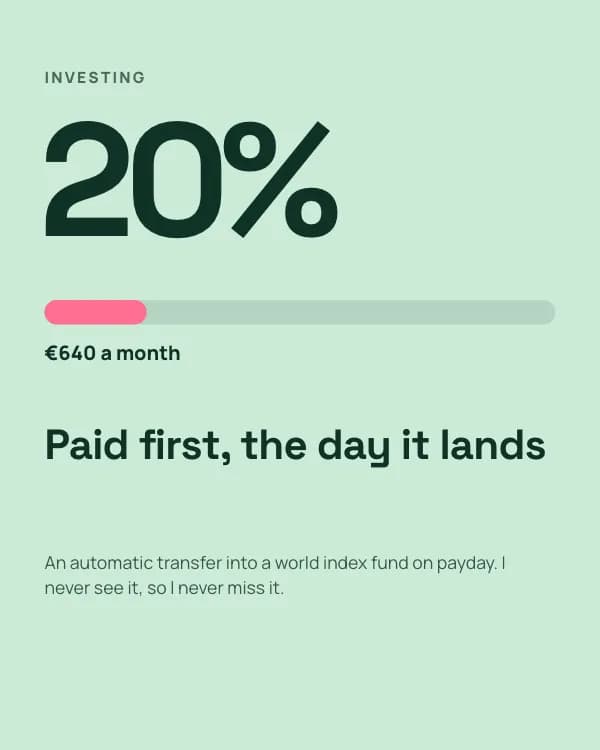
Investing
Paid first, the day it lands
An automatic transfer into a world index fund on payday. I never see it, so I never miss it.
- Slide 5
Fun + buffer
Guilt-free, because it’s planned
€450 for dinners, gigs and trips, spent without a second thought. €260 into a buffer for the boiler that always breaks in January.
- Slide 6
The whole €3,200
Reviewed once a month, over coffee, in 20 minutes.
- Slide 7
What’s your biggest bucket?
Percentages only, no judgement. I’ll share the most common answer next week.
Come usare questo modello per Instagram
- Aprilo nell'editor con “Usa questo modello”. Niente da installare.
- Personalizzalo: scrivi il tuo argomento e lascia che l'IA riscriva ogni slide con questo design e foto abbinate, oppure cambia tu testi, foto e colori.
- Esporta in 1080 × 1350 (4:5), un'immagine per slide e pubblica.