
modello di carosello LinkedIn caso studio gratis
Il caso studio
Un caso studio per LinkedIn con problema, approccio e risultati, etichette di fase blu cobalto e una slide dei risultati a tutto colore.
- Piattaforma
- Dimensioni
- 1080 × 1350 (4:5)
- Slide
- 7
- Prezzo
- Gratis
Si apre nell'editor: descrivi il tuo argomento e l'IA riscrive ogni slide con questo design, oppure modificalo tu.
Cosa c'è nelle slide
- Slide 1
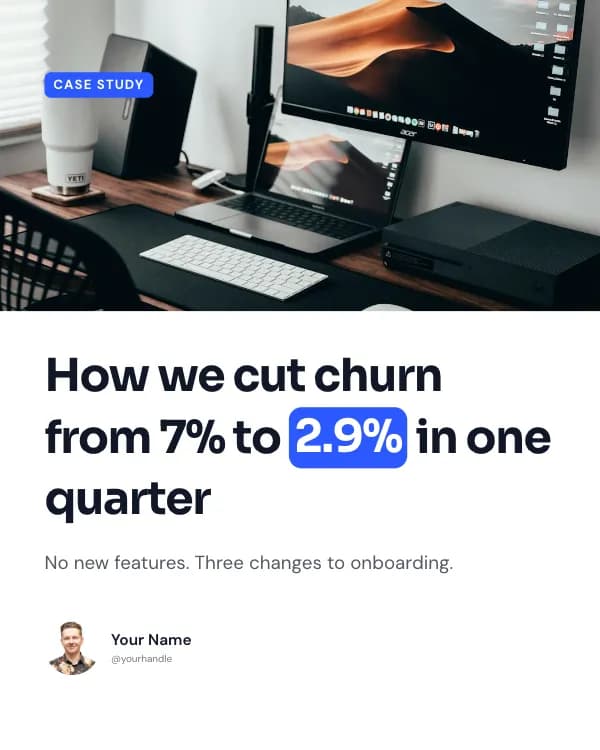
Case study
How we cut churn from 7% to 2.9% in one quarter
No new features. Three changes to onboarding.
- Slide 2
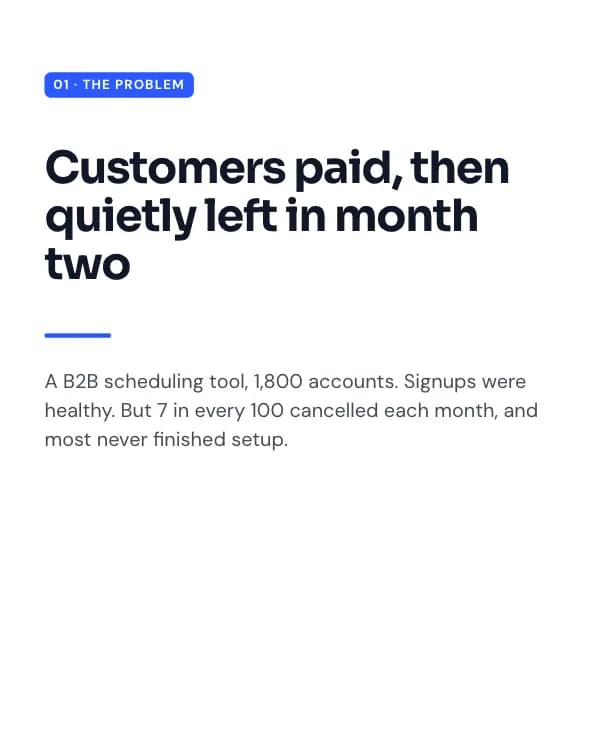
01 · The problem
Customers paid, then quietly left in month two
A B2B scheduling tool, 1,800 accounts. Signups were healthy. But 7 in every 100 cancelled each month, and most never finished setup.
- Slide 3
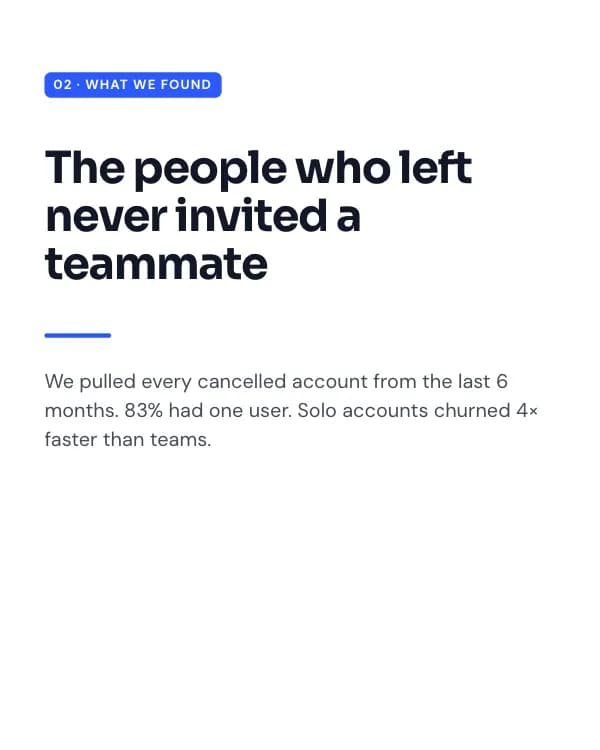
02 · What we found
The people who left never invited a teammate
We pulled every cancelled account from the last 6 months. 83% had one user. Solo accounts churned 4× faster than teams.
- Slide 4
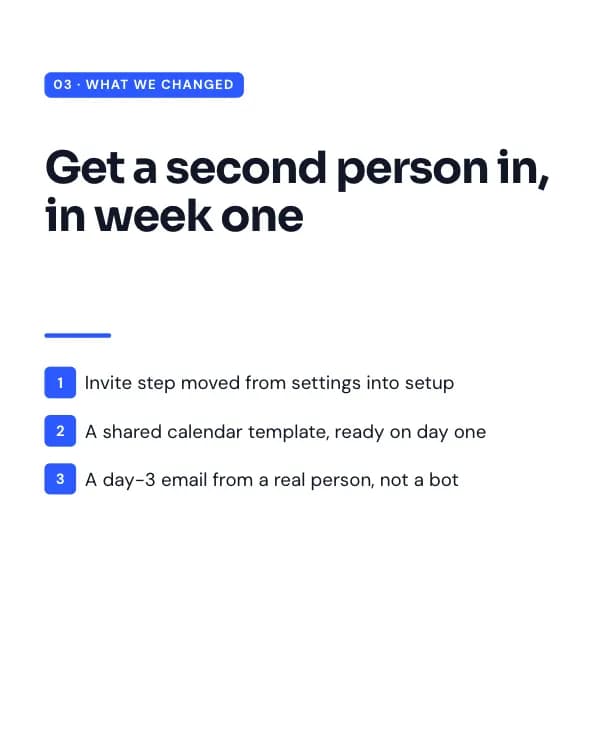
03 · What we changed
Get a second person in, in week one
Invite step moved from settings into setup
A shared calendar template, ready on day one
- Slide 5
04 · Results
90 days later
Same product, same price. We just changed who was in the room by day seven.
- Slide 6
05 · The lesson
Churn is usually decided in the first week
Before you build the feature they asked for on the way out, look at what they never did on the way in.
- Slide 7
What’s the one step your users skip?
Tell me in the comments. I’ll reply with where I’d start.
Come usare questo modello per LinkedIn
- Aprilo nell'editor con “Usa questo modello”. Niente da installare.
- Personalizzalo: scrivi il tuo argomento e lascia che l'IA riscriva ogni slide con questo design e foto abbinate, oppure cambia tu testi, foto e colori.
- Esporta in 1080 × 1350 (4:5) come PDF per un post documento su LinkedIn e pubblica.
Altri modelli di carosello per LinkedIn
Vedi tutti →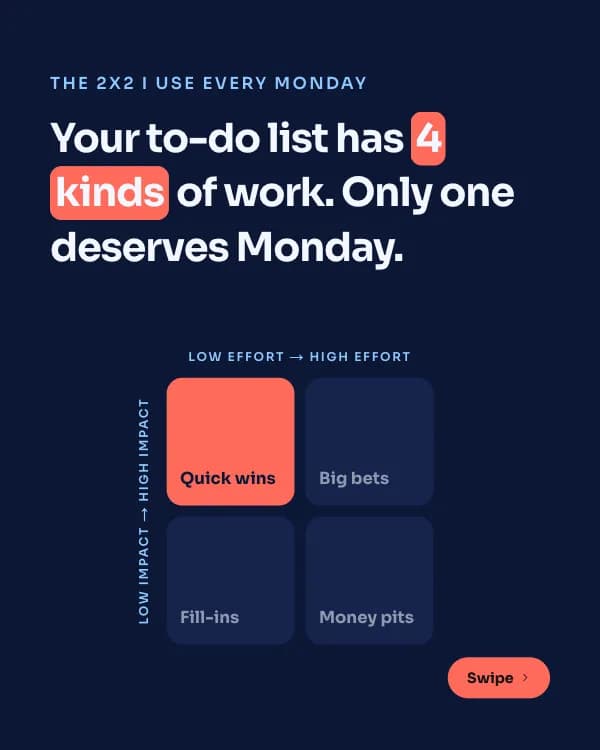
Matrice d’impatto
modello di carosello LinkedIn framework di prioritizzazione
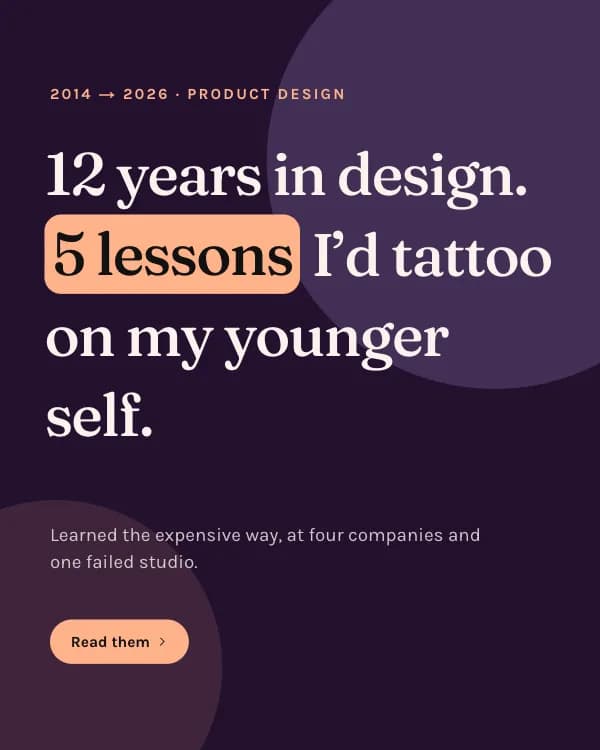
Lezioni di anni
modello di carosello LinkedIn lezioni di carriera
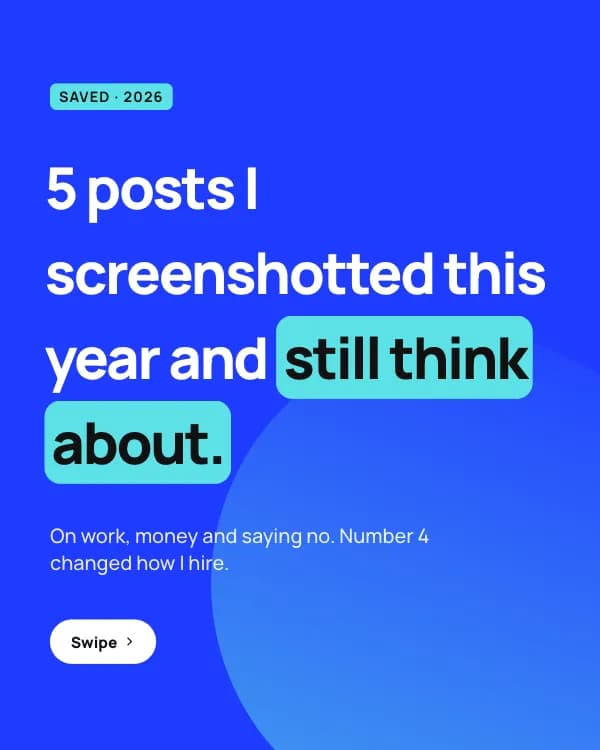
Post salvati
modello di carosello LinkedIn card di citazioni
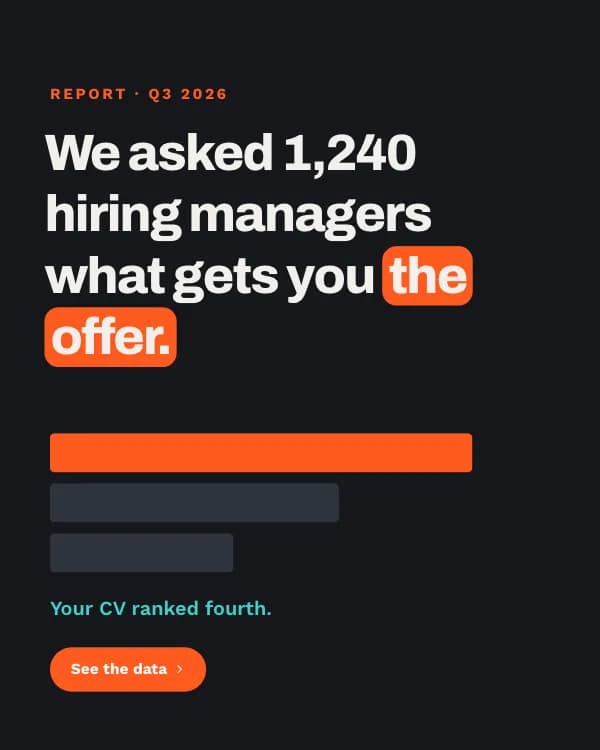
Report sulle assunzioni
modello di carosello LinkedIn dati sondaggio assunzioni