
modello di carosello LinkedIn crescere di follower gratis
Da zero a 10k
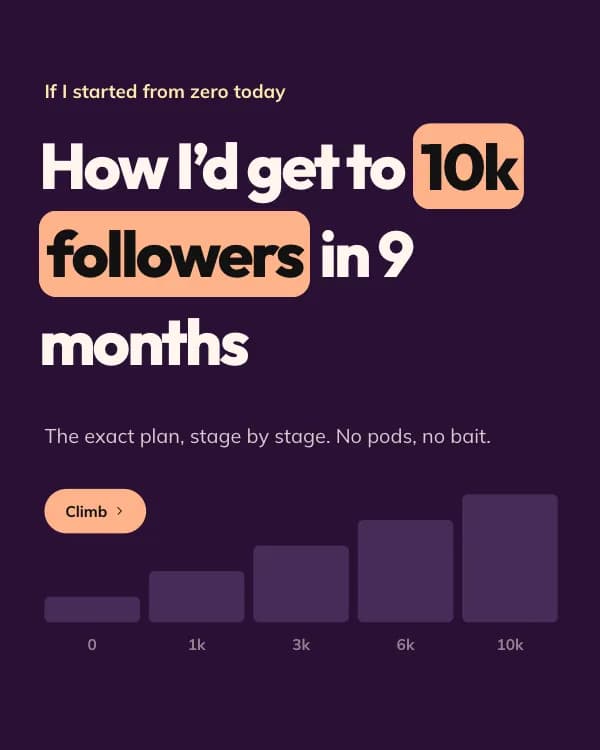
“Come crescerei da 0 a 10k follower”: una fase per slide su una scala che si riempie mentre scorri. Prugna, pesca e burro in Outfit.
- Piattaforma
- Dimensioni
- 1080 × 1350 (4:5)
- Slide
- 7
- Prezzo
- Gratis
Si apre nell'editor: descrivi il tuo argomento e l'IA riscrive ogni slide con questo design, oppure modificalo tu.
Cosa c'è nelle slide
- Slide 1
If I started from zero today
How I’d get to 10k followers in 9 months
The exact plan, stage by stage. No pods, no bait.
- Slide 2
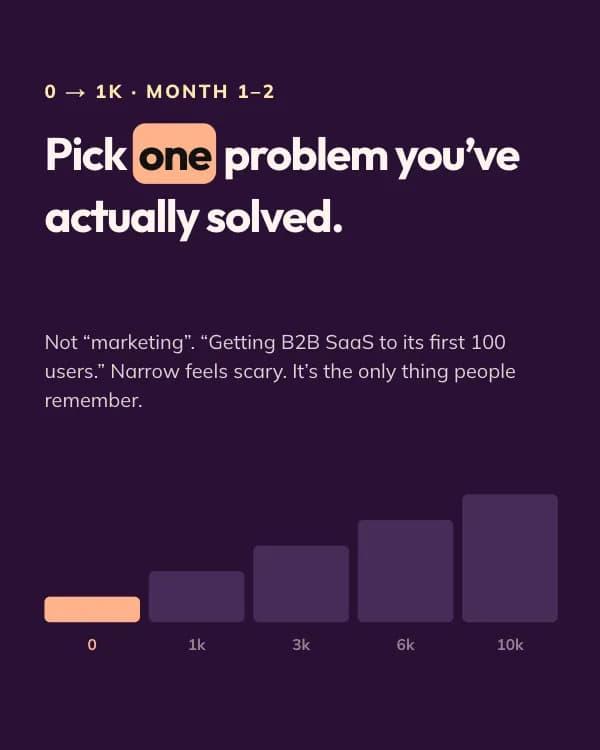
0 → 1k · Month 1–2
Pick one problem you’ve actually solved.
Not “marketing”. “Getting B2B SaaS to its first 100 users.” Narrow feels scary. It’s the only thing people remember.
- Slide 3
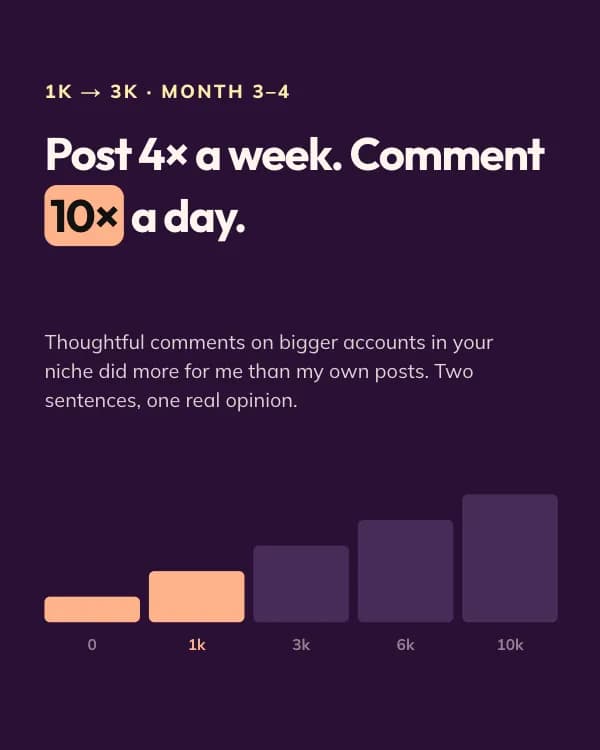
1k → 3k · Month 3–4
Post 4× a week. Comment 10× a day.
Thoughtful comments on bigger accounts in your niche did more for me than my own posts. Two sentences, one real opinion.
- Slide 4
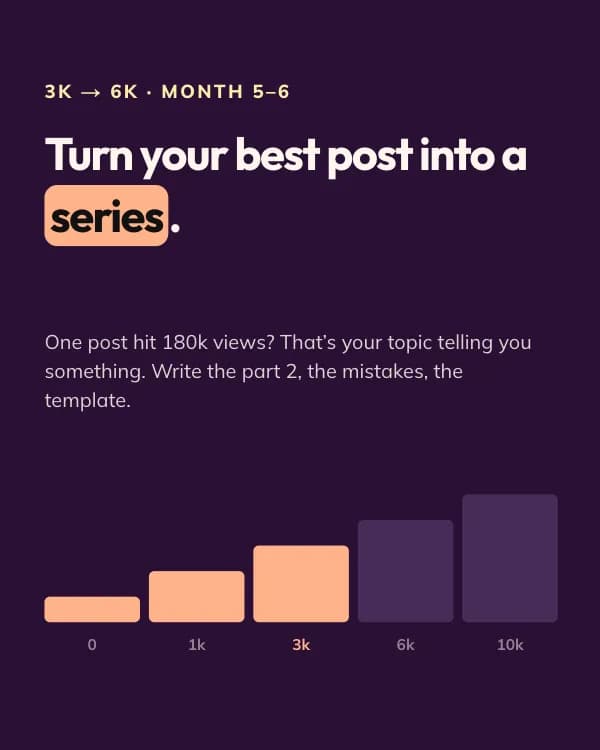
3k → 6k · Month 5–6
Turn your best post into a series.
One post hit 180k views? That’s your topic telling you something. Write the part 2, the mistakes, the template.
- Slide 5
6k → 10k · Month 7–9
Collaborate with 3 creators a size up.
Co-write a carousel, swap a guest post, host a live. Borrowed audiences compound faster than earned ones.
- Slide 6
10k · What actually mattered
Consistency beat talent, every single month.
142 posts. 9 did 90% of the growth. You don’t know which 9 until you’ve shipped the other 133.
- Slide 7
Which stage are you stuck on?
Drop your follower count below. I’ll reply with the one thing I’d change.
Come usare questo modello per LinkedIn
- Aprilo nell'editor con “Usa questo modello”. Niente da installare.
- Personalizzalo: scrivi il tuo argomento e lascia che l'IA riscriva ogni slide con questo design e foto abbinate, oppure cambia tu testi, foto e colori.
- Esporta in 1080 × 1350 (4:5) come PDF per un post documento su LinkedIn e pubblica.
Altri modelli di carosello per LinkedIn
Vedi tutti →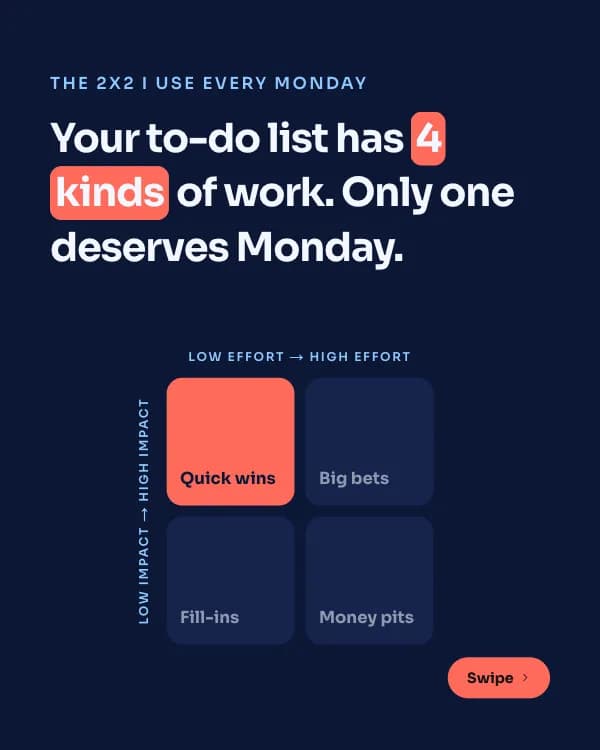
Matrice d’impatto
modello di carosello LinkedIn framework di prioritizzazione
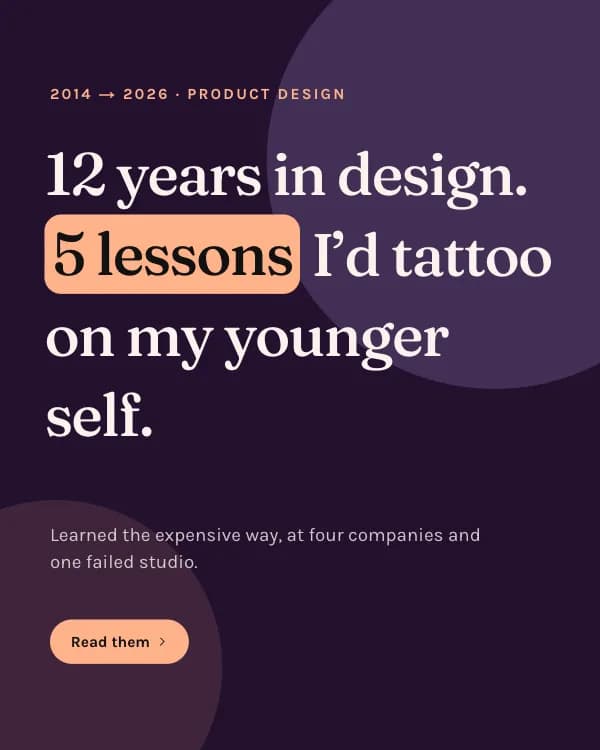
Lezioni di anni
modello di carosello LinkedIn lezioni di carriera
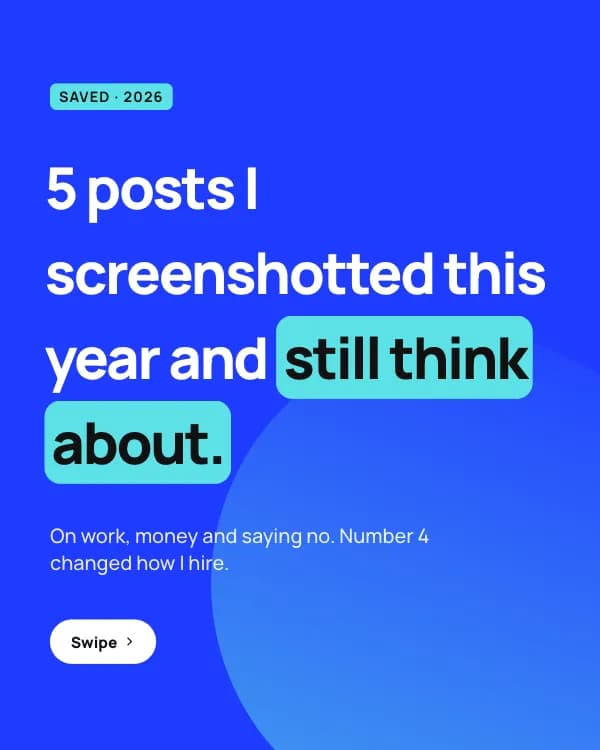
Post salvati
modello di carosello LinkedIn card di citazioni
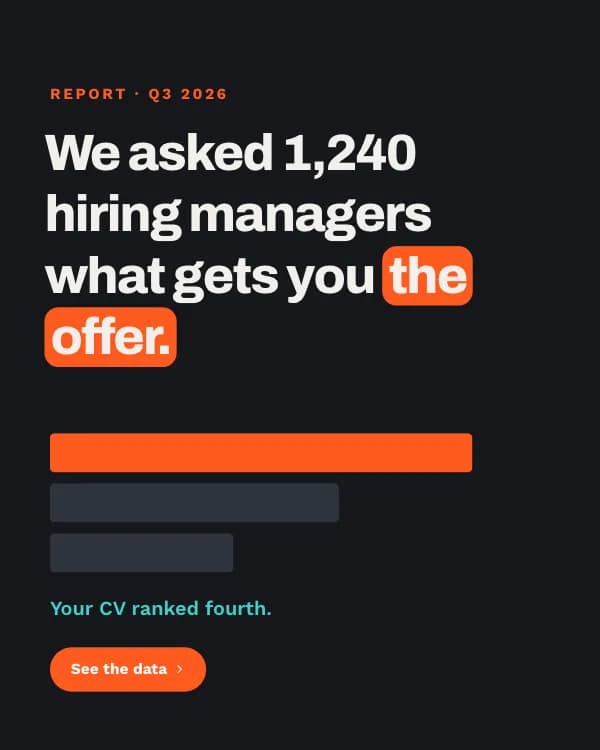
Report sulle assunzioni
modello di carosello LinkedIn dati sondaggio assunzioni