Kostenlose LinkedIn Follower gewinnen Karussell-Vorlage
Von 0 auf 10k
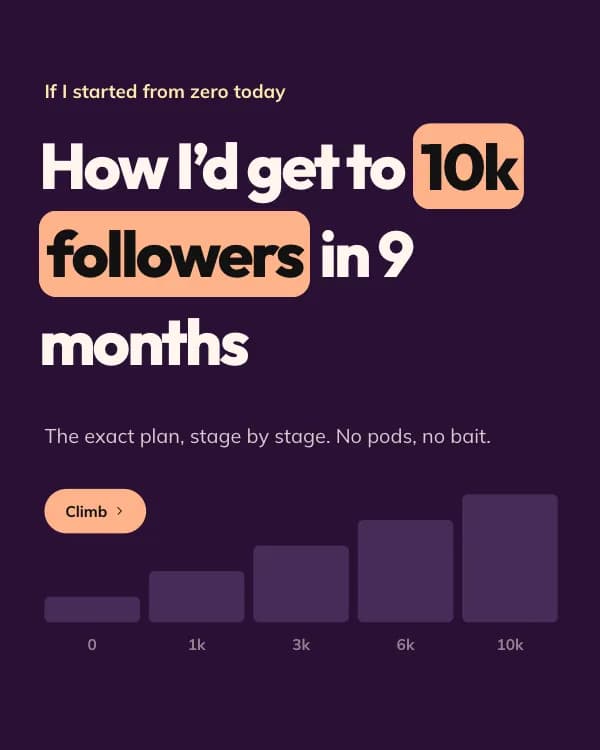
„So würde ich von 0 auf 10k Follower wachsen“: eine Stufe pro Slide auf einer Treppe, die sich beim Swipen füllt. Pflaume, Pfirsich und Butter in Outfit.
- Plattform
- Größe
- 1080 × 1350 (4:5)
- Slides
- 7
- Preis
- Kostenlos
Öffnet sich im Editor: Beschreib dein Thema und die KI schreibt jede Slide in diesem Design neu – oder du bearbeitest sie selbst.
Das steht auf den Slides
- Slide 1
If I started from zero today
How I’d get to 10k followers in 9 months
The exact plan, stage by stage. No pods, no bait.
- Slide 2
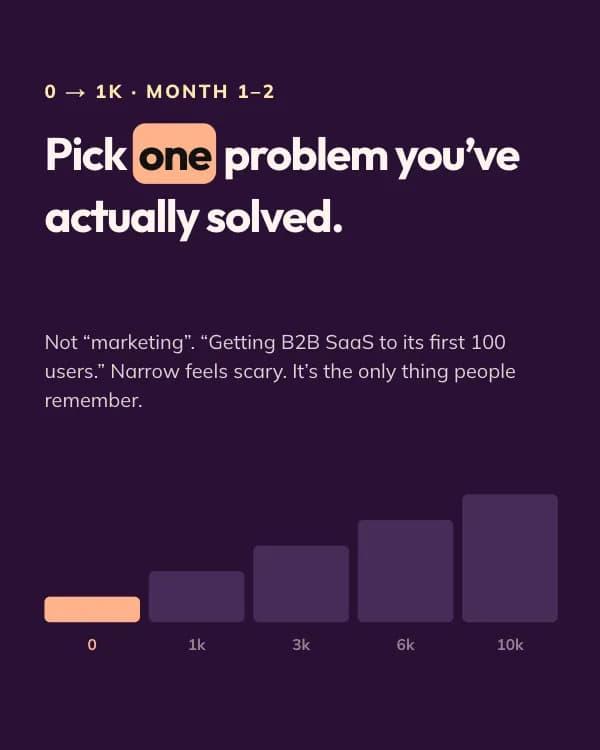
0 → 1k · Month 1–2
Pick one problem you’ve actually solved.
Not “marketing”. “Getting B2B SaaS to its first 100 users.” Narrow feels scary. It’s the only thing people remember.
- Slide 3
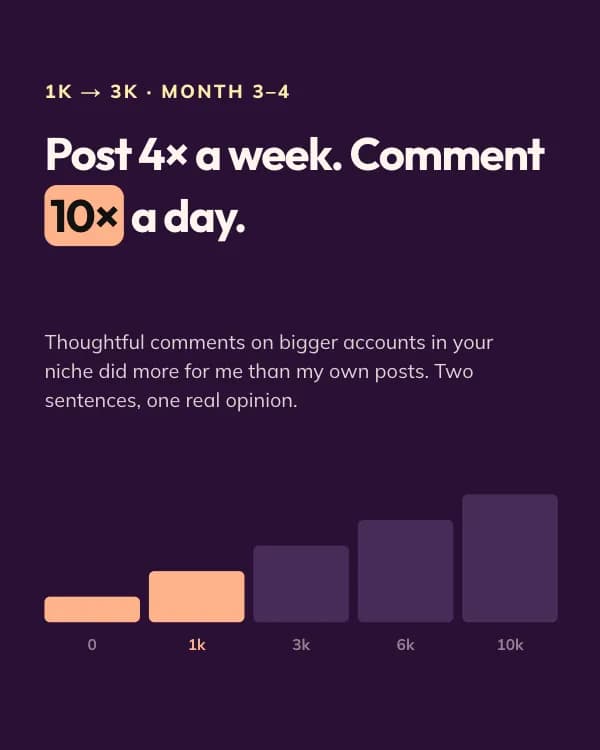
1k → 3k · Month 3–4
Post 4× a week. Comment 10× a day.
Thoughtful comments on bigger accounts in your niche did more for me than my own posts. Two sentences, one real opinion.
- Slide 4
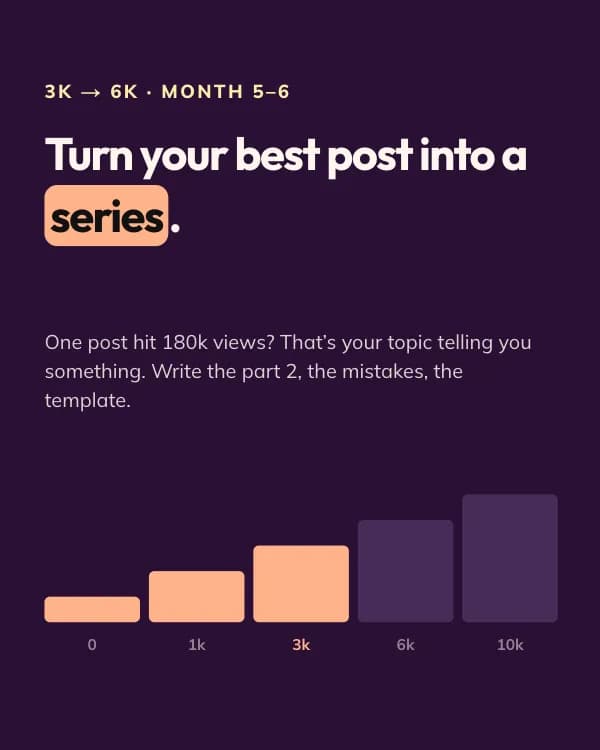
3k → 6k · Month 5–6
Turn your best post into a series.
One post hit 180k views? That’s your topic telling you something. Write the part 2, the mistakes, the template.
- Slide 5
6k → 10k · Month 7–9
Collaborate with 3 creators a size up.
Co-write a carousel, swap a guest post, host a live. Borrowed audiences compound faster than earned ones.
- Slide 6
10k · What actually mattered
Consistency beat talent, every single month.
142 posts. 9 did 90% of the growth. You don’t know which 9 until you’ve shipped the other 133.
- Slide 7
Which stage are you stuck on?
Drop your follower count below. I’ll reply with the one thing I’d change.
So nutzt du diese LinkedIn Vorlage
- Öffne sie im Editor mit „Vorlage nutzen“. Ohne Installation.
- Mach sie zu deiner: Gib dein Thema ein und lass die KI jede Slide in diesem Design mit passenden Fotos neu schreiben – oder ändere Texte, Fotos und Farben selbst.
- Exportiere in 1080 × 1350 (4:5) als PDF für einen LinkedIn-Dokument-Post und poste.