
modello di carosello LinkedIn consigli per designer junior gratis
Nota per un junior
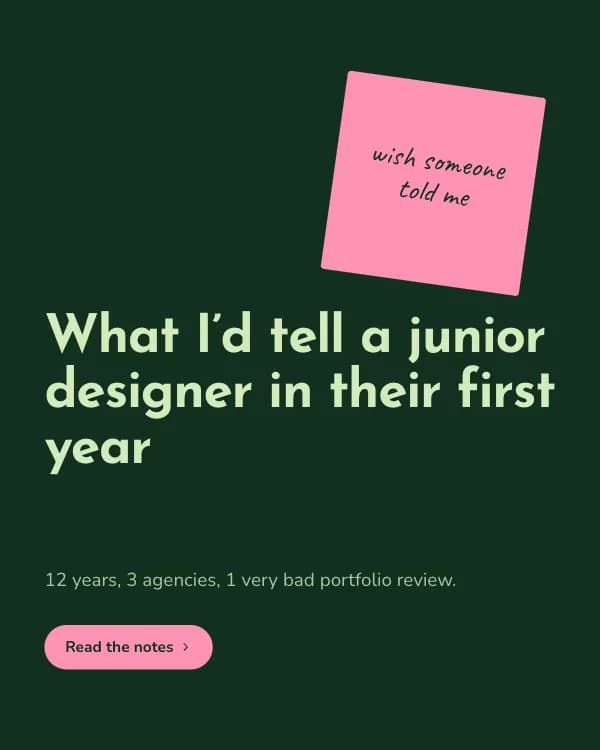
“Cosa direi a un designer junior”: un consiglio per slide su un post-it inclinato con una nota scritta a mano. Pistacchio, verde bottiglia e rosa.
- Piattaforma
- Dimensioni
- 1080 × 1350 (4:5)
- Slide
- 7
- Prezzo
- Gratis
Si apre nell'editor: descrivi il tuo argomento e l'IA riscrive ogni slide con questo design, oppure modificalo tu.
Cosa c'è nelle slide
- Slide 1
What I’d tell a junior designer in their first year
12 years, 3 agencies, 1 very bad portfolio review.
- Slide 2
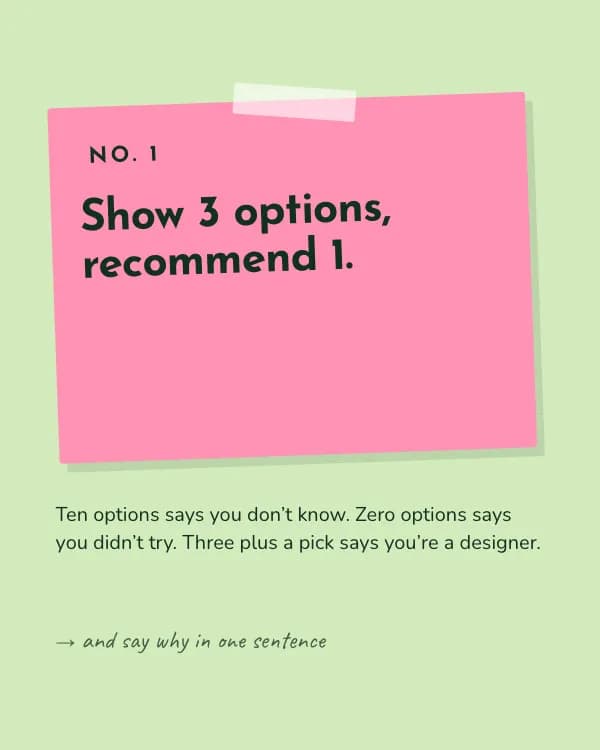
Show 3 options, recommend 1.
Ten options says you don’t know. Zero options says you didn’t try. Three plus a pick says you’re a designer.
- Slide 3
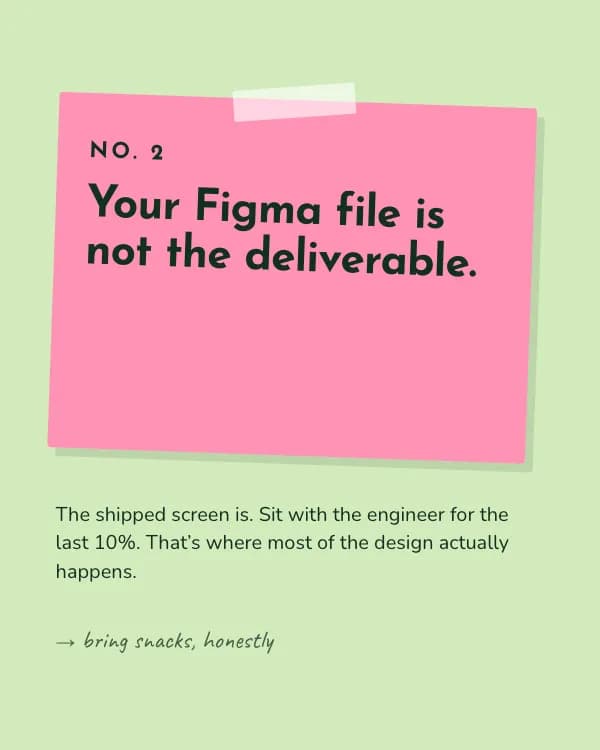
Your Figma file is not the deliverable.
The shipped screen is. Sit with the engineer for the last 10%. That’s where most of the design actually happens.
- Slide 4
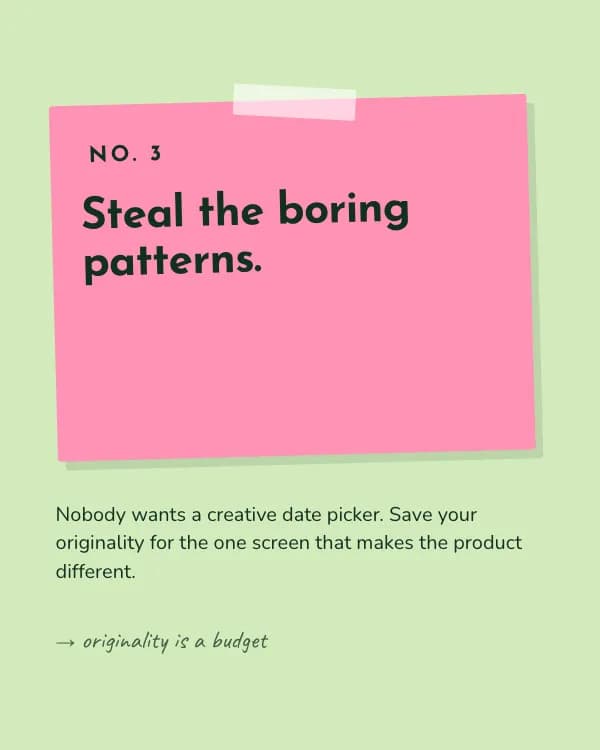
Steal the boring patterns.
Nobody wants a creative date picker. Save your originality for the one screen that makes the product different.
- Slide 5
Write before you draw.
A five-line brief of who, what, and why saves you three rounds of “this isn’t quite it”.
- Slide 6
Feedback is about the work, not you.
Ask “what problem do you see?” instead of defending. You’ll learn twice as fast and be invited back.
- Slide 7
What would you add for No. 6?
Tag a junior designer who needs this on their desk.
Come usare questo modello per LinkedIn
- Aprilo nell'editor con “Usa questo modello”. Niente da installare.
- Personalizzalo: scrivi il tuo argomento e lascia che l'IA riscriva ogni slide con questo design e foto abbinate, oppure cambia tu testi, foto e colori.
- Esporta in 1080 × 1350 (4:5) come PDF per un post documento su LinkedIn e pubblica.
Altri modelli di carosello per LinkedIn
Vedi tutti →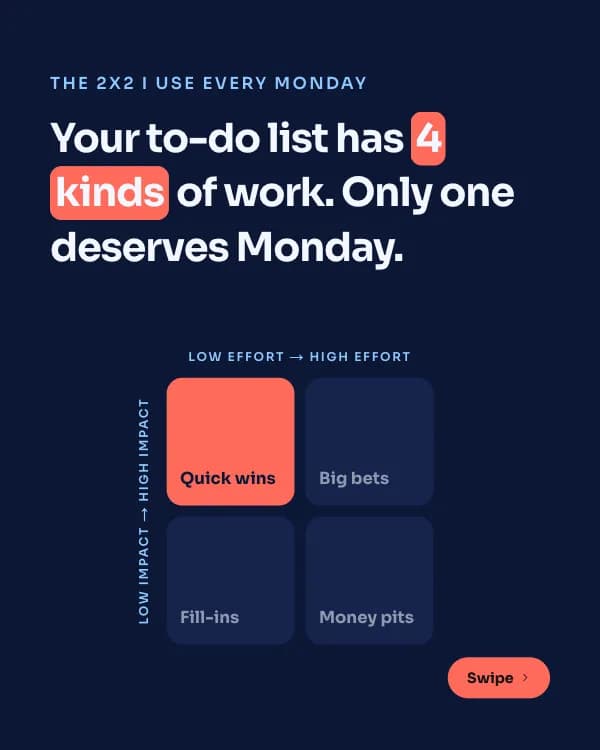
Matrice d’impatto
modello di carosello LinkedIn framework di prioritizzazione
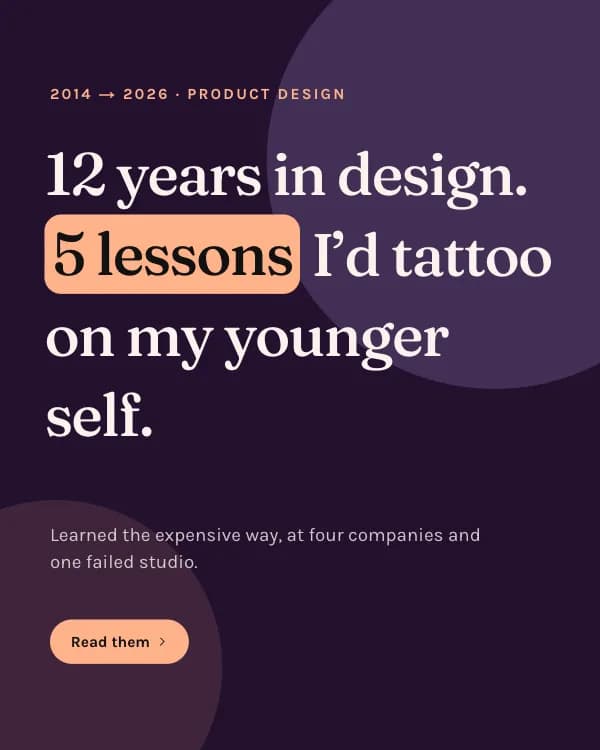
Lezioni di anni
modello di carosello LinkedIn lezioni di carriera
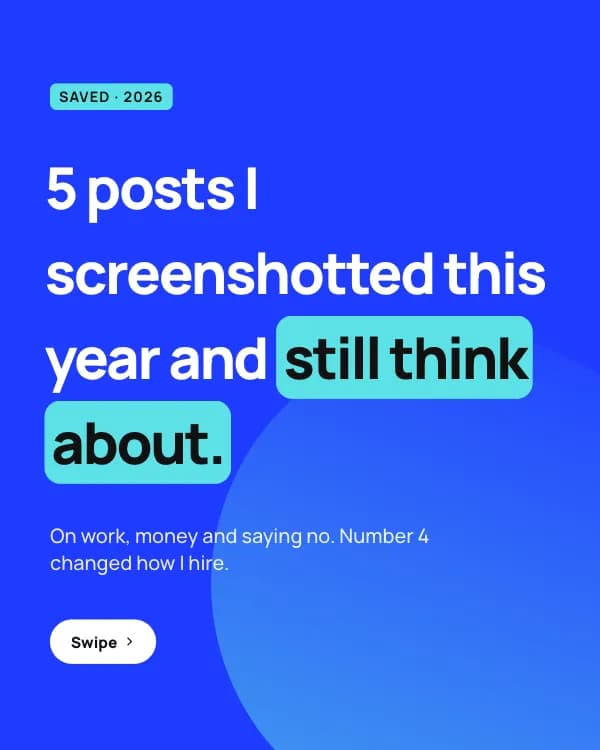
Post salvati
modello di carosello LinkedIn card di citazioni
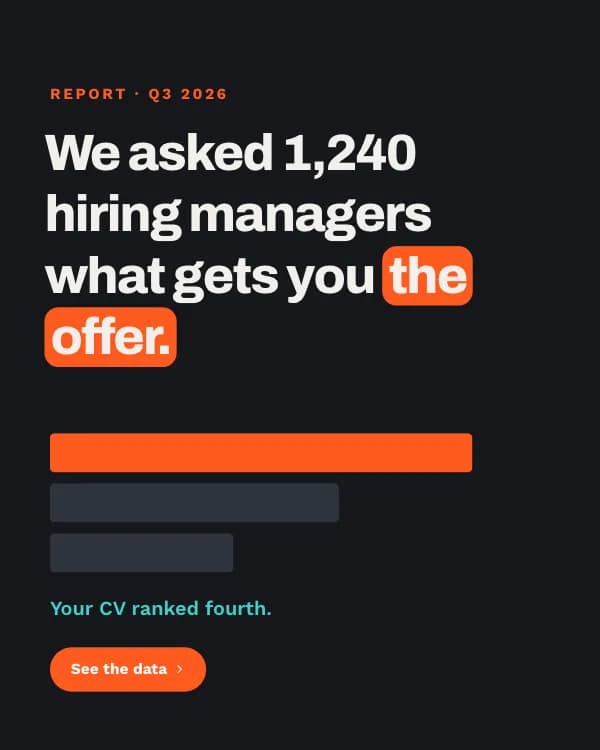
Report sulle assunzioni
modello di carosello LinkedIn dati sondaggio assunzioni