Kostenlose LinkedIn Tipps für Junior-Designer Karussell-Vorlage
Notiz an einen Junior
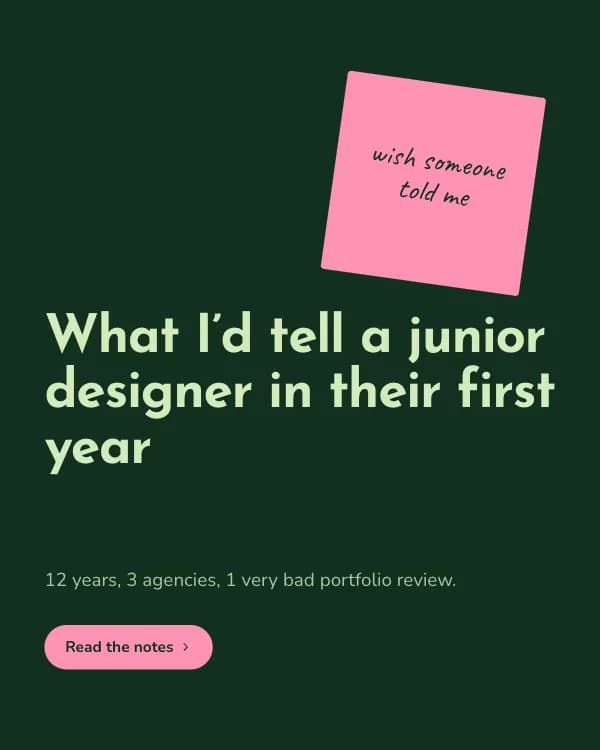
„Was ich einem Junior-Designer sagen würde“: ein Rat pro Slide auf einem schiefen Klebezettel mit handschriftlicher Randnotiz. Pistazie, Flaschengrün und Pink.
- Plattform
- Größe
- 1080 × 1350 (4:5)
- Slides
- 7
- Preis
- Kostenlos
Öffnet sich im Editor: Beschreib dein Thema und die KI schreibt jede Slide in diesem Design neu – oder du bearbeitest sie selbst.
Das steht auf den Slides
- Slide 1
What I’d tell a junior designer in their first year
12 years, 3 agencies, 1 very bad portfolio review.
- Slide 2
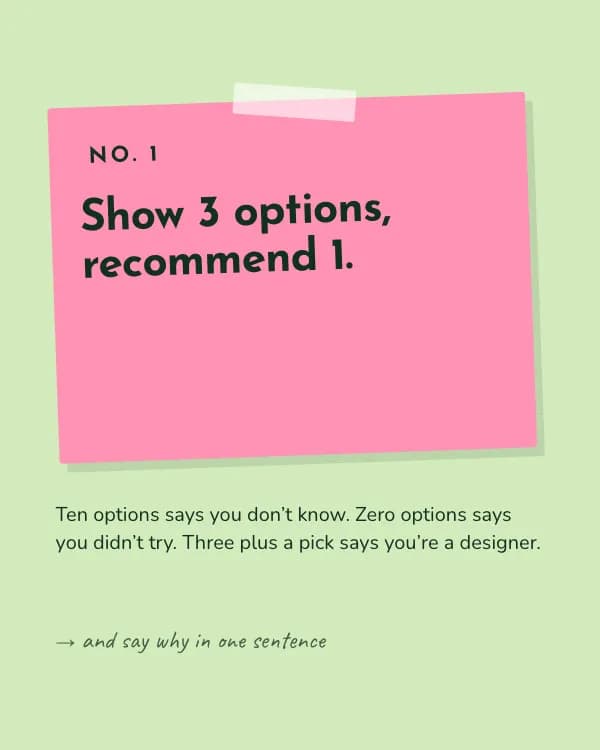
Show 3 options, recommend 1.
Ten options says you don’t know. Zero options says you didn’t try. Three plus a pick says you’re a designer.
- Slide 3
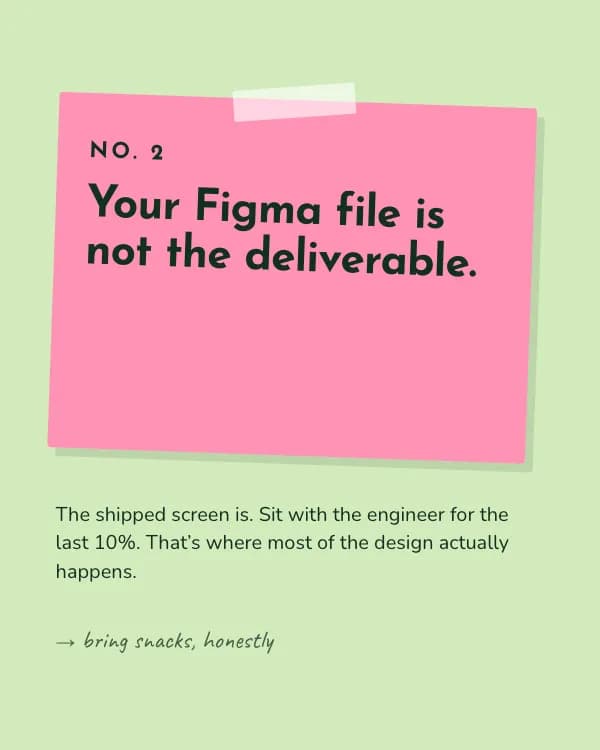
Your Figma file is not the deliverable.
The shipped screen is. Sit with the engineer for the last 10%. That’s where most of the design actually happens.
- Slide 4
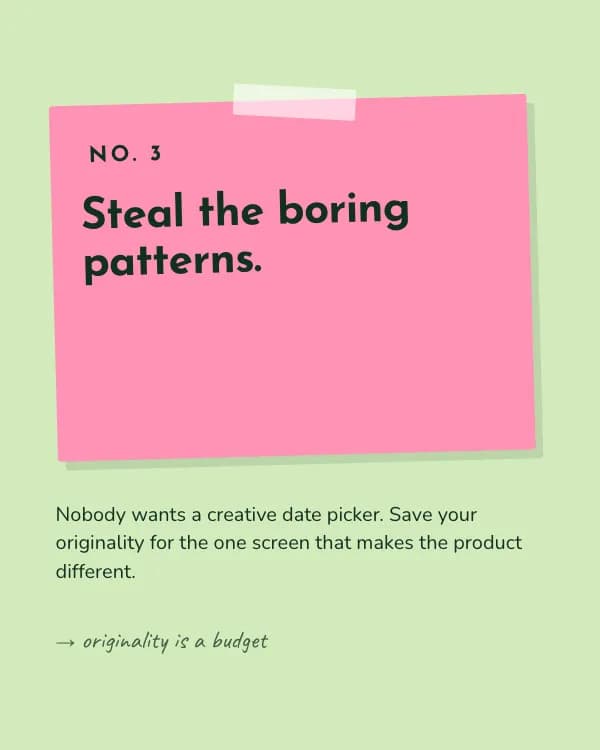
Steal the boring patterns.
Nobody wants a creative date picker. Save your originality for the one screen that makes the product different.
- Slide 5
Write before you draw.
A five-line brief of who, what, and why saves you three rounds of “this isn’t quite it”.
- Slide 6
Feedback is about the work, not you.
Ask “what problem do you see?” instead of defending. You’ll learn twice as fast and be invited back.
- Slide 7
What would you add for No. 6?
Tag a junior designer who needs this on their desk.
So nutzt du diese LinkedIn Vorlage
- Öffne sie im Editor mit „Vorlage nutzen“. Ohne Installation.
- Mach sie zu deiner: Gib dein Thema ein und lass die KI jede Slide in diesem Design mit passenden Fotos neu schreiben – oder ändere Texte, Fotos und Farben selbst.
- Exportiere in 1080 × 1350 (4:5) als PDF für einen LinkedIn-Dokument-Post und poste.