
plantilla de carrusel de negociación salarial para LinkedIn gratis
El guion para pedir aumento
Un guion palabra por palabra para negociar tu salario en LinkedIn, con una frase para decir por slide en una tarjeta de diálogo color ciruela.
- Plataforma
- Medidas
- 1080 × 1350 (4:5)
- Slides
- 7
- Precio
- Gratis
Se abre en el editor: describe tu tema y la IA reescribe cada slide con este diseño, o edítala tú mismo.
Qué hay en las slides
- Slide 1
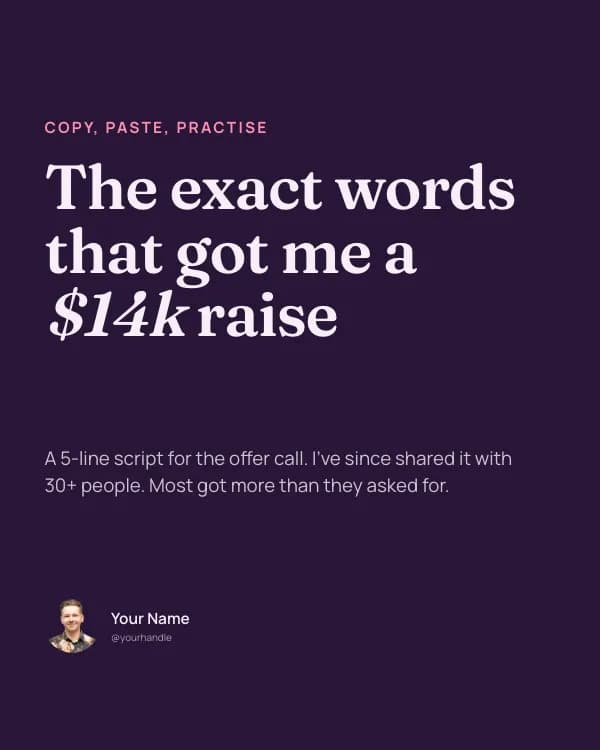
Copy, paste, practise
The exact words that got me a $14k raise
A 5-line script for the offer call. I’ve since shared it with 30+ people. Most got more than they asked for.
- Slide 2
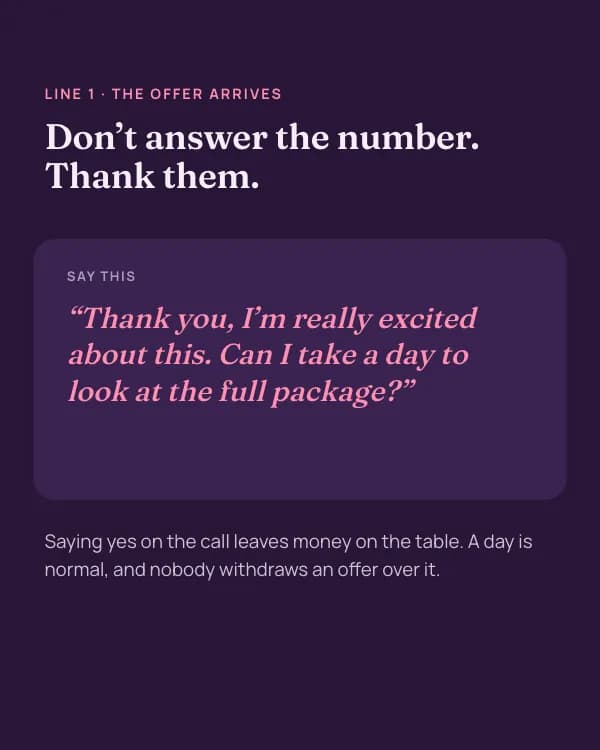
Line 1 · The offer arrives
Don’t answer the number. Thank them.
Say this
“Thank you, I’m really excited about this. Can I take a day to look at the full package?”
- Slide 3
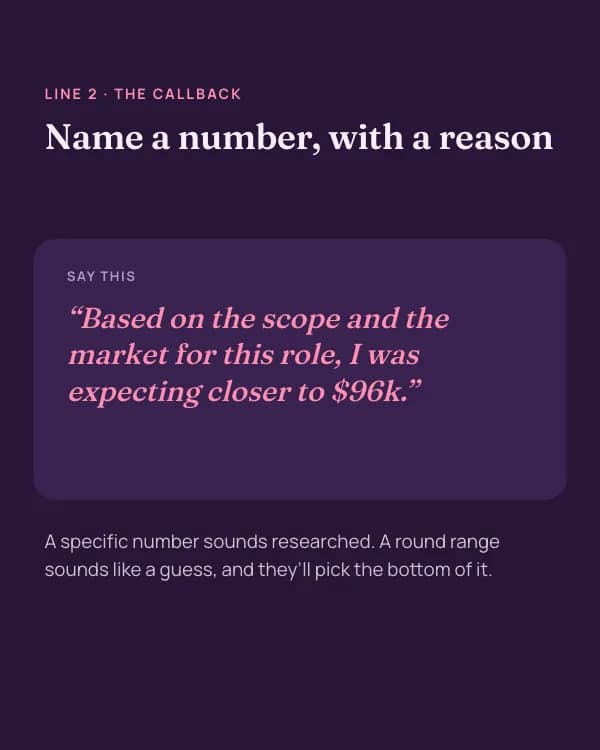
Line 2 · The callback
Name a number, with a reason
Say this
“Based on the scope and the market for this role, I was expecting closer to $96k.”
- Slide 4
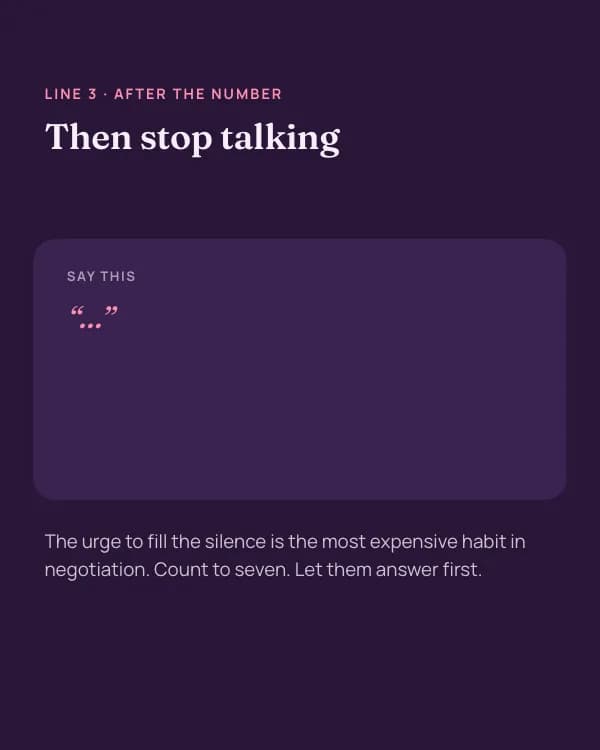
Line 3 · After the number
Then stop talking
Say this
“…”
- Slide 5
Line 4 · “That’s above our band”
Move the conversation, not your number
Say this
“I understand. If base is fixed, what flexibility is there on signing bonus, equity or the review date?”
- Slide 6
Five phrases that cost you money
“Whatever you think is fair”
“I’d accept anything around…”
“Sorry to ask, but…”
- Slide 7
Save this before your next offer
And tell me: what’s the hardest line for you to say out loud?
Cómo usar esta plantilla de LinkedIn
- Ábrela en el editor con “Usar esta plantilla”. Sin instalar nada.
- Hazla tuya: escribe tu tema y deja que la IA reescriba cada slide con este diseño y fotos que combinen, o cambia tú mismo los textos, las fotos y los colores.
- Exporta en 1080 × 1350 (4:5) como PDF para un post de documento en LinkedIn y publica.
Más plantillas de carrusel para LinkedIn
Ver todas →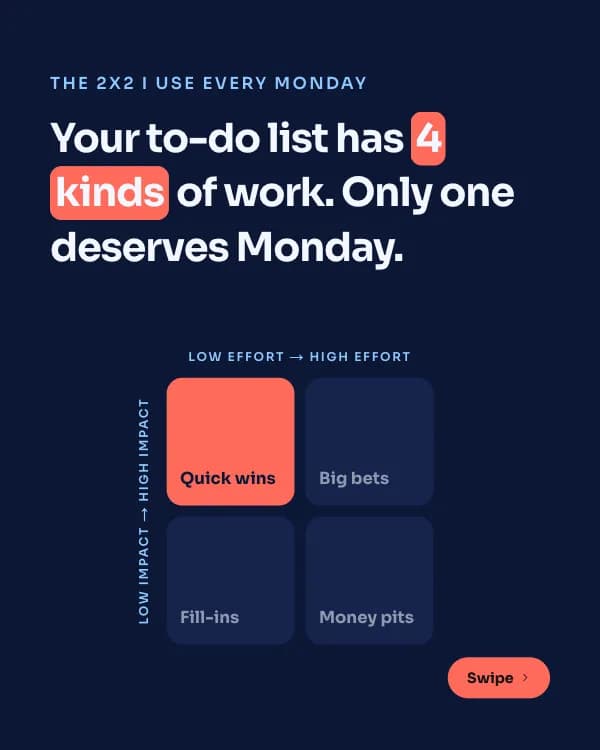
Matriz de Impacto
plantilla de carrusel de framework de priorización para LinkedIn

Lecciones de Años
plantilla de carrusel de lecciones de carrera para LinkedIn
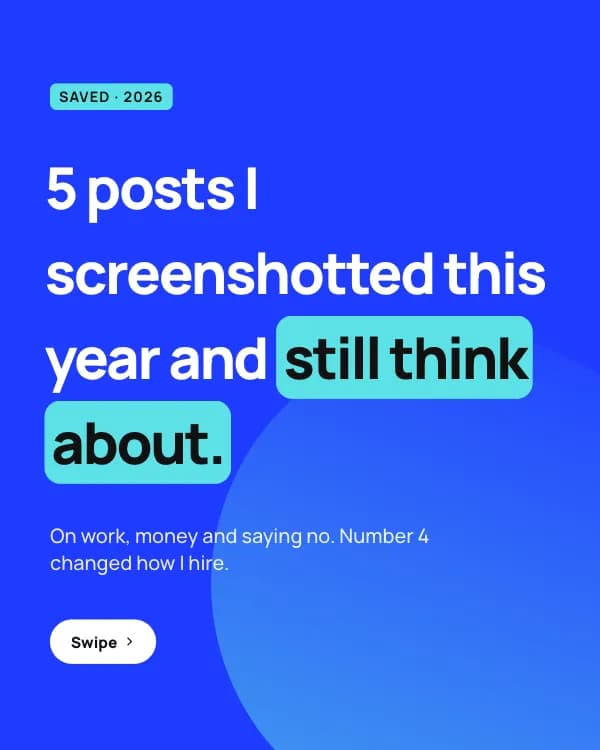
Posts Guardados
plantilla de carrusel de tarjetas de citas para LinkedIn
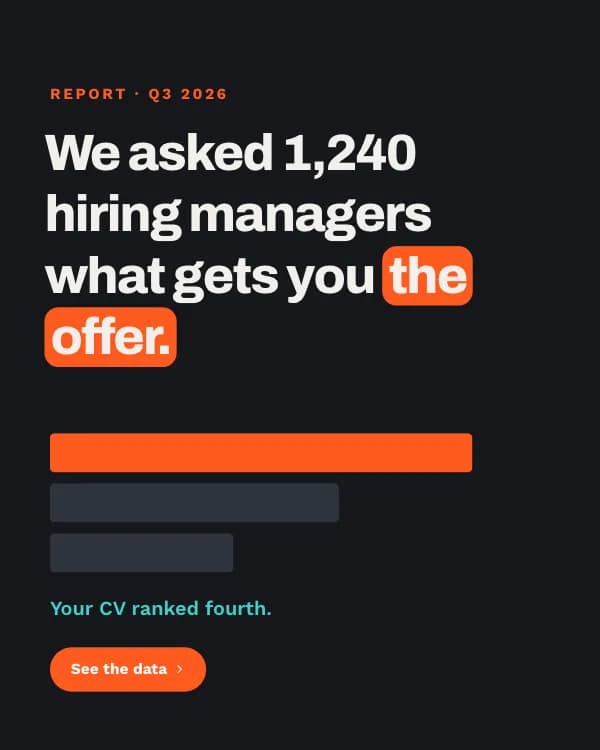
Informe de Contratación
plantilla de carrusel de datos de encuesta de contratación para LinkedIn