Kostenlose LinkedIn Gehaltsverhandlung Karussell-Vorlage
Das Gehalts-Skript
Ein Wort-für-Wort-Skript für die Gehaltsverhandlung auf LinkedIn: ein Satz zum Sagen pro Slide auf einer pflaumenfarbenen Sprechkarte.
- Plattform
- Größe
- 1080 × 1350 (4:5)
- Slides
- 7
- Preis
- Kostenlos
Öffnet sich im Editor: Beschreib dein Thema und die KI schreibt jede Slide in diesem Design neu – oder du bearbeitest sie selbst.
Das steht auf den Slides
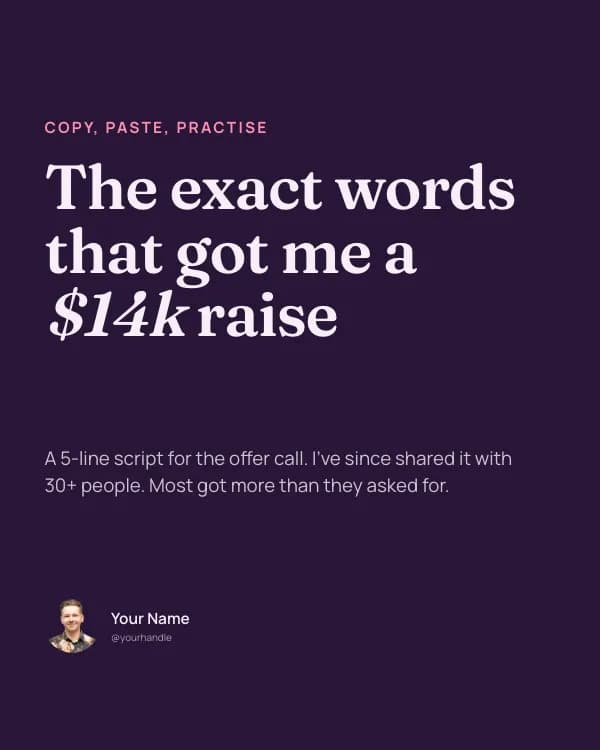
- Slide 1
Copy, paste, practise
The exact words that got me a $14k raise
A 5-line script for the offer call. I’ve since shared it with 30+ people. Most got more than they asked for.
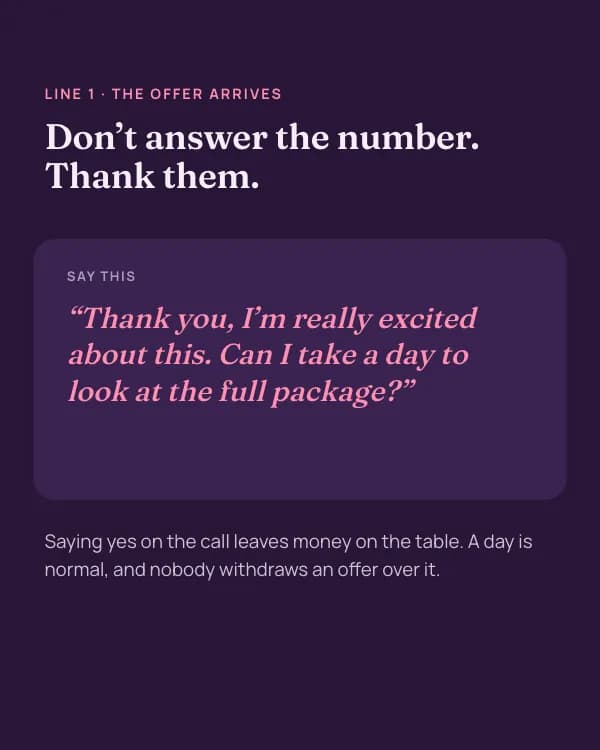
- Slide 2
Line 1 · The offer arrives
Don’t answer the number. Thank them.
Say this
“Thank you, I’m really excited about this. Can I take a day to look at the full package?”
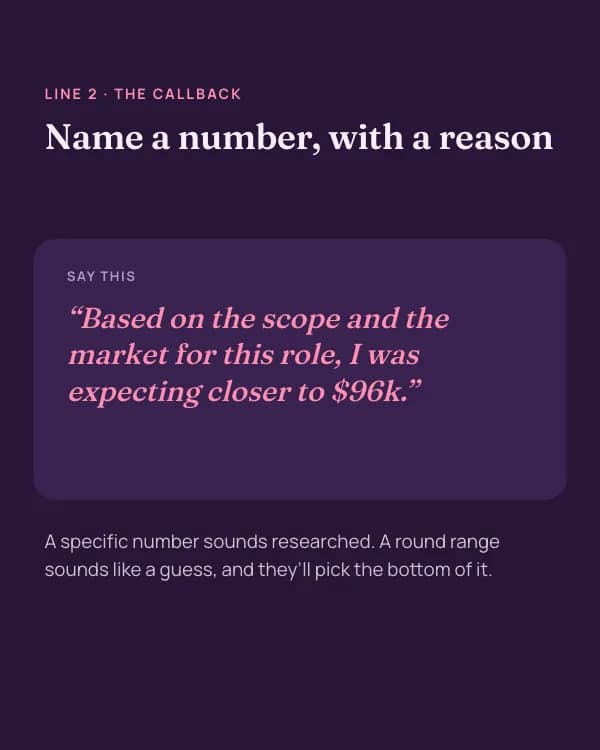
- Slide 3
Line 2 · The callback
Name a number, with a reason
Say this
“Based on the scope and the market for this role, I was expecting closer to $96k.”
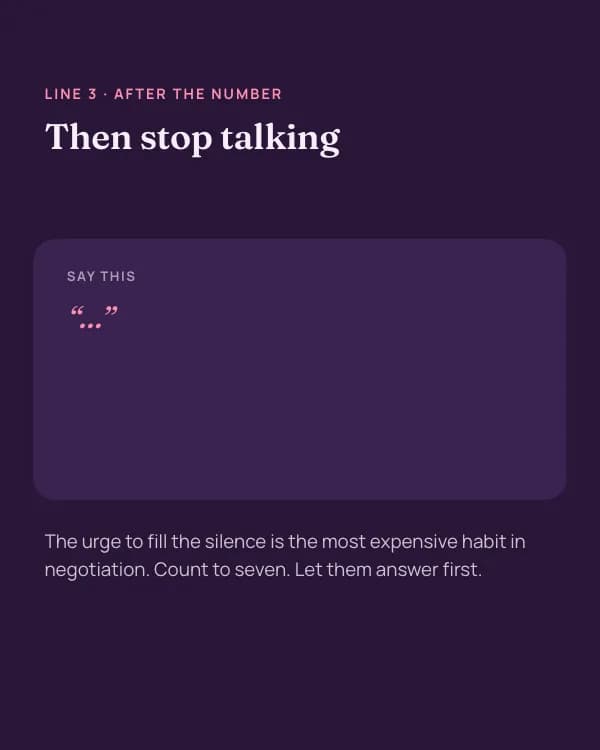
- Slide 4
Line 3 · After the number
Then stop talking
Say this
“…”
- Slide 5
Line 4 · “That’s above our band”
Move the conversation, not your number
Say this
“I understand. If base is fixed, what flexibility is there on signing bonus, equity or the review date?”
- Slide 6
Five phrases that cost you money
“Whatever you think is fair”
“I’d accept anything around…”
“Sorry to ask, but…”
- Slide 7
Save this before your next offer
And tell me: what’s the hardest line for you to say out loud?
So nutzt du diese LinkedIn Vorlage
- Öffne sie im Editor mit „Vorlage nutzen“. Ohne Installation.
- Mach sie zu deiner: Gib dein Thema ein und lass die KI jede Slide in diesem Design mit passenden Fotos neu schreiben – oder ändere Texte, Fotos und Farben selbst.
- Exportiere in 1080 × 1350 (4:5) als PDF für einen LinkedIn-Dokument-Post und poste.