Kostenlose Threads Produktivitäts-Shortcuts Karussell-Vorlage
Mach einen Screenshot
Ein Produktivitäts-Spickzettel zum Screenshotten: Jedes Kürzel als weiße Tasten neben seiner Funktion.
- Plattform
- Threads
- Größe
- 1080 × 1350 (4:5)
- Slides
- 5
- Preis
- Kostenlos
Öffnet sich im Editor: Beschreib dein Thema und die KI schreibt jede Slide in diesem Design neu – oder du bearbeitest sie selbst.
Das steht auf den Slides
- Slide 1
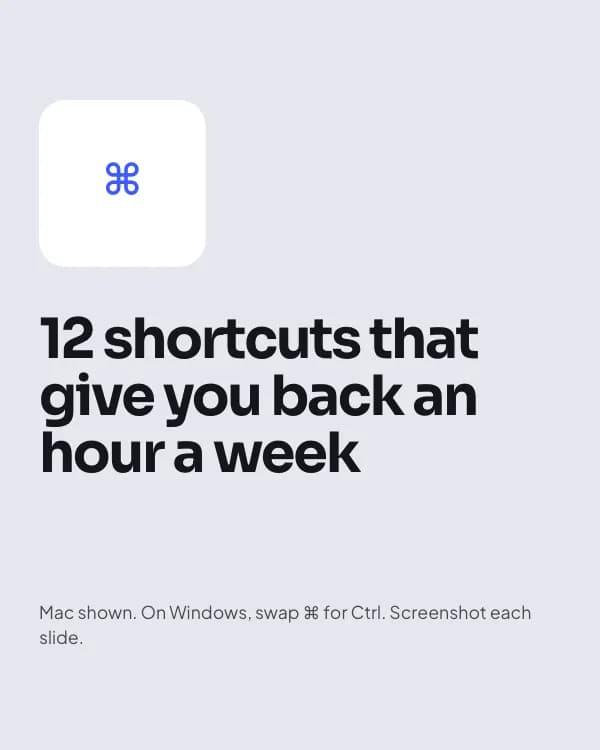
12 shortcuts that give you back an hour a week
Mac shown. On Windows, swap ⌘ for Ctrl. Screenshot each slide.
- Slide 2
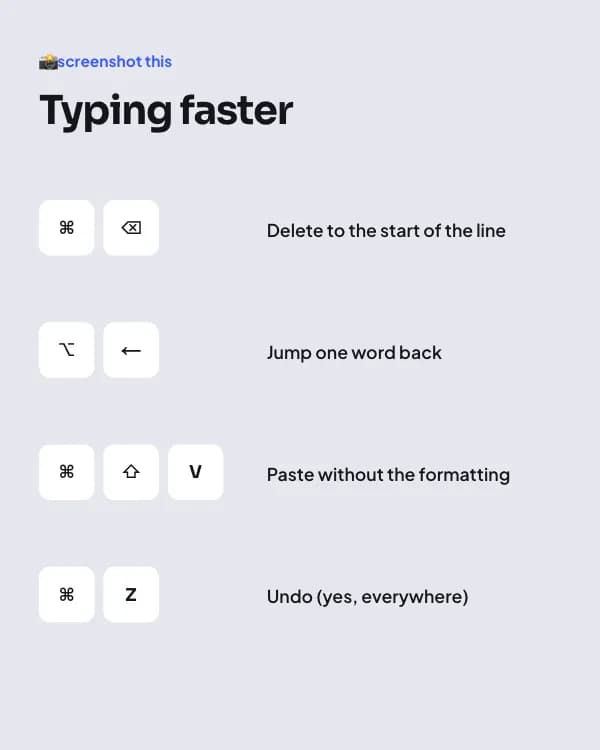
📸 screenshot this
Typing faster
Delete to the start of the line
Jump one word back
- Slide 3
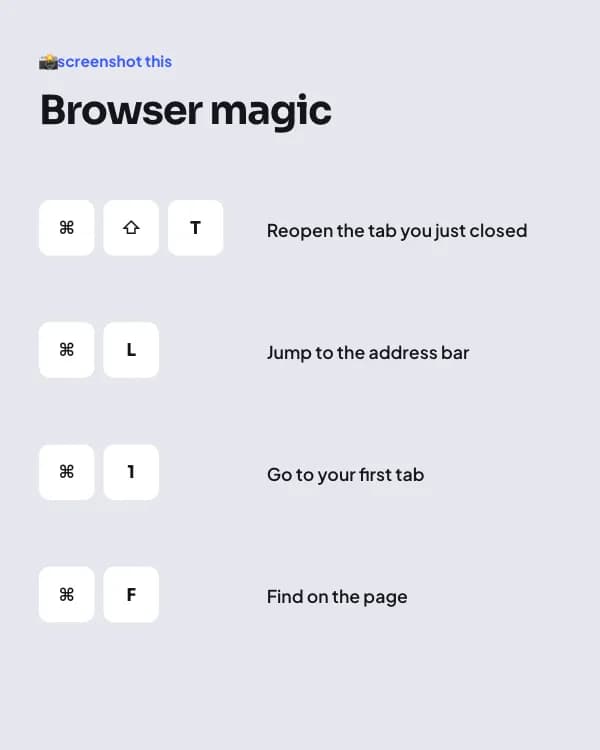
📸 screenshot this
Browser magic
Reopen the tab you just closed
Jump to the address bar
- Slide 4
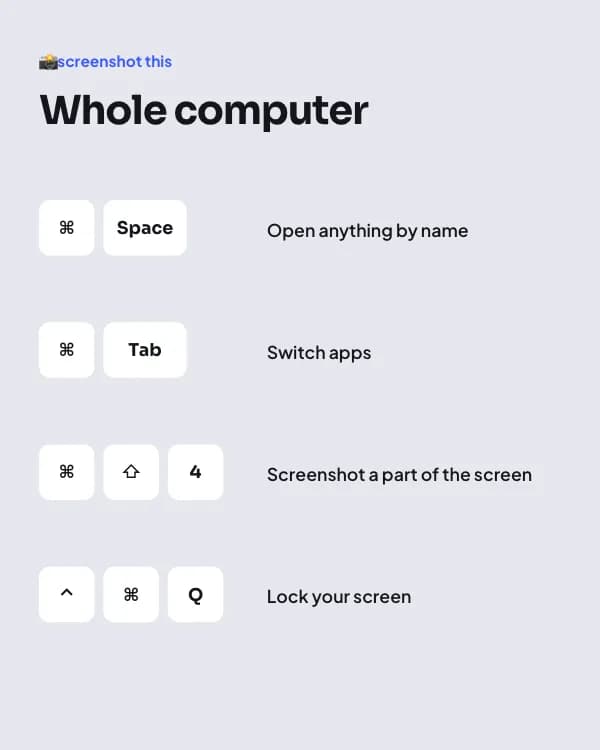
📸 screenshot this
Whole computer
Open anything by name
Switch apps
- Slide 5
What’s the one shortcut you can’t live without?
Reply with it. I’ll make part 2 from your answers.
So nutzt du diese Threads Vorlage
- Öffne sie im Editor mit „Vorlage nutzen“. Ohne Installation.
- Mach sie zu deiner: Gib dein Thema ein und lass die KI jede Slide in diesem Design mit passenden Fotos neu schreiben – oder ändere Texte, Fotos und Farben selbst.
- Exportiere in 1080 × 1350 (4:5), ein Bild pro Slide und poste.