Kostenlose LinkedIn Fragen fürs Vorstellungsgespräch Karussell-Vorlage
Interviewfragen
Recruiting-Tipps als Karussell: jede Interviewfrage in einer pinken Sprechblase mit schwarzem „Darauf achten“-Feld. Rosé, Tinte und Limette in Lexend und Plus Jakarta Sans.
- Plattform
- Größe
- 1080 × 1350 (4:5)
- Slides
- 7
- Preis
- Kostenlos
Öffnet sich im Editor: Beschreib dein Thema und die KI schreibt jede Slide in diesem Design neu – oder du bearbeitest sie selbst.
Das steht auf den Slides
- Slide 1
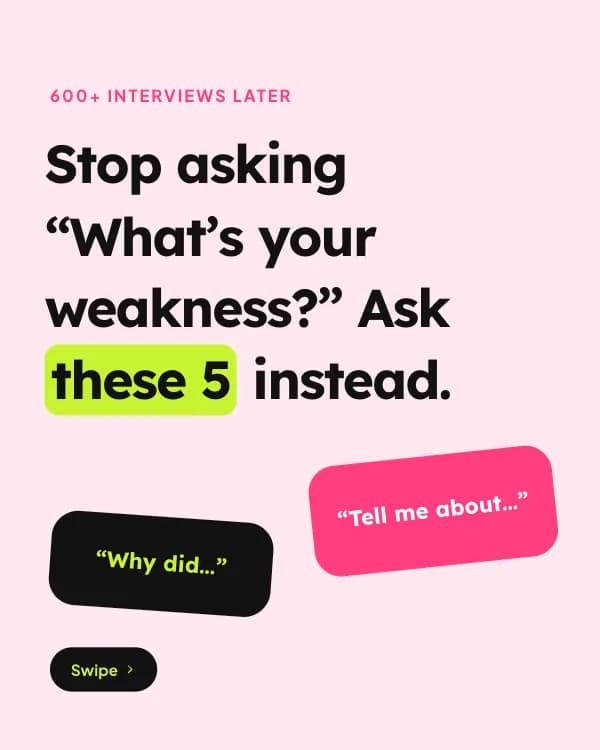
600+ interviews later
Stop asking “What’s your weakness?” Ask these 5 instead.
- Slide 2
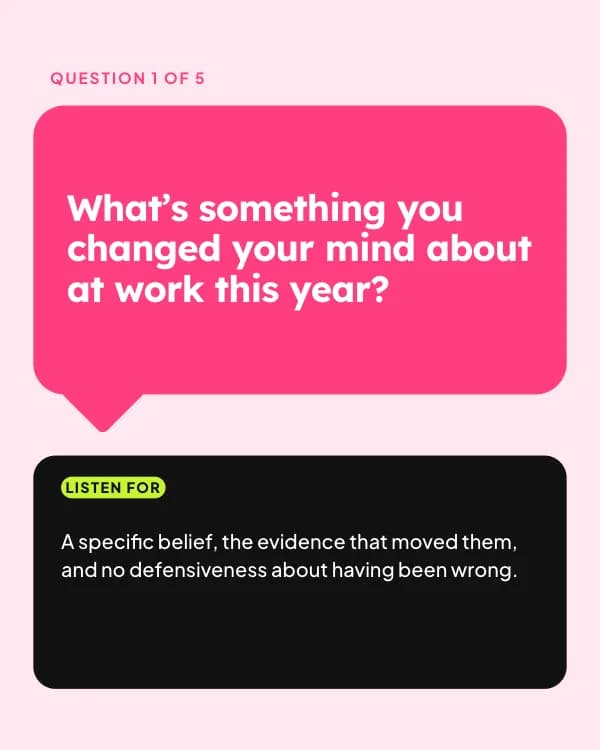
Question 1 of 5
What’s something you changed your mind about at work this year?
A specific belief, the evidence that moved them, and no defensiveness about having been wrong.
- Slide 3
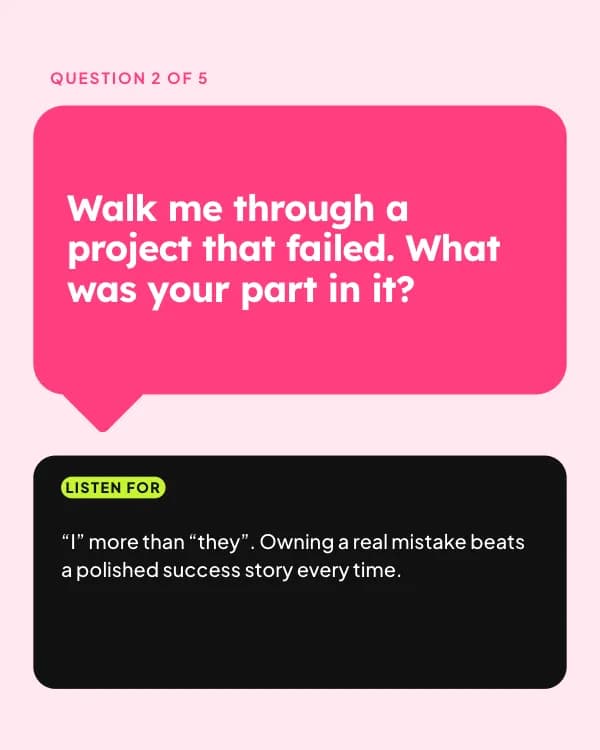
Question 2 of 5
Walk me through a project that failed. What was your part in it?
“I” more than “they”. Owning a real mistake beats a polished success story every time.
- Slide 4
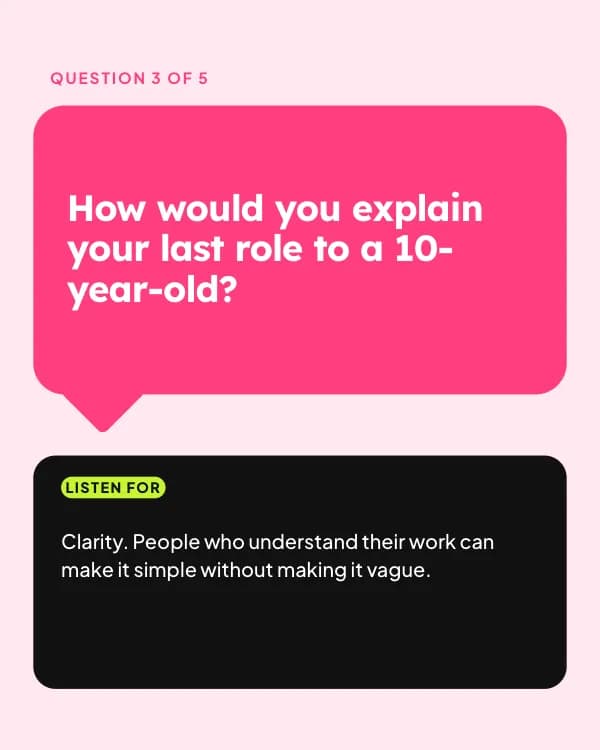
Question 3 of 5
How would you explain your last role to a 10-year-old?
Clarity. People who understand their work can make it simple without making it vague.
- Slide 5
Question 4 of 5
What did you do in your first week at your last job?
Did they meet people, ask questions and find a small win, or wait to be told what to do?
- Slide 6
Question 5 of 5
What would you want to know about us before saying yes?
Sharp questions about the team and the hard problems, not only salary and perks.
- Slide 7
What’s the best question you’ve been asked?
Share it below. Hiring managers, steal these for Monday.
So nutzt du diese LinkedIn Vorlage
- Öffne sie im Editor mit „Vorlage nutzen“. Ohne Installation.
- Mach sie zu deiner: Gib dein Thema ein und lass die KI jede Slide in diesem Design mit passenden Fotos neu schreiben – oder ändere Texte, Fotos und Farben selbst.
- Exportiere in 1080 × 1350 (4:5) als PDF für einen LinkedIn-Dokument-Post und poste.