
modello di carosello LinkedIn guida pratica gratis
Il post 3-2-1
Un metodo pratico per LinkedIn: una regola per slide con un numero gigante color ambra, una tabella prima/dopo e una checklist da salvare.
- Piattaforma
- Dimensioni
- 1080 × 1350 (4:5)
- Slide
- 7
- Prezzo
- Gratis
Si apre nell'editor: descrivi il tuo argomento e l'IA riscrive ogni slide con questo design, oppure modificalo tu.


Cosa c'è nelle slide
- Slide 1
The 3-2-1 post
Write a LinkedIn post in 10 minutes
The framework I’ve used for 200+ posts. Save it for your next blank page.
- Slide 2
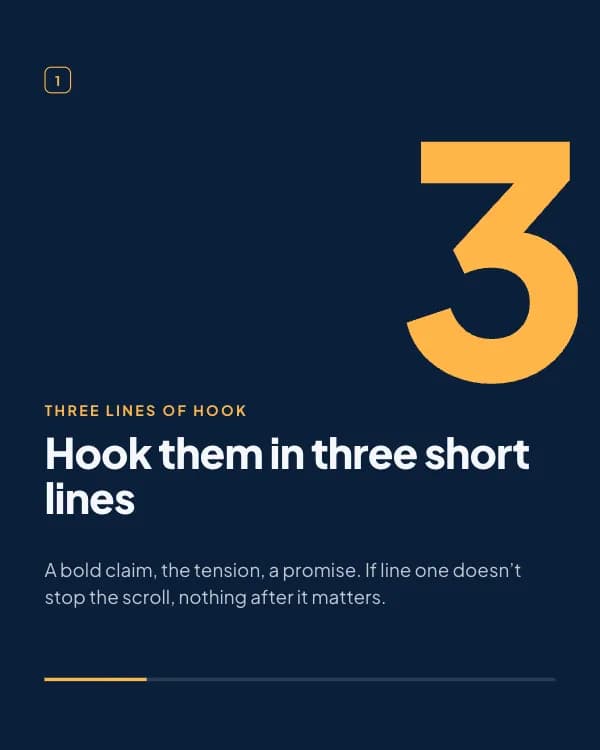
Three lines of hook
Hook them in three short lines
A bold claim, the tension, a promise. If line one doesn’t stop the scroll, nothing after it matters.
- Slide 3
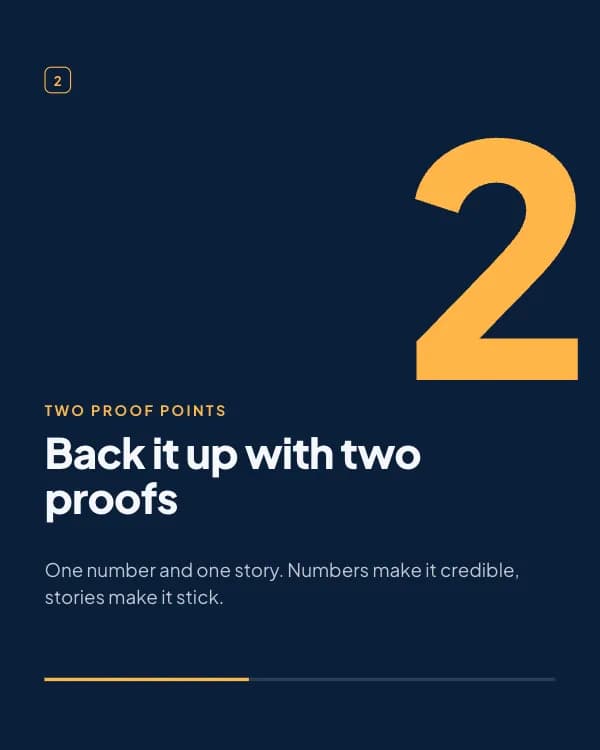
Two proof points
Back it up with two proofs
One number and one story. Numbers make it credible, stories make it stick.
- Slide 4
One question
End on one real question
Not “thoughts?”. Ask something only your reader can answer, and the comments write themselves.
- Slide 5
Same idea, two hooks
- Slide 6
Before you hit post
Line one works on its own
One number, one story
Short lines, lots of air
- Slide 7
Try it on your next post
Then tag me. I’ll read it and tell you which line I’d cut.
Come usare questo modello per LinkedIn
- Aprilo nell'editor con “Usa questo modello”. Niente da installare.
- Personalizzalo: scrivi il tuo argomento e lascia che l'IA riscriva ogni slide con questo design e foto abbinate, oppure cambia tu testi, foto e colori.
- Esporta in 1080 × 1350 (4:5) come PDF per un post documento su LinkedIn e pubblica.
Altri modelli di carosello per LinkedIn
Vedi tutti →
Matrice d’impatto
modello di carosello LinkedIn framework di prioritizzazione

Lezioni di anni
modello di carosello LinkedIn lezioni di carriera

Post salvati
modello di carosello LinkedIn card di citazioni

Report sulle assunzioni
modello di carosello LinkedIn dati sondaggio assunzioni