
plantilla de carrusel de fotos de historia en mensajes de texto para TikTok gratis
Chat con papá
Una historia en capturas contada en un chat estilo iMessage: encabezado de contacto, horas, burbujas grises y azules, y cada mensaje editable.
- Plataforma
- TikTok
- Medidas
- 1080 × 1920 (9:16)
- Slides
- 6
- Precio
- Gratis
Se abre en el editor: describe tu tema y la IA reescribe cada slide con este diseño, o edítala tú mismo.
Qué hay en las slides
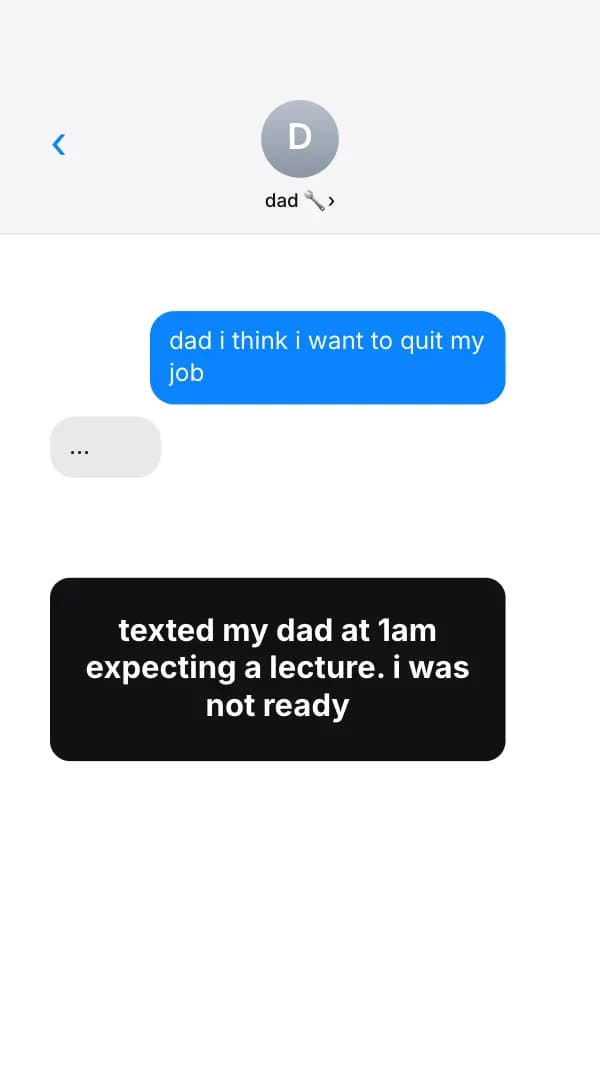
- Slide 1
dad i think i want to quit my job
…
texted my dad at 1am expecting a lecture. i was not ready
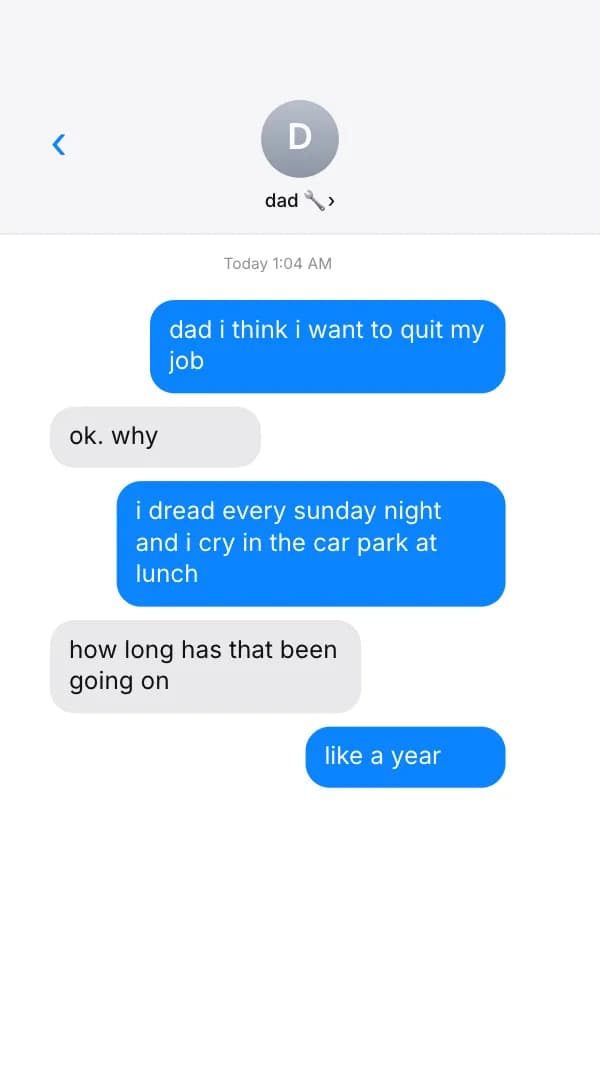
- Slide 2
dad i think i want to quit my job
ok. why
i dread every sunday night and i cry in the car park at lunch
how long has that been going on
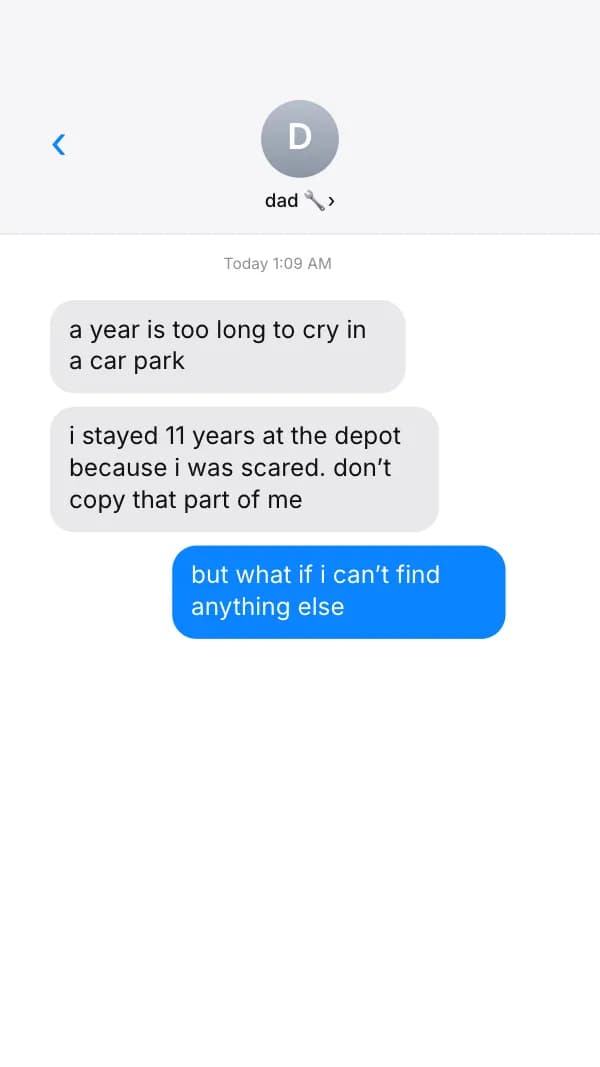
- Slide 3
a year is too long to cry in a car park
i stayed 11 years at the depot because i was scared. don’t copy that part of me
but what if i can’t find anything else
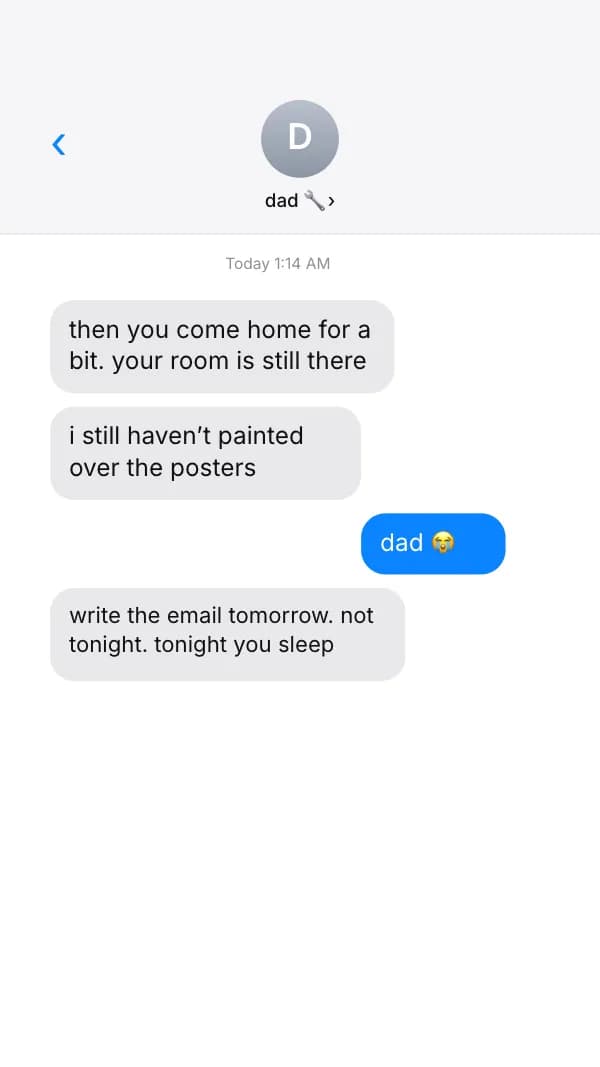
- Slide 4
then you come home for a bit. your room is still there
i still haven’t painted over the posters
dad 😭
write the email tomorrow. not tonight. tonight you sleep
- Slide 5
and kid
proud of you for saying it out loud. that’s the hardest bit
love you ❤️
love you too. go to bed
- Slide 6
i handed my notice in two weeks later. he drove 3 hours to help me move.
send this to the person who’d text you back like this
Cómo usar esta plantilla de TikTok
- Ábrela en el editor con “Usar esta plantilla”. Sin instalar nada.
- Hazla tuya: escribe tu tema y deja que la IA reescriba cada slide con este diseño y fotos que combinen, o cambia tú mismo los textos, las fotos y los colores.
- Exporta en 1080 × 1920 (9:16), una imagen por slide y publica.
Más plantillas de carrusel para TikTok
Ver todas →
Sin pagar alquiler
plantilla de carrusel de fotos de pensamientos que viven en mi cabeza para TikTok
Hear Me Out
plantilla de carrusel de fotos de hear me out para TikTok
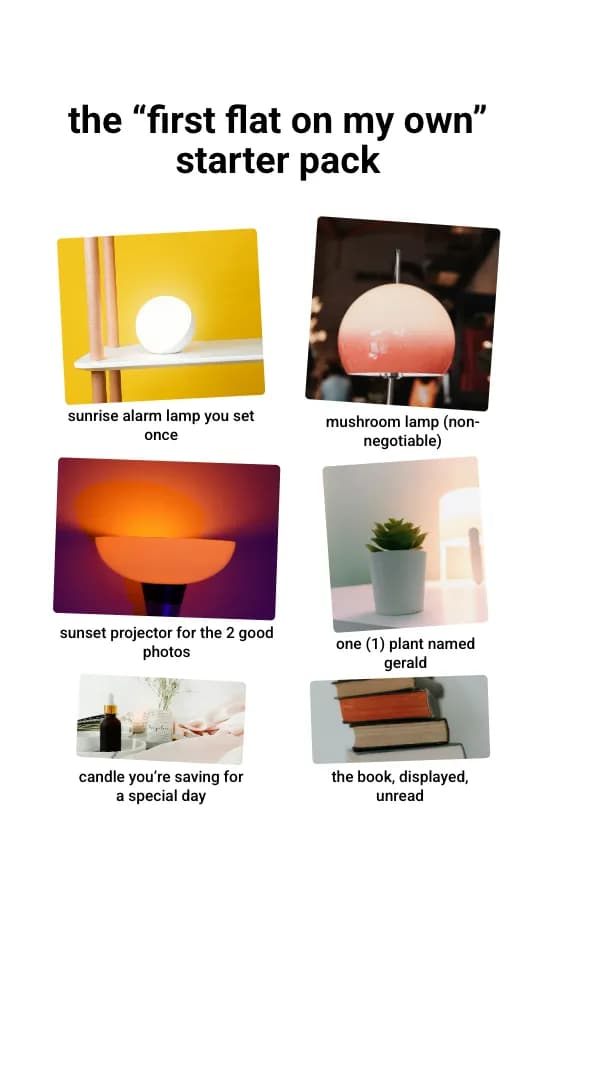
Starter Pack
plantilla de carrusel de fotos de starter pack para TikTok
Ticket del haul
plantilla de carrusel de fotos de reseña de haul para TikTok