Kostenlose Instagram Checkliste Hochzeitsplanung Karussell-Vorlage
Hochzeits-Countdown
Eine Checkliste für die Hochzeitsplanung als Countdown für Instagram: ein goldenes Siegel pro Meilenstein, abgehakte To-dos, Fotos von der Feier, in Mitternachtsblau und Elfenbein.
- Plattform
- Größe
- 1080 × 1350 (4:5)
- Slides
- 7
- Preis
- Kostenlos
Öffnet sich im Editor: Beschreib dein Thema und die KI schreibt jede Slide in diesem Design neu – oder du bearbeitest sie selbst.
Das steht auf den Slides
- Slide 1
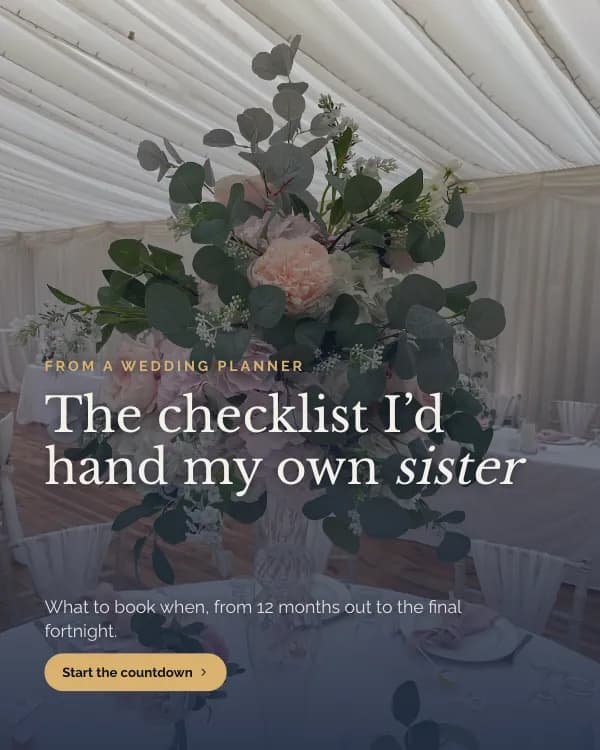
From a wedding planner
The checklist I’d hand my own sister
What to book when, from 12 months out to the final fortnight.
- Slide 2
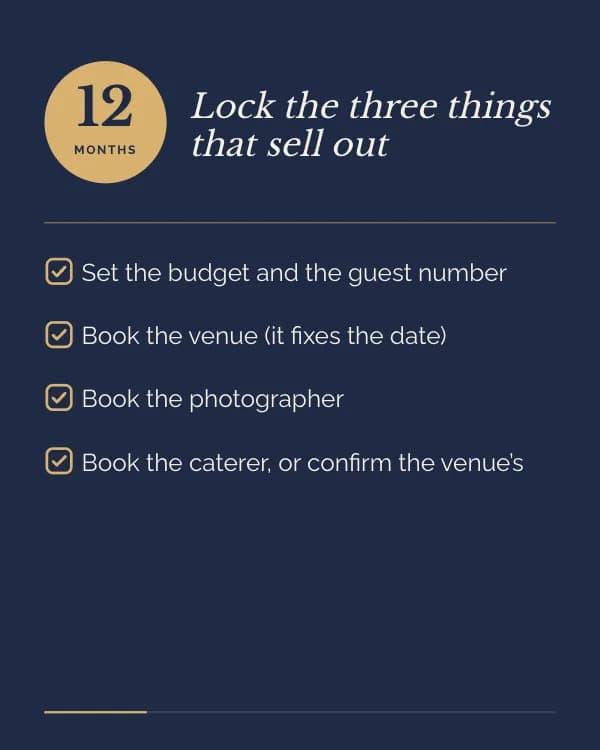
Lock the three things that sell out
Set the budget and the guest number
Book the venue (it fixes the date)
Book the photographer
- Slide 3
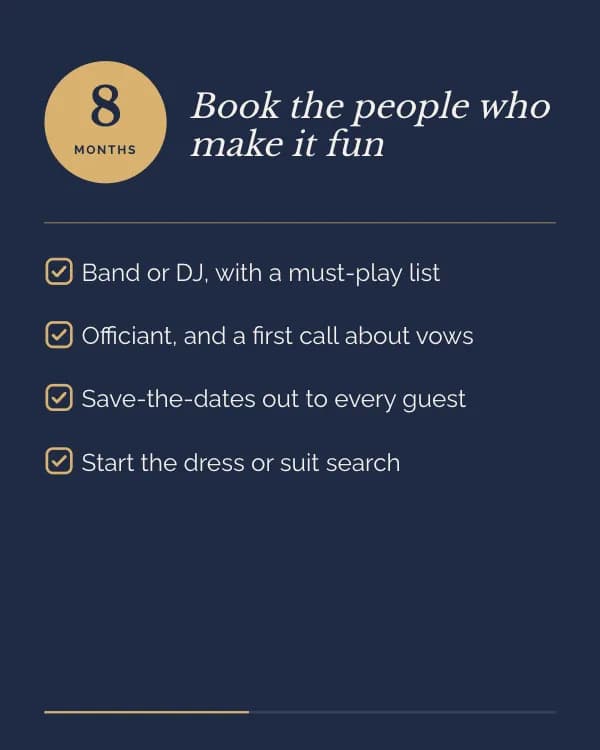
Book the people who make it fun
Band or DJ, with a must-play list
Officiant, and a first call about vows
Save-the-dates out to every guest
- Slide 4
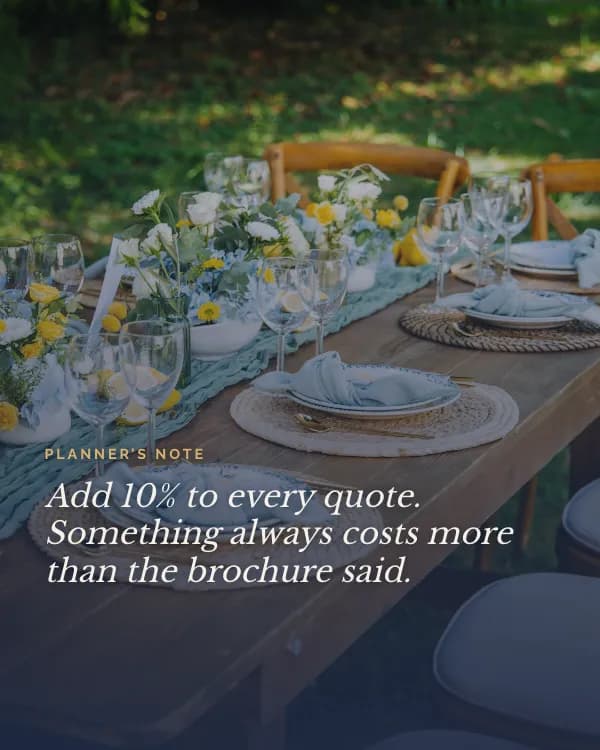
Planner’s note
Add 10% to every quote. Something always costs more than the brochure said.
- Slide 5
Make the details real
Send invitations with an RSVP date
Order the cake after a tasting
Book hair and makeup trials
- Slide 6
Hand it over, then rest
Final numbers to the caterer
Seating plan printed, twice
A run-of-day sheet for every supplier
- Slide 7
How many months do you have?
Tell me your date and I’ll tell you what to book this week.
So nutzt du diese Instagram Vorlage
- Öffne sie im Editor mit „Vorlage nutzen“. Ohne Installation.
- Mach sie zu deiner: Gib dein Thema ein und lass die KI jede Slide in diesem Design mit passenden Fotos neu schreiben – oder ändere Texte, Fotos und Farben selbst.
- Exportiere in 1080 × 1350 (4:5), ein Bild pro Slide und poste.