Kostenlose Threads KI-Prompts Karussell-Vorlage
KI-Prompts, die wirken
KI-Prompts zum Kopieren, jeder in einer leuchtenden Chatbox mit markierten Lücken, dazu ein Satz, warum er funktioniert, und ein Outro zum Teilen.
- Plattform
- Threads
- Größe
- 1080 × 1350 (4:5)
- Slides
- 6
- Preis
- Kostenlos
Öffnet sich im Editor: Beschreib dein Thema und die KI schreibt jede Slide in diesem Design neu – oder du bearbeitest sie selbst.
Das steht auf den Slides
- Slide 1
4 AI prompts that actually work.
Copy, paste, fill the brackets. Save this.
- Slide 2
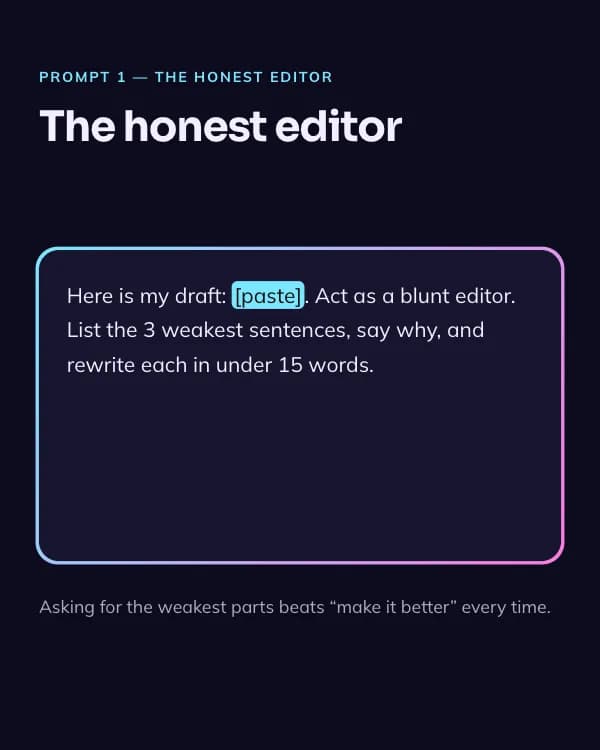
The honest editor
Here is my draft: [paste]. Act as a blunt editor. List the 3 weakest sentences, say why, and rewrite each in under 15 words.
Asking for the weakest parts beats “make it better” every time.
- Slide 3
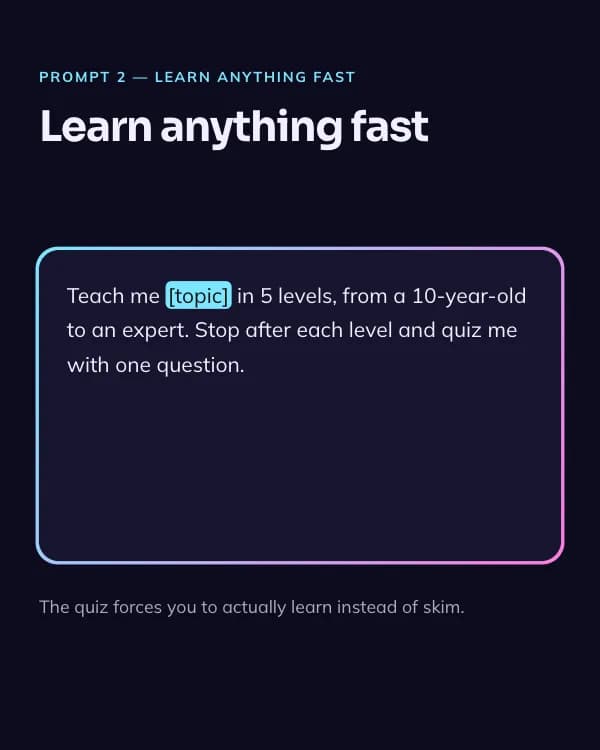
Learn anything fast
Teach me [topic] in 5 levels, from a 10-year-old to an expert. Stop after each level and quiz me with one question.
The quiz forces you to actually learn instead of skim.
- Slide 4
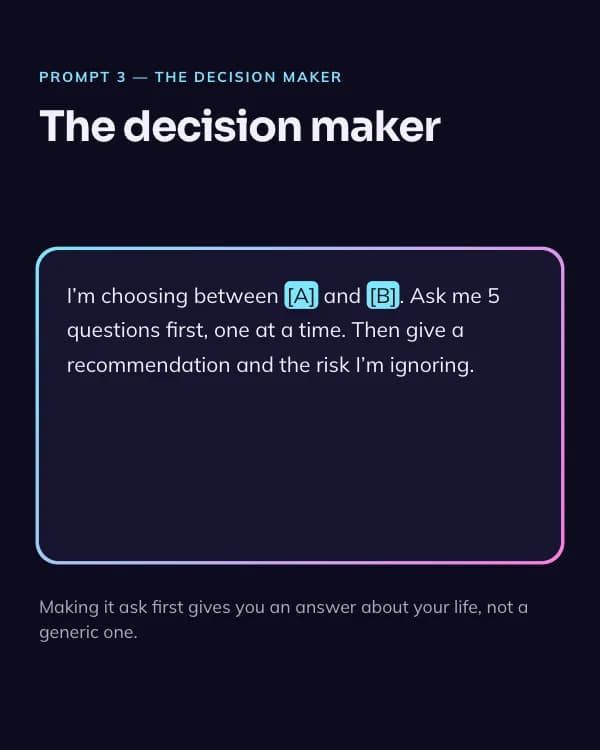
The decision maker
I’m choosing between [A] and [B]. Ask me 5 questions first, one at a time. Then give a recommendation and the risk I’m ignoring.
Making it ask first gives you an answer about your life, not a generic one.
- Slide 5
Reply for me
Draft a reply to this message: [paste]. Tone: warm but firm. Keep it under 80 words. Give me 2 versions.
Two versions means you pick, and it still sounds like you.
- Slide 6
What’s your best prompt?
Share it below. I’ll test the top 5 and post results.
So nutzt du diese Threads Vorlage
- Öffne sie im Editor mit „Vorlage nutzen“. Ohne Installation.
- Mach sie zu deiner: Gib dein Thema ein und lass die KI jede Slide in diesem Design mit passenden Fotos neu schreiben – oder ändere Texte, Fotos und Farben selbst.
- Exportiere in 1080 × 1350 (4:5), ein Bild pro Slide und poste.