Kostenlose LinkedIn Cold-Outreach-Skript Karussell-Vorlage
Outreach-Skript
Die Cold-DM-Sequenz, die Calls bringt, Wort für Wort: jede Nachricht in einer Chatblase mit dem Grund, warum sie wirkt. Navy, Himmelblau und Koralle in Sora.
- Plattform
- Größe
- 1080 × 1350 (4:5)
- Slides
- 6
- Preis
- Kostenlos
Öffnet sich im Editor: Beschreib dein Thema und die KI schreibt jede Slide in diesem Design neu – oder du bearbeitest sie selbst.
Das steht auf den Slides
- Slide 1
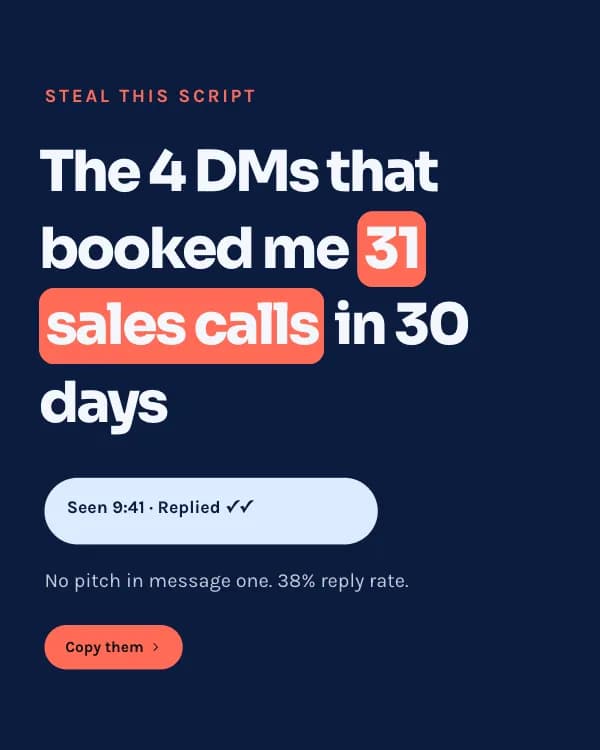
Steal this script
The 4 DMs that booked me 31 sales calls in 30 days
No pitch in message one. 38% reply rate.
- Slide 2
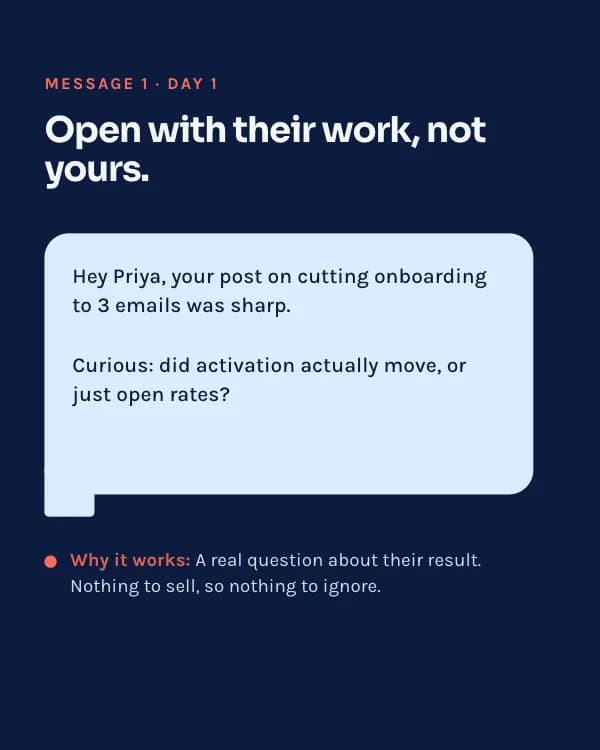
Message 1 · Day 1
Open with their work, not yours.
Hey Priya, your post on cutting onboarding to 3 emails was sharp. Curious: did activation actually move, or just open rates?
Why it works: A real question about their result. Nothing to sell, so nothing to ignore.
- Slide 3
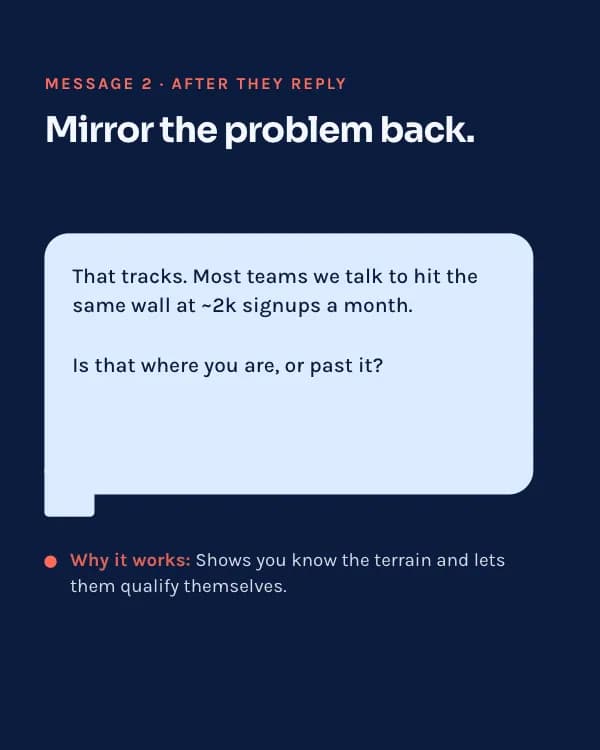
Message 2 · After they reply
Mirror the problem back.
That tracks. Most teams we talk to hit the same wall at ~2k signups a month. Is that where you are, or past it?
Why it works: Shows you know the terrain and lets them qualify themselves.
- Slide 4
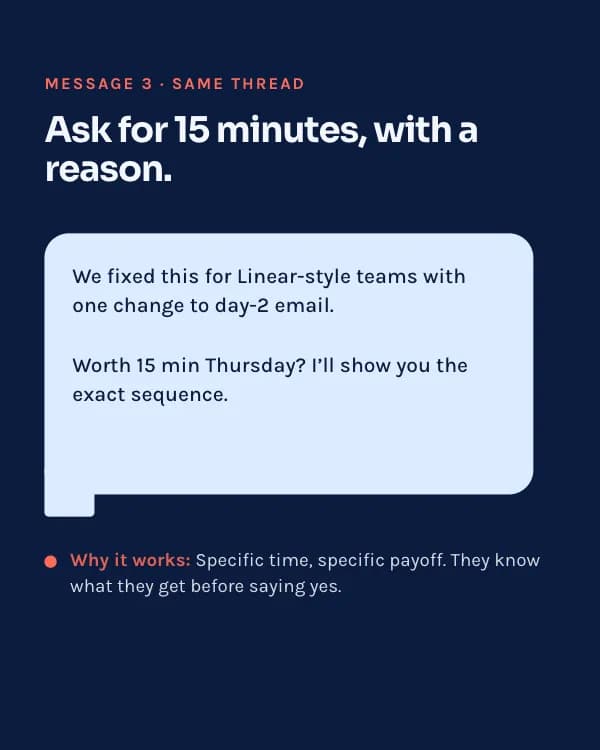
Message 3 · Same thread
Ask for 15 minutes, with a reason.
We fixed this for Linear-style teams with one change to day-2 email. Worth 15 min Thursday? I’ll show you the exact sequence.
Why it works: Specific time, specific payoff. They know what they get before saying yes.
- Slide 5
Message 4 · Day 5, no reply
The one follow-up that works.
No worries if the timing’s off. Want me to just send the sequence? No call needed.
Why it works: Gives value with zero ask. Half my booked calls came from this one.
- Slide 6
Want my full 12-message swipe file?
Comment “SCRIPT” and I’ll DM it to you. Free, no email gate.
So nutzt du diese LinkedIn Vorlage
- Öffne sie im Editor mit „Vorlage nutzen“. Ohne Installation.
- Mach sie zu deiner: Gib dein Thema ein und lass die KI jede Slide in diesem Design mit passenden Fotos neu schreiben – oder ändere Texte, Fotos und Farben selbst.
- Exportiere in 1080 × 1350 (4:5) als PDF für einen LinkedIn-Dokument-Post und poste.