Kostenlose TikTok RedTok-Drama erklärt Slideshow-Vorlage
Internet-Drama erklärt
Eine RedTok-Drama-Analyse für TikTok: ein fiktiver Bäckerei-Streit, erzählt mit Beweiskarten im Screenshot-Stil, einer Timeline und einem „Wer hatte recht?“.
- Plattform
- TikTok
- Größe
- 1080 × 1920 (9:16)
- Slides
- 8
- Preis
- Kostenlos
Öffnet sich im Editor: Beschreib dein Thema und die KI schreibt jede Slide in diesem Design neu – oder du bearbeitest sie selbst.
Das steht auf den Slides
- Slide 1
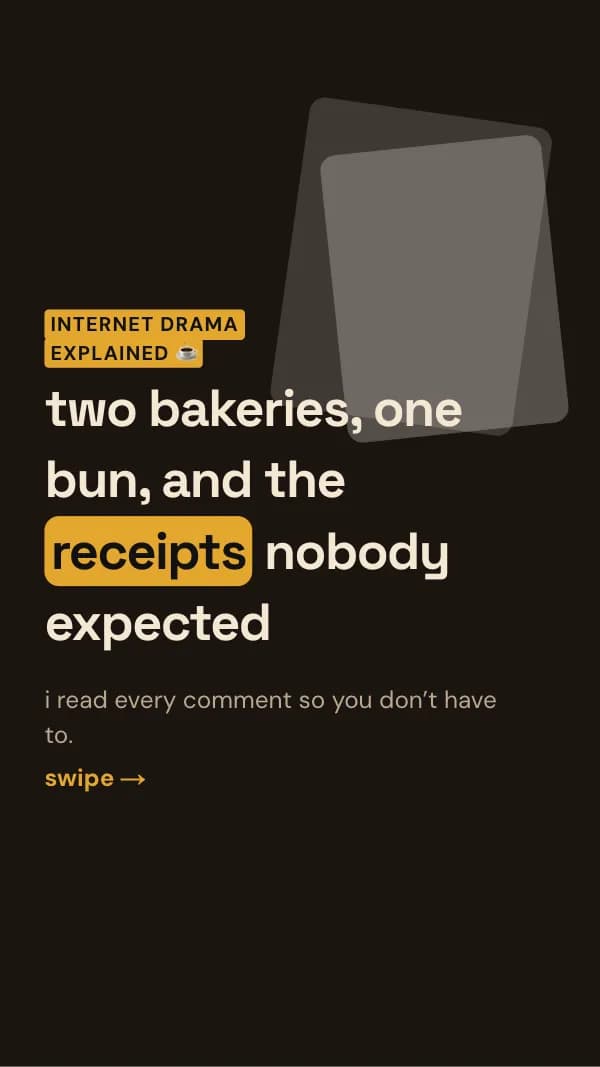
internet drama explained ☕
two bakeries, one bun, and the receipts nobody expected
i read every comment so you don’t have to.
- Slide 2
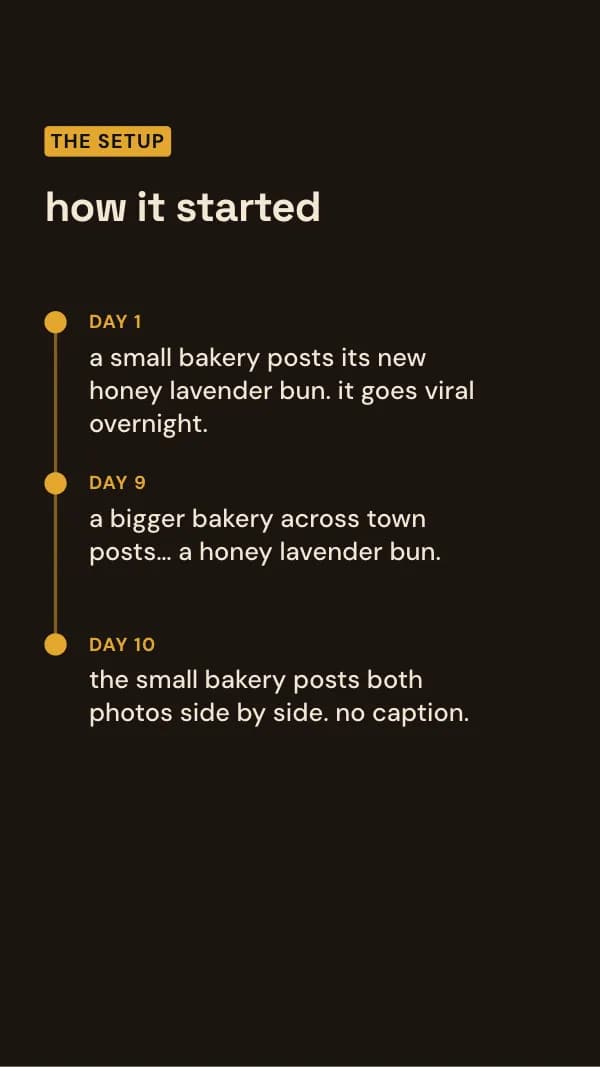
the setup
how it started
a small bakery posts its new honey lavender bun. it goes viral overnight.
a bigger bakery across town posts… a honey lavender bun.
- Slide 3
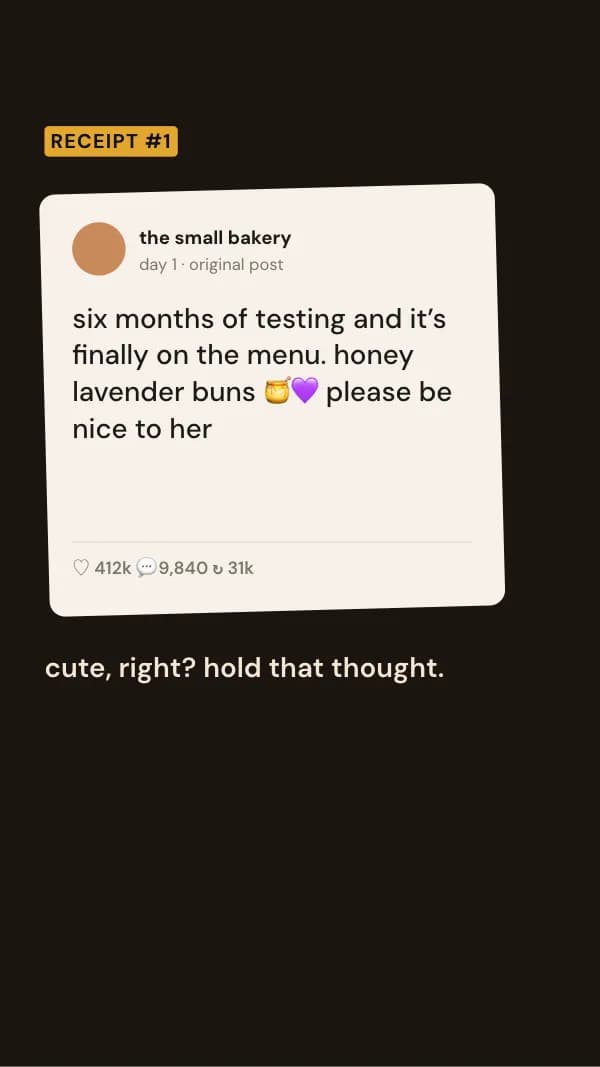
receipt #1
six months of testing and it’s finally on the menu. honey lavender buns 🍯💜 please be nice to her
cute, right? hold that thought.
- Slide 4
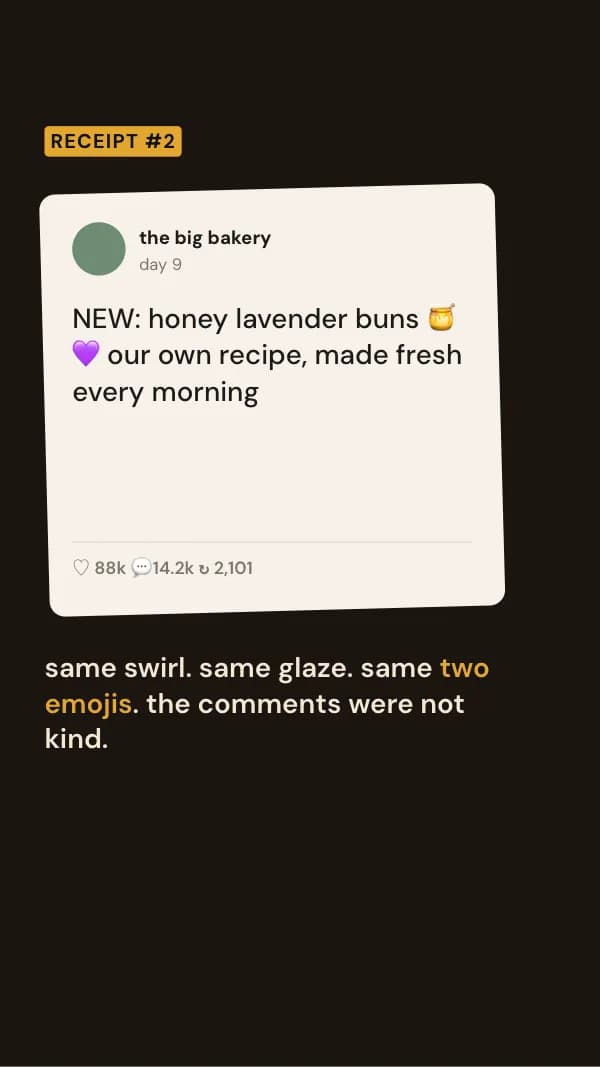
receipt #2
NEW: honey lavender buns 🍯💜 our own recipe, made fresh every morning
same swirl. same glaze. same two emojis. the comments were not kind.
- Slide 5
receipt #3
“our own recipe” is wild when your pastry chef messaged us last month asking how we laminate it
and she posted the message. this is where people picked sides.
- Slide 6
receipt #4
we asked because we were stuck. the flavour came from a 1990s community cookbook. page attached.
plot twist: the cookbook is real, and the small bakery’s bun is in it too.
- Slide 7
where it landed
how it ended
the small bakery says it adapted the cookbook recipe, but the swirl is theirs.
the big bakery apologises for the caption and changes the shape.
- Slide 8
so… who was right?
A: the small bakery B: the big bakery C: honestly, the cookbook
comment A, B or C
So nutzt du diese TikTok Vorlage
- Öffne sie im Editor mit „Vorlage nutzen“. Ohne Installation.
- Mach sie zu deiner: Gib dein Thema ein und lass die KI jede Slide in diesem Design mit passenden Fotos neu schreiben – oder ändere Texte, Fotos und Farben selbst.
- Exportiere in 1080 × 1920 (9:16), ein Bild pro Slide und poste.