Kostenlose TikTok BlueTok-Wissenschaft erklärt Slideshow-Vorlage
Erklär’s mir, als wär ich 5
Ein BlueTok-Wissenschaftspost für TikTok: eine große Frage in fünf einfachen Schritten, jeder mit einem Diagramm aus Formen.
- Plattform
- TikTok
- Größe
- 1080 × 1920 (9:16)
- Slides
- 7
- Preis
- Kostenlos
Öffnet sich im Editor: Beschreib dein Thema und die KI schreibt jede Slide in diesem Design neu – oder du bearbeitest sie selbst.
Das steht auf den Slides
- Slide 1
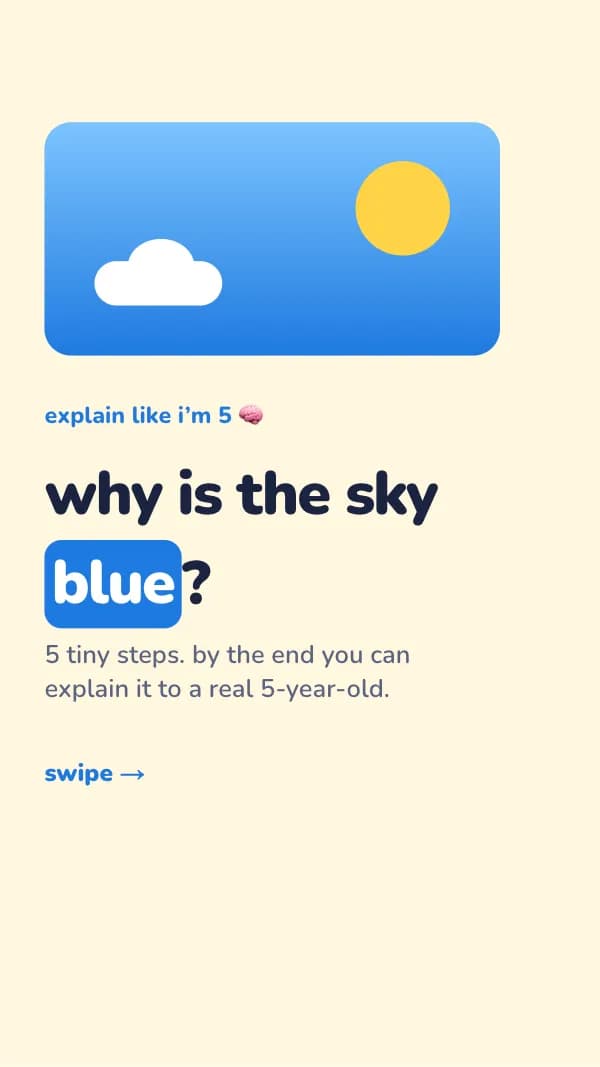
explain like i’m 5 🧠
why is the sky blue?
5 tiny steps. by the end you can explain it to a real 5-year-old.
- Slide 2
step 1 of 5
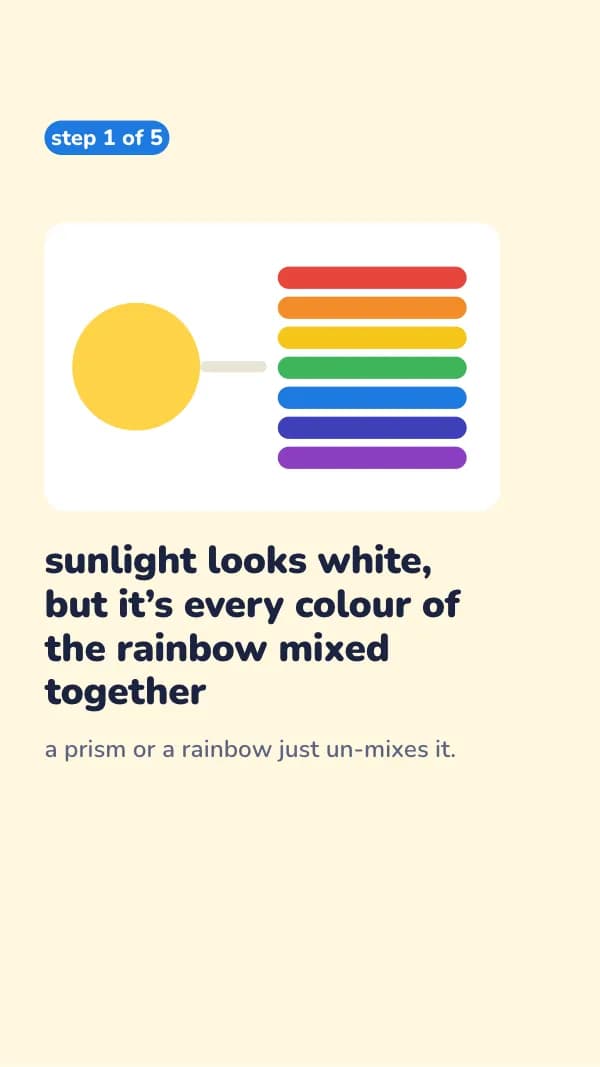
sunlight looks white, but it’s every colour of the rainbow mixed together
a prism or a rainbow just un-mixes it.
- Slide 3
step 2 of 5
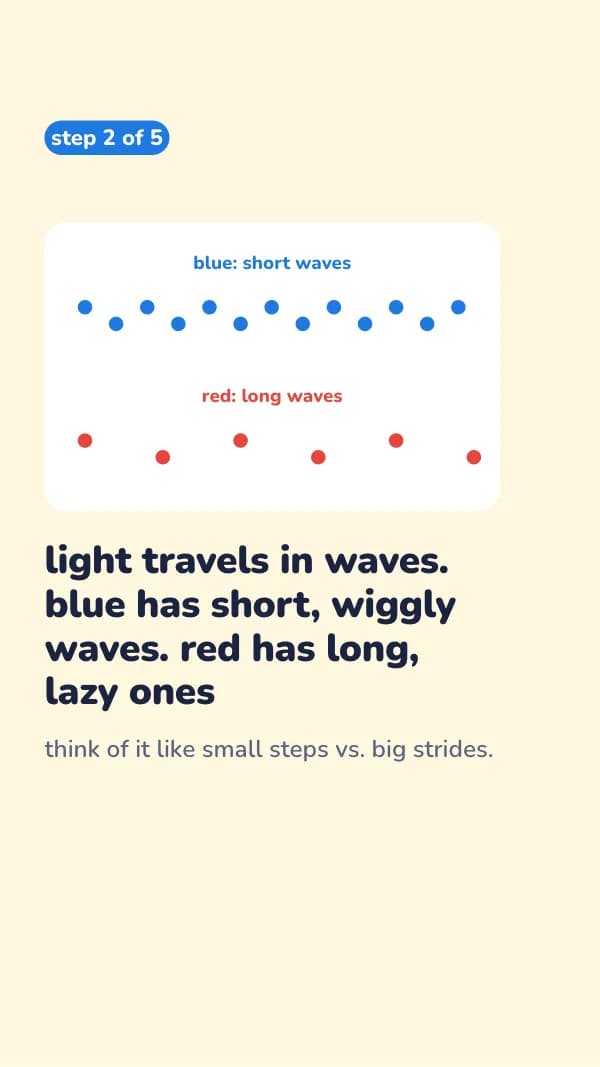
light travels in waves. blue has short, wiggly waves. red has long, lazy ones
think of it like small steps vs. big strides.
- Slide 4
step 3 of 5
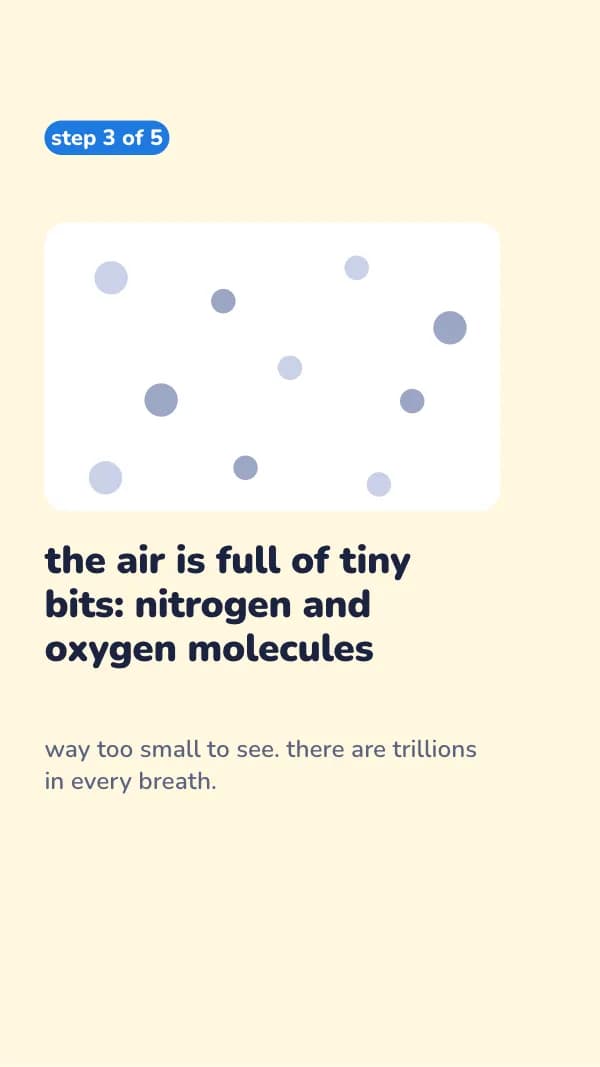
the air is full of tiny bits: nitrogen and oxygen molecules
way too small to see. there are trillions in every breath.
- Slide 5
step 4 of 5
those tiny bits bounce short blue waves all over the sky. long red ones mostly slip past
scientists call this scattering.
- Slide 6
step 5 of 5
so wherever you look up, blue light is coming at you from every direction
bonus: at sunset light crosses more air, the blue gets bounced away, and reds are left.
- Slide 7
in one sentence
air scatters blue light more than red, so blue fills the sky
what should i explain like you’re 5 next? comment it 👇
So nutzt du diese TikTok Vorlage
- Öffne sie im Editor mit „Vorlage nutzen“. Ohne Installation.
- Mach sie zu deiner: Gib dein Thema ein und lass die KI jede Slide in diesem Design mit passenden Fotos neu schreiben – oder ändere Texte, Fotos und Farben selbst.
- Exportiere in 1080 × 1920 (9:16), ein Bild pro Slide und poste.