Kostenlose TikTok Gruselgeschichte Slideshow-Vorlage
Gruselstory, Teil 1
Eine RedTok-Horrorstory für TikTok: dunkle Nachtschicht-Fotos, ein Zeitstempel pro Szene in Serifenschrift und ein Cliffhanger für Teil 2.
- Plattform
- TikTok
- Größe
- 1080 × 1920 (9:16)
- Slides
- 8
- Preis
- Kostenlos
Öffnet sich im Editor: Beschreib dein Thema und die KI schreibt jede Slide in diesem Design neu – oder du bearbeitest sie selbst.
Das steht auf den Slides
- Slide 1
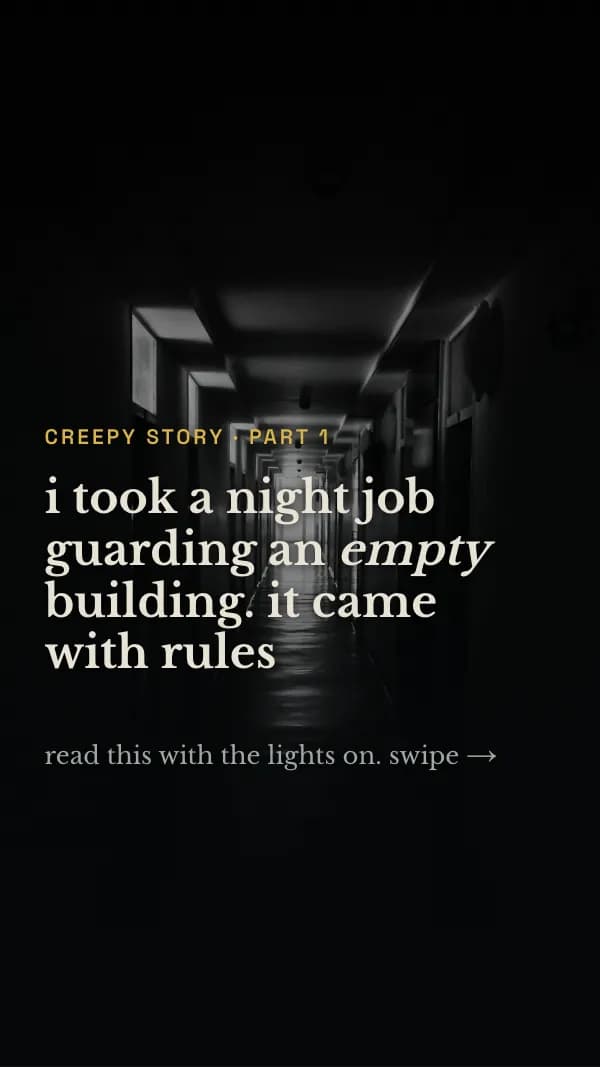
creepy story · part 1
i took a night job guarding an empty building. it came with rules
read this with the lights on. swipe →
- Slide 2
the agency gave me one laminated sheet. rule 3: “the 4th floor is empty. if its elevator button lights up, do not press it.”
- Slide 3
nothing happened. vending machine hum, a podcast, a round every hour. i honestly thought the rules were a joke
- Slide 4
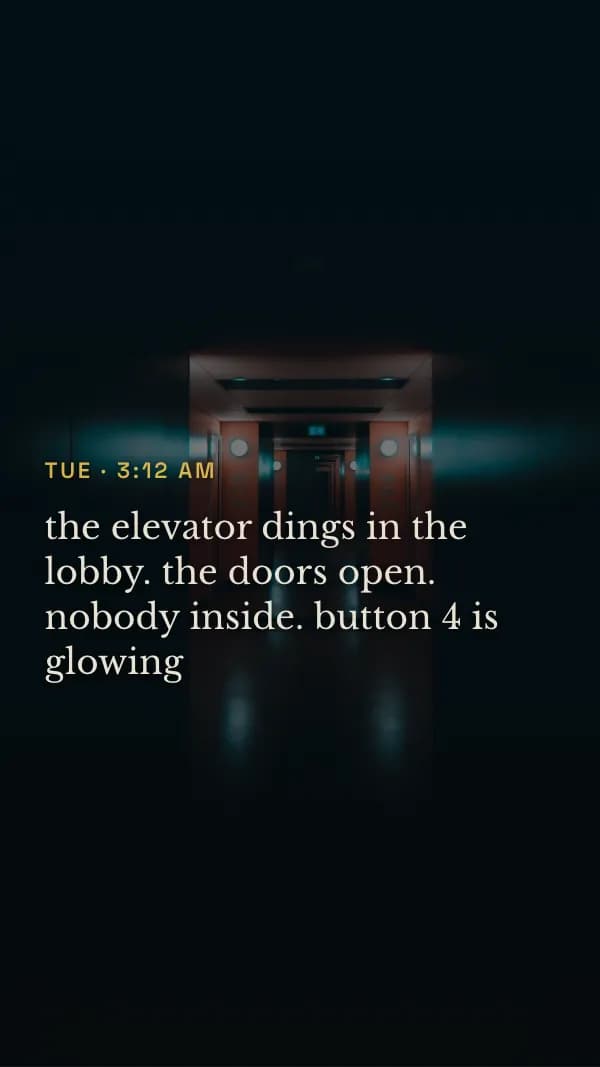
the elevator dings in the lobby. the doors open. nobody inside. button 4 is glowing
- Slide 5
i don’t press it. the doors close. on the camera, the 4th floor hallway is empty, and every light is on
- Slide 6
the motion log for floor 4 says someone has been walking up there since 11 pm. the same line. back and forth
- Slide 7
then my radio crackles, and it’s my own voice: “hey, can you come up to 4? i found something.”
- Slide 8
i never said that.
part 2 tomorrow
would you have gone up? follow so you don’t miss it.
So nutzt du diese TikTok Vorlage
- Öffne sie im Editor mit „Vorlage nutzen“. Ohne Installation.
- Mach sie zu deiner: Gib dein Thema ein und lass die KI jede Slide in diesem Design mit passenden Fotos neu schreiben – oder ändere Texte, Fotos und Farben selbst.
- Exportiere in 1080 × 1920 (9:16), ein Bild pro Slide und poste.