
For creators & marketers
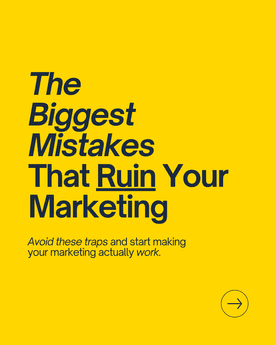
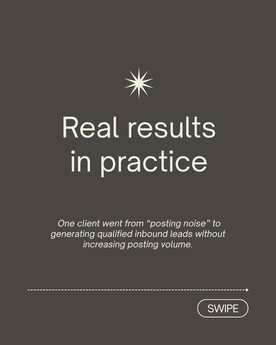
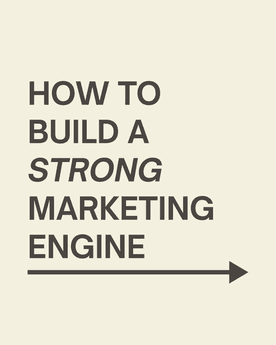
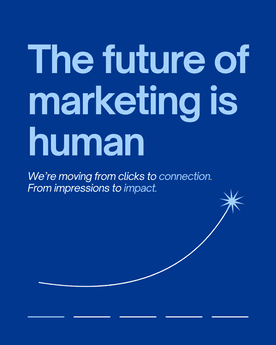
Beautiful carousels, effortlessly created
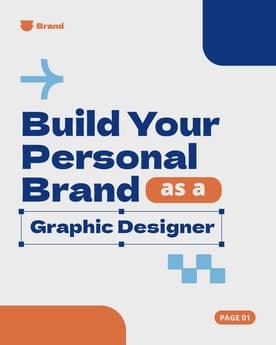
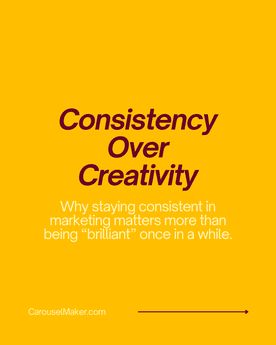
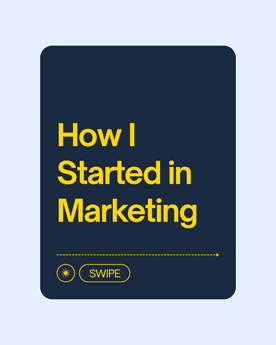
Describe your idea and watch it come to life. Write faster, design smarter, and publish everywhere.


Loved by 1,200+ creators
Featured in
 Insanely Cool Tools
 Those Who Swift
 iOS Dev Tools
 Indie App Devs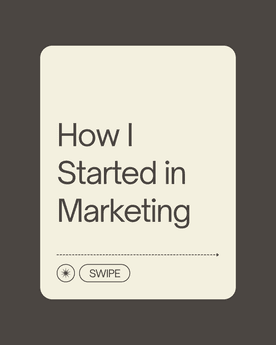








Why creators switch
Solve the problems that
slow you down.
 CarouselMaker
No more blank-page paralysis
Go From Idea to Done in Seconds
From Topic to Carousel
Input your topic and our AI structures, writes, and designs your entire carousel automatically.
Text to Slides
Paste any text and get polished carousel slides in seconds. Perfect for repurposing content.
URL to Carousel
Turn any blog post or article into a carousel by simply pasting the URL.
100+ Languages
Generate carousels in any language to reach audiences worldwide.
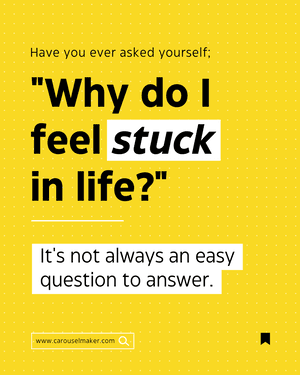


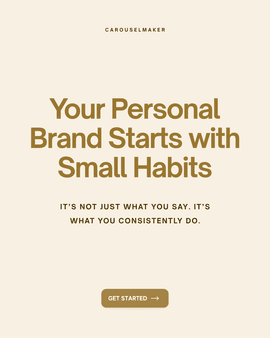
No more starting from scratch
Templates That Actually Look Good
20+ Professional Templates
A growing library of beautifully designed templates for every platform and use case.
Multi-Platform Formats
Optimized sizes for LinkedIn, Instagram, TikTok, Facebook, and YouTube Shorts.
Fully Customizable
Change colors, fonts, images, and layouts. Every element is yours to control.
Drag-and-Drop Editor
Intuitive visual editor that makes creation effortless. No design skills needed.
No more off-brand posts
Keep Every Post On-Brand
Custom Color Palettes
Apply your exact brand colors across every slide for a consistent, professional look.
Font Customization
Choose from 10+ premium fonts or use your own brand typography.
Logo Placement
Add your logo with precise positioning. Build brand recognition with every post.
Global Styles
Change once, update everywhere. Apply styles across all slides instantly.

No more export headaches
Download and Post in One Click
One-Click PDF Export
Download as a multi-page PDF, ready to upload directly to LinkedIn or any platform.
Individual PNG Slides
Export each slide as a high-resolution PNG for maximum flexibility.
Auto-Save
Never lose your work. Everything is saved automatically as you design.
Live Preview
See exactly how your carousel looks on each platform before publishing.
Hi! We're the team behind Carousel Maker


We built Carousel Maker because we got tired of spending hours in Figma just to make a decent LinkedIn carousel. You know the drill - open Canva, fight with templates, manually resize everything, export slide by slide.
We knew there had to be a faster way. So we built one. Describe your idea, pick a template, and you're done. No design skills needed. No wrestling with export settings.
Carousel Maker does the whole thing - writes the copy, designs the slides, and exports a ready-to-post PDF. You just hit publish.
— Simonas and Justas

Lead iOS Developer | Swift | Mentor | Career advisor
I used to spend 2 hours per carousel in Canva. Now I describe what I want and it's done in 30 seconds. This is insane.
My content output went from 2 posts/week to daily. The ROI on this tool is ridiculous.


8,921 likes
evelina.marcus Built my first carousel in 2 minutes and it went semi-viral. I'm never going back to Canva 😭
February 14


The PDF export is chef's kiss. One click and it's ready for LinkedIn. No more exporting 10 separate images lol

Growth Manager at Rewardful
Went from 200 to 3,000 LinkedIn followers in 2 months.
The secret? I stopped overthinking and started posting daily carousels.
The AI writes better hooks than I do honestly. My engagement tripled.
If you're not using Carousel Maker yet, you're leaving growth on the table.

I manage social for 3 brands. Carousel Maker saves me roughly 8 hours a week 😭 The AI generation + templates combo is unbeatable ✨
3,654 likes
aras.creates Not exaggerating. If you're managing multiple brands, this is non-negotiable 💅
January 5
POV: you find a tool that makes carousels in 30 seconds and your content game changes forever 🤯


Agency Owner | Helping brands scale content
I run a marketing agency and we switched all our clients to Carousel Maker.
The templates actually look professional, not like every other generic tool out there.
Our team's content output increased 4x. Highly recommend.


12,408 likes
kristupas.co Posted my first carousel and got 40K impressions 🤯 I was shocked. The AI really knows how to structure content for engagement
December 19


This tool is going VIRAL for a reason. I create content in English and Spanish from the same prompt. Game changer fr 🌍
Support
Frequently Asked Questions
What is Carousel Maker?
Is carouselmaker.com free?
Which platforms is it built for?
How do I export my carousel?
How do I access the templates?
How does the AI writing feature work?
What are AI tokens?
Can I customize fonts, colors, and branding?
Can I use Carousel Maker for carousel ads?
How can I get support?
Still have questions? We’re here to help — [email protected]
Stop overthinking, start posting.
Free to use. No credit card. No design skills needed.